Social page
AI YouTube Photo Generator
YouTube's still images do more work than on any other platform. A thumbnail decides whether a video is watched at all, the banner sets the tone of a channel page across wildly different screen sizes, and the avatar appears at 24 pixels next to every comment you write.
Each needs a different image, and Lyvoriia can generate all three from one upload.
In short
Generate the three YouTube stills you need: a high-contrast portrait for thumbnails, a 2560×1440 banner composed around the safe area, and a channel avatar that stays legible at very small sizes.
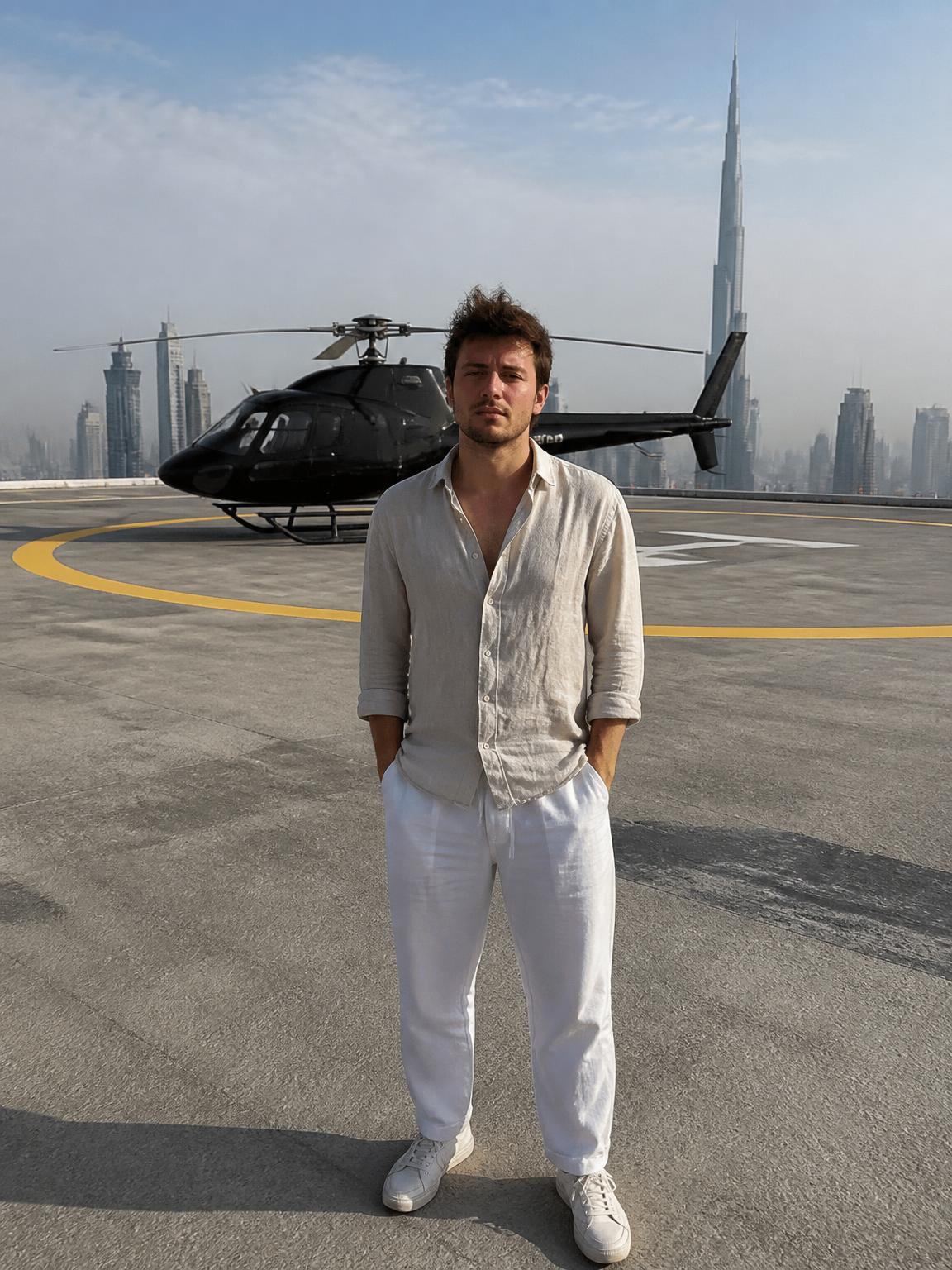
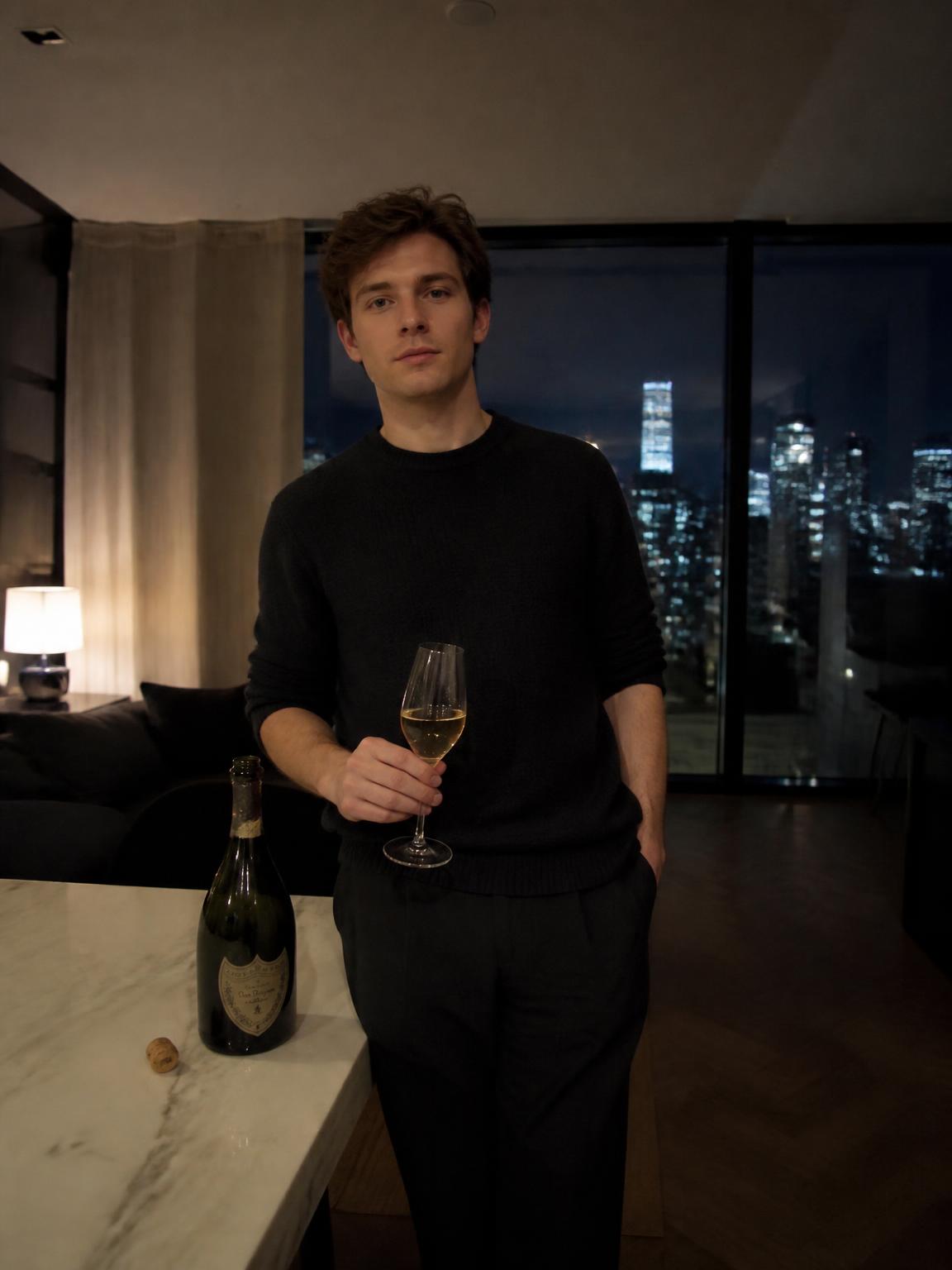
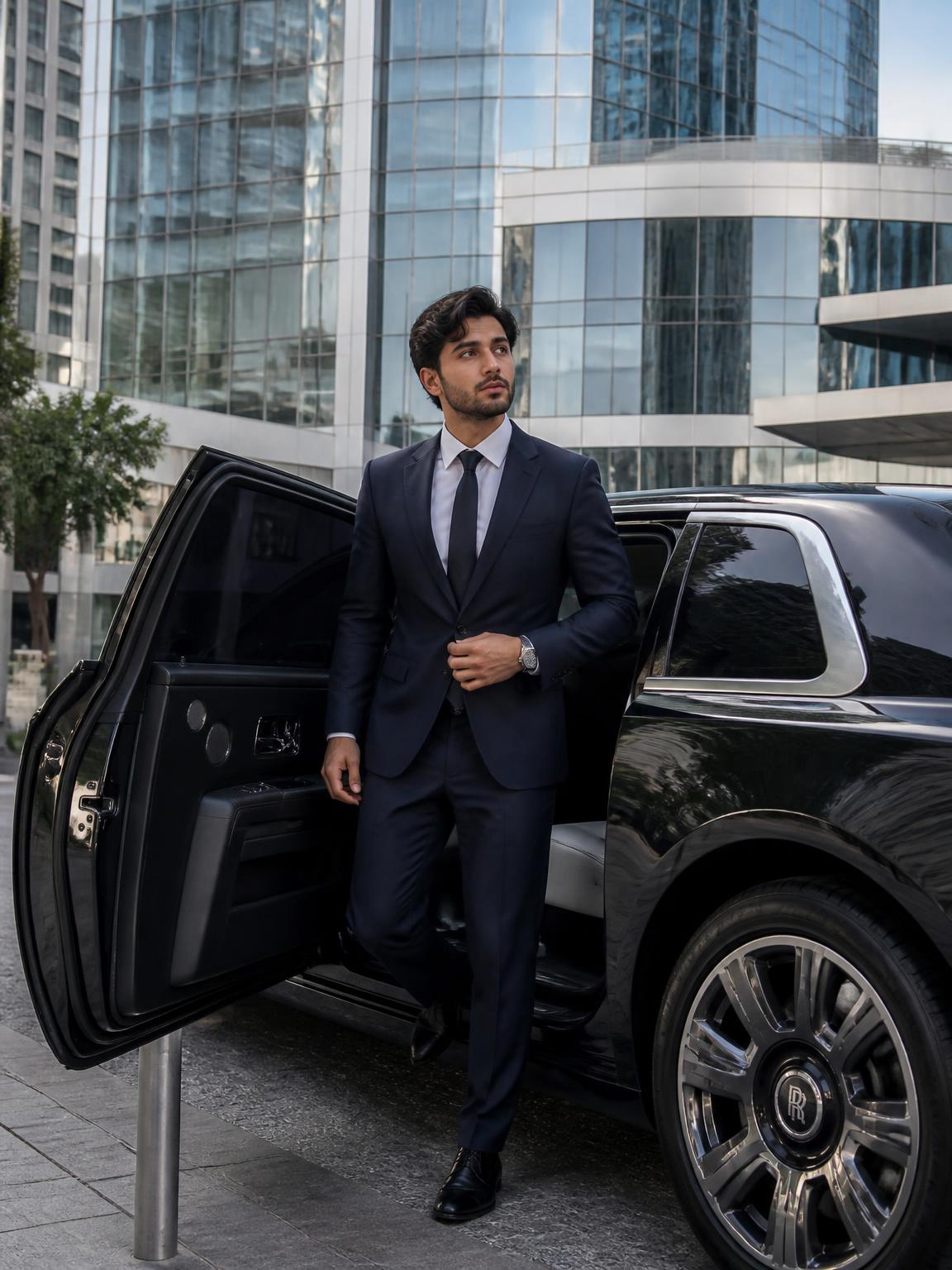
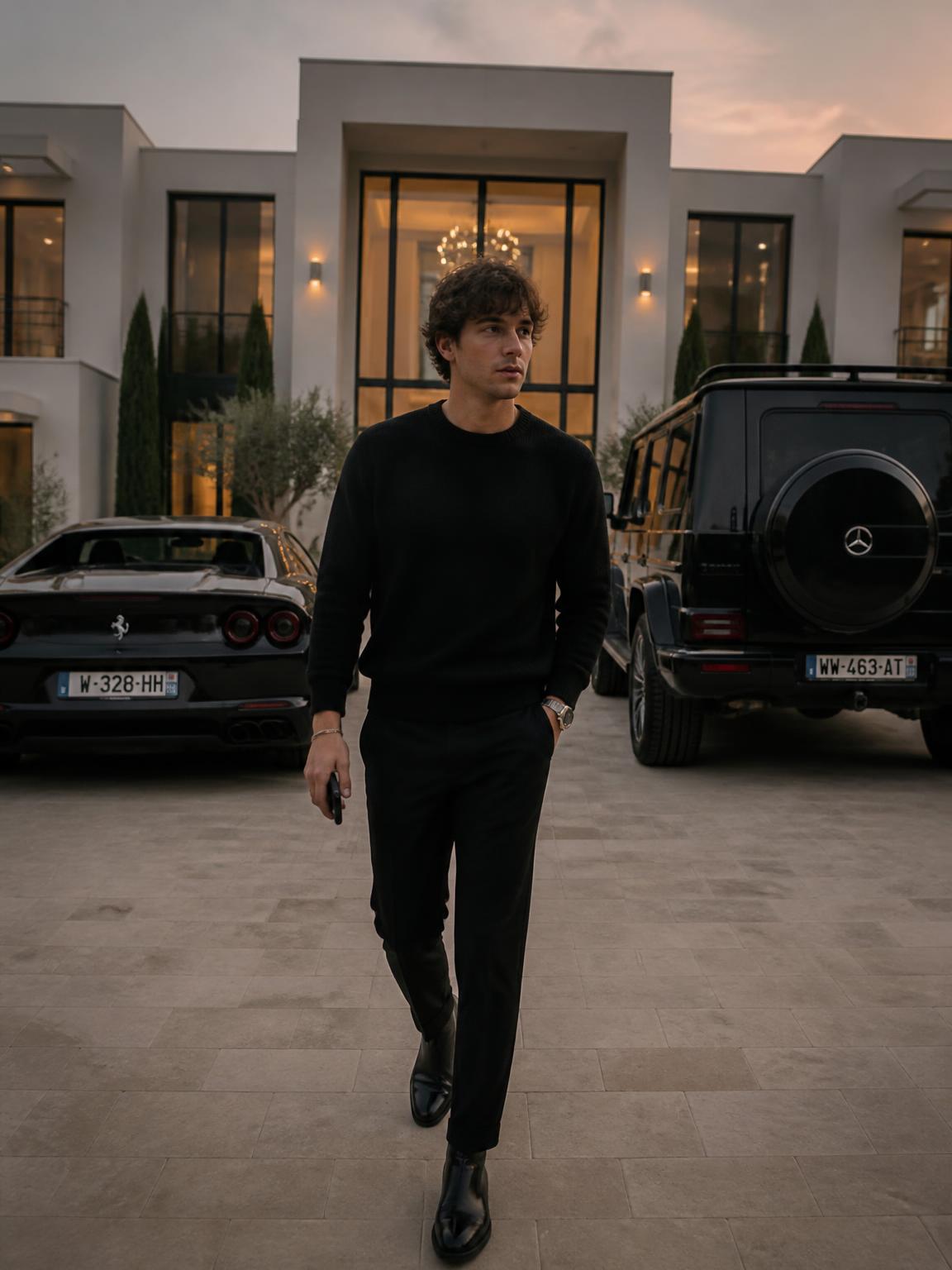
Thumbnail portraits
A thumbnail portrait has different requirements from any other photo you own.
- A clear, readable expression — thumbnails communicate emotion before subject
- Strong separation between hair and background so a cutout looks clean
- Enough empty space on one side for text
- High contrast, because the image will be displayed at 210 pixels wide in a sidebar
Channel banner geometry
The banner is the trickiest image on the internet: uploaded at 2560×1440, but only the central 1546×423 region is guaranteed visible on every device. Everything outside that is decoration that some viewers will never see.
Practical approach: generate a wide, uncluttered scene, keep any subject and text inside the central band, and let the outer area be pure texture or gradient.
Consistency across the channel
Channels that feel professional reuse a fixed visual system: the same background family, the same color accent, and the same portrait treatment across every thumbnail. Viewers begin to recognize your videos in a crowded sidebar without reading the title.
Generating your portrait set once, and reusing those same frames across thumbnails, is a faster route to that consistency than shooting per video.
How Lyvoriia works
Upload your photo
One clear, front-facing image. A phone selfie works.
Choose your style
Each scene is a full photographic recipe: location, light, lens and grade.
Generate
Your face and proportions stay locked while the scene is built around you.
Download and share
A 4K file, yours to post, print or keep.
Benefits
Cutout-friendly portraits
Clean edge separation so background removal for thumbnails is easy.
Banner-safe composition
Scenes built to survive the central safe-area crop.
Legible avatars
Framing that still reads at 24 pixels in a comment thread.
Reusable set
One generation session covers an entire channel refresh.
Use cases
- Video thumbnails
- Channel banners
- Channel avatars
- End screens and community posts
FAQ
- What size is a YouTube banner?
- Upload 2560×1440, but keep everything essential inside the central 1546×423 safe area.
- What size is a thumbnail?
- 1280×720. Design it to still be readable at around 210 pixels wide.
- How do I get a clean cutout?
- Choose scenes with strong contrast between hair and background — that is what makes background removal clean.
- Can I use one portrait across many thumbnails?
- Yes, and it helps recognition. Vary the text and background rather than the portrait.
Keep exploring
Generate your YouTube set
Thumbnail portrait, banner and avatar from one upload.
Generate my YouTube photos