Social page
AI TikTok Photo Generator
TikTok is a video platform with three important still-image surfaces: the video cover, the photo carousel, and the profile picture. Each has different constraints, and all three are usually treated as an afterthought — which is why so many otherwise good accounts look untidy on the profile grid.
Lyvoriia generates images built for those three surfaces from a single upload.
In short
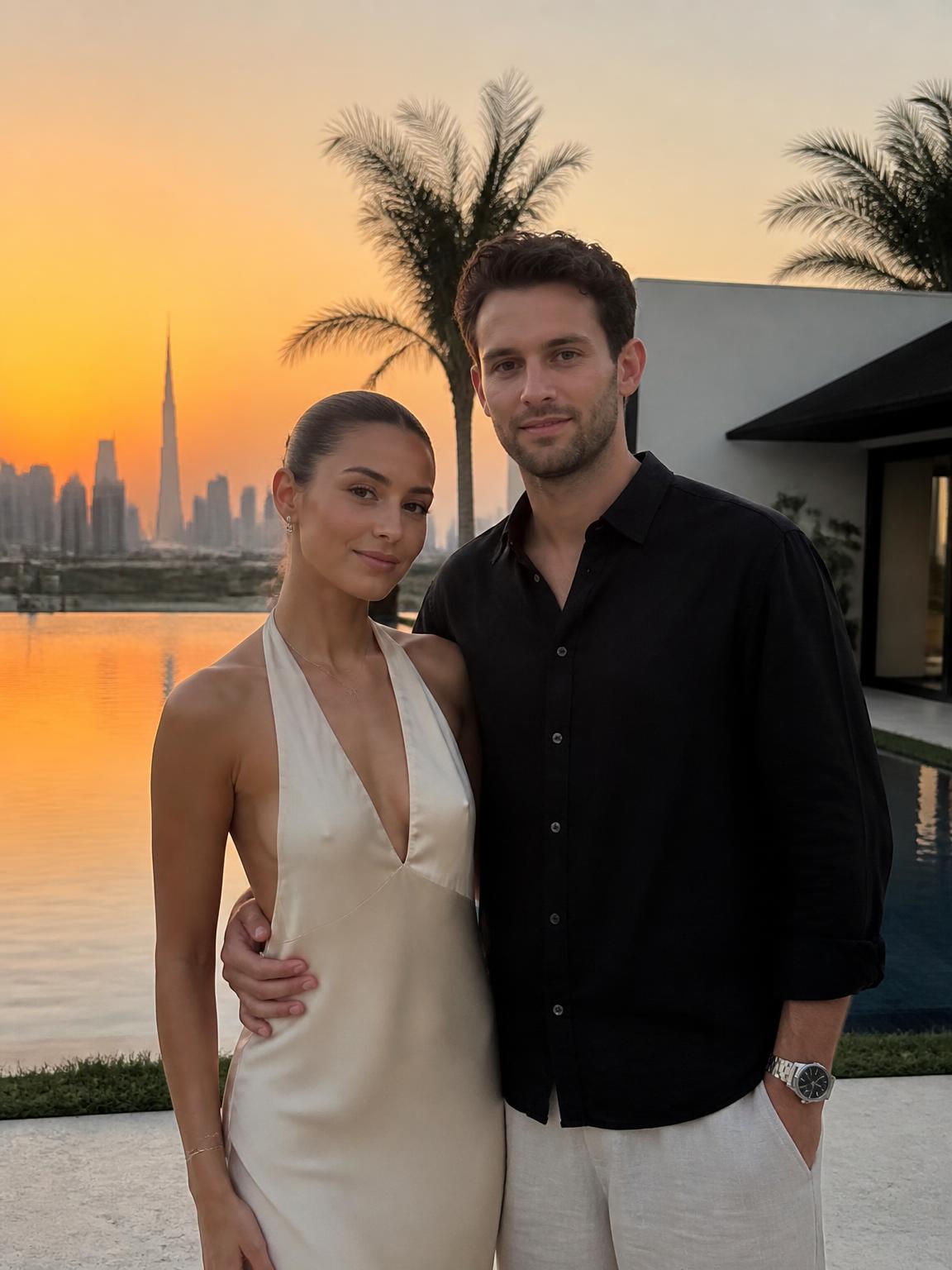
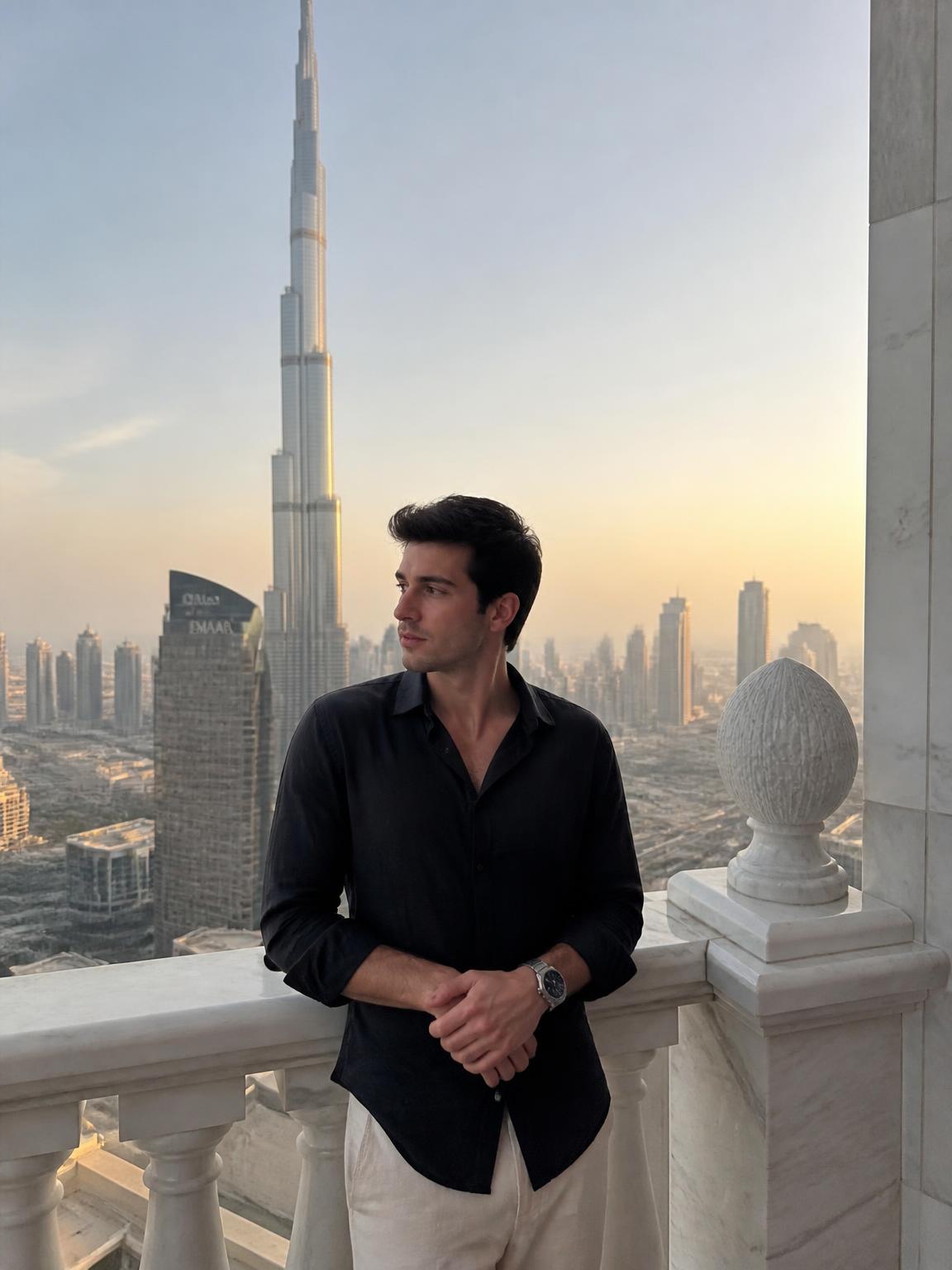
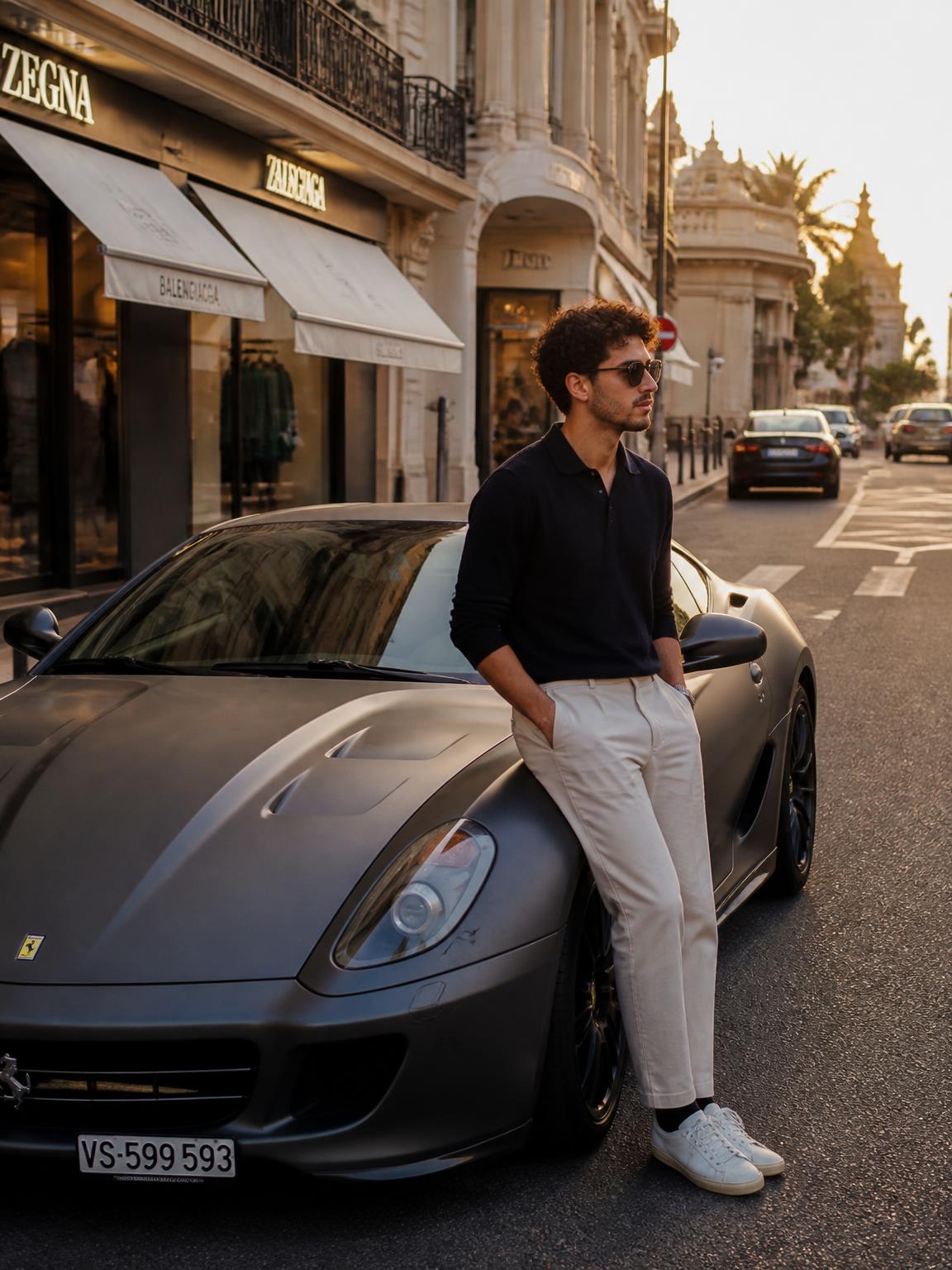
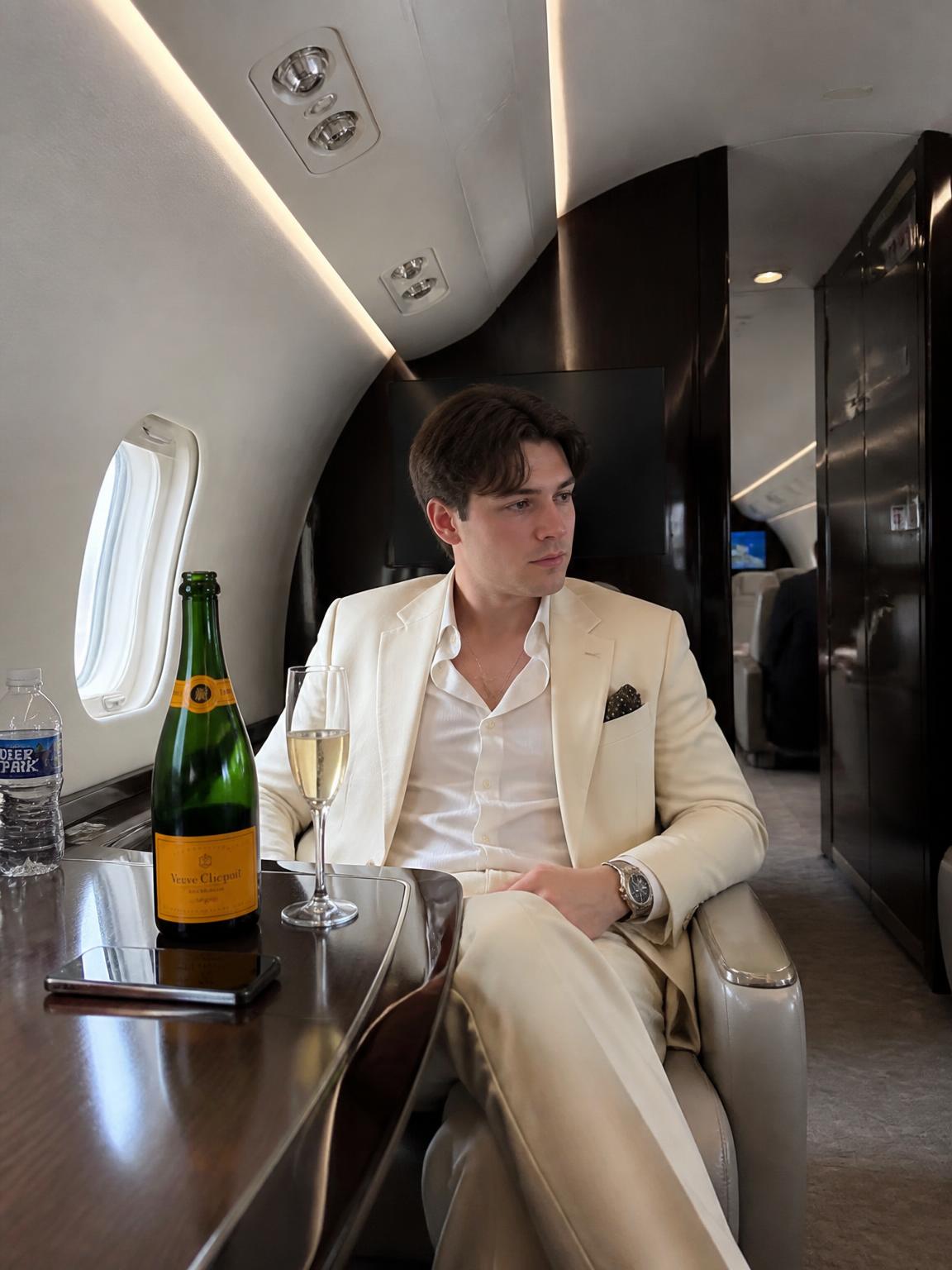
Upload one photo and generate TikTok-ready stills: 9:16 covers with a clear safe area, photo-slide images that hold up in a swipe carousel, and a profile picture that reads at thumbnail size.
The safe area is the whole game
TikTok's interface overlays a lot of the frame. Compose around it.
- Top ~10%: hidden behind the status bar and navigation
- Bottom ~25%: caption, username, sound and buttons
- Right ~15%: the action rail of icons
- That leaves a left-of-center vertical band — put your subject and any text there
Covers that earn a tap
A cover is a thumbnail competing in a grid on your profile page. What works is a single readable subject, a high-contrast frame, and no more than four words of text at a large size.
What fails is a cover that is a random mid-video frame — a blurred face, a half-open mouth, and text too small to read. Generating a purpose-made cover image is one of the cheapest improvements available to a TikTok account.
Photo slides as a format
Carousel photo posts are underused and reach well, because they hold attention differently from video. The pattern that works: a strong first slide that states the idea, three to six supporting images, and a final slide with a clear next step.
Generating a coherent set of six images in one session makes this format practical to publish weekly.
How Lyvoriia works
Upload your photo
One clear, front-facing image. A phone selfie works.
Choose your style
Each scene is a full photographic recipe: location, light, lens and grade.
Generate
Your face and proportions stay locked while the scene is built around you.
Download and share
A 4K file, yours to post, print or keep.
Benefits
Interface-aware framing
Subjects placed clear of the caption block and action rail.
Cover-ready contrast
Frames that stay readable at profile-grid thumbnail size.
Carousel sets
Generate a full slide sequence in one session.
Matching avatar
A profile picture that shares the same look as your covers.
Use cases
- Video covers
- Photo slide carousels
- Profile pictures
- Story-style backgrounds
FAQ
- What size should a TikTok image be?
- 1080×1920 (9:16). Generate in 4K and export down.
- Where should text go on a cover?
- Upper-middle left, inside the safe area. Everything below the midpoint risks being covered.
- How many slides in a carousel?
- Five to eight. Beyond that, completion drops sharply.
- Can I match my covers to my profile picture?
- Yes — generate them in the same session with the same scene family.
Keep exploring
Generate your TikTok images
Covers, slides and an avatar from one upload.
Generate my TikTok photos