Social page
AI Social Media Profile Picture
Most people use a different profile picture on every platform, usually because each one was chosen at a different time from whatever photo was available. The cost is real: recognition across platforms is one of the cheapest forms of personal brand equity, and mismatched avatars throw it away.
Generating one avatar and using it everywhere fixes that in a single session.
In short
One well-built square portrait — face large, background simple, high edge contrast — works as an avatar on every platform. Generate it once from a single upload and deploy it across all your profiles.
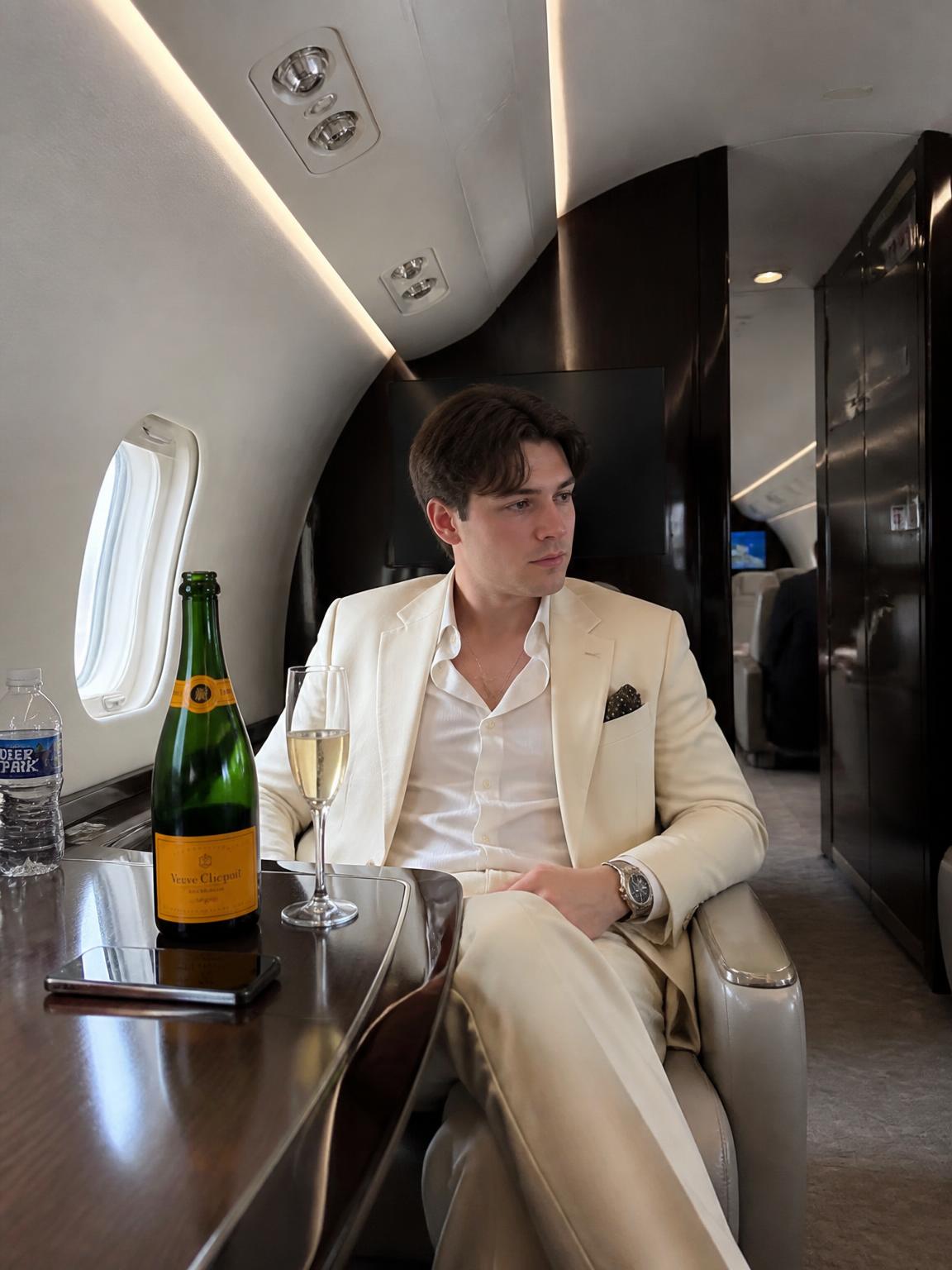
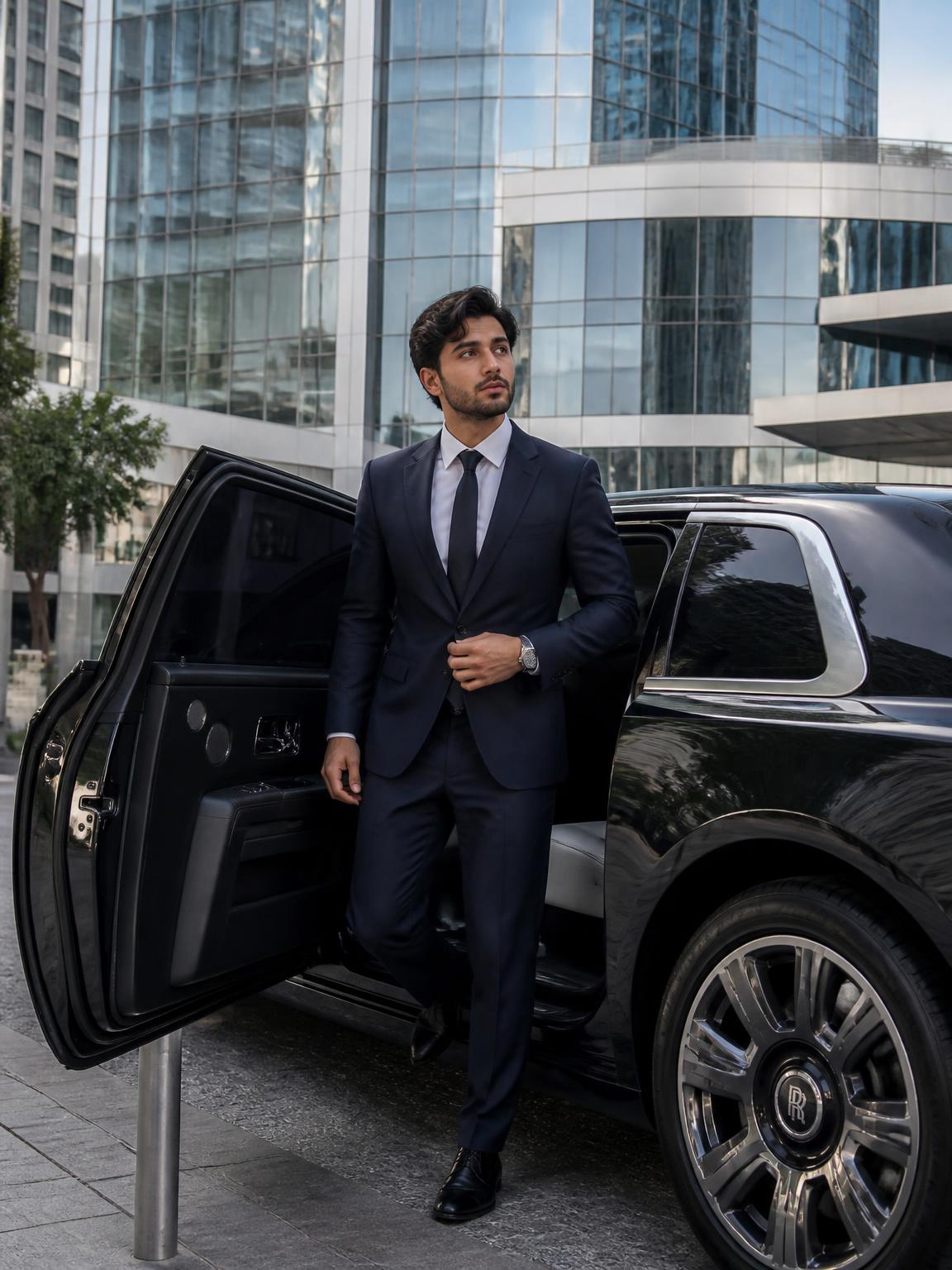
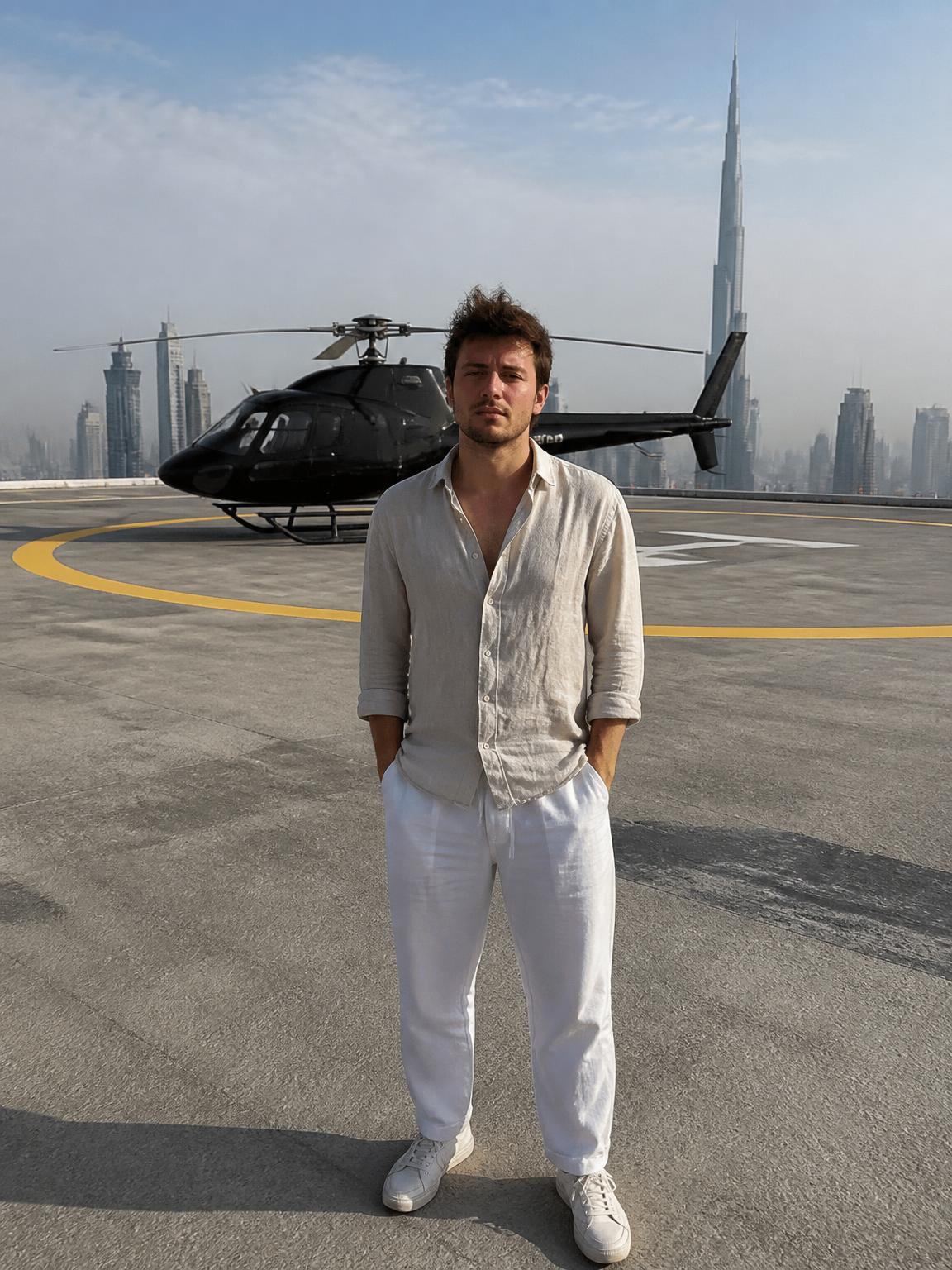
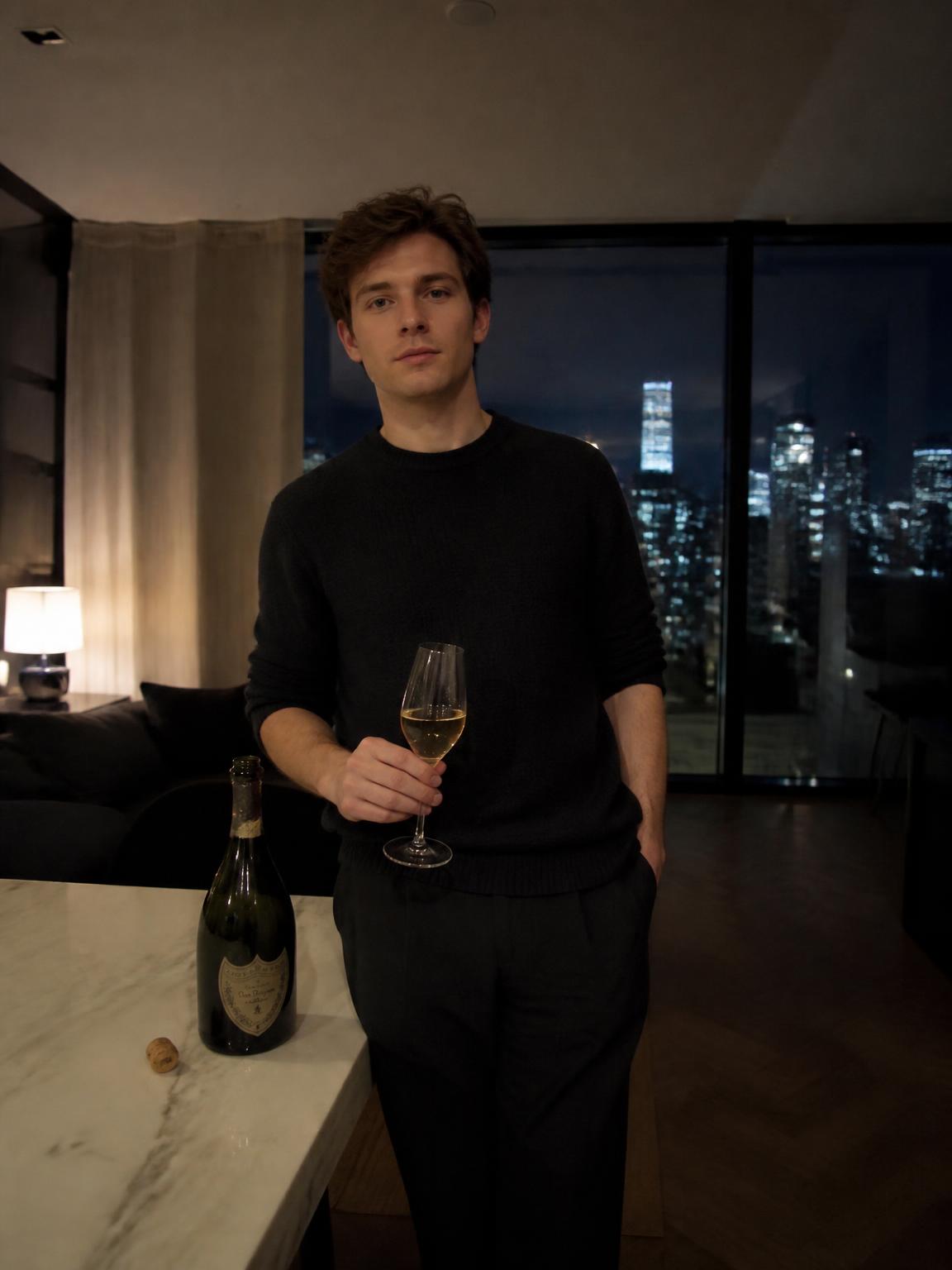
Platform avatar sizes
All are square and nearly all are displayed as a circle.
- Instagram: 320×320, circular
- TikTok: 200×200, circular
- X: 400×400, circular
- LinkedIn: 400×400, circular
- YouTube: 800×800, circular
- Discord: 128×128, circular — the harshest test of legibility
One picture, or one per context?
Use one image across every social platform where you appear as yourself. Use a second, more conservative image for professional contexts if your social presence is stylistically far from your work presence.
Two is a manageable system. Six is what most people have, and it is why their audience does not connect their accounts.
Testing before you commit
Before publishing, shrink the image to 48 pixels wide and look at it. If you cannot immediately tell who it is, the framing is too wide, the contrast is too low, or the background is too busy.
This ten-second test catches almost every bad avatar decision.
How Lyvoriia works
Upload your photo
One clear, front-facing image. A phone selfie works.
Choose your style
Each scene is a full photographic recipe: location, light, lens and grade.
Generate
Your face and proportions stay locked while the scene is built around you.
Download and share
A 4K file, yours to post, print or keep.
Benefits
Cross-platform recognition
The same face in every avatar slot, at every size.
Circle-safe framing
Nothing important in the corners the crop removes.
Legible at 48px
Contrast and framing tuned for the smallest display size.
Fast variants
Generate a social version and a professional version in one session.
Use cases
- Instagram, TikTok and X avatars
- LinkedIn and professional profiles
- Discord and community platforms
- Newsletter and podcast profiles
FAQ
- Should I use the same picture everywhere?
- Yes for social platforms. A second, more conservative version is reasonable for professional profiles.
- What resolution should I upload?
- At least 800×800. Generate in 4K and export square.
- How often should I change it?
- Rarely. Recognition is built by repetition — changing avatars frequently resets it.
- Does the background color matter?
- A lot. Pick one that contrasts with your hair, and keep it consistent across platforms.
Keep exploring
Generate your avatar
One profile picture, every platform, from a single upload.
Generate my profile picture