Product page
AI Profile Picture Generator
A profile picture is the smallest, most-viewed image you own. It is usually displayed as a circle no wider than a fingernail, next to every comment, message and post you make — and most people are still using a cropped group photo from two years ago.
Lyvoriia's AI profile picture generator solves the specific problem of that crop: a large, well-lit face, a background that separates cleanly from your skin and hair, and a grade that survives platform compression.
In short
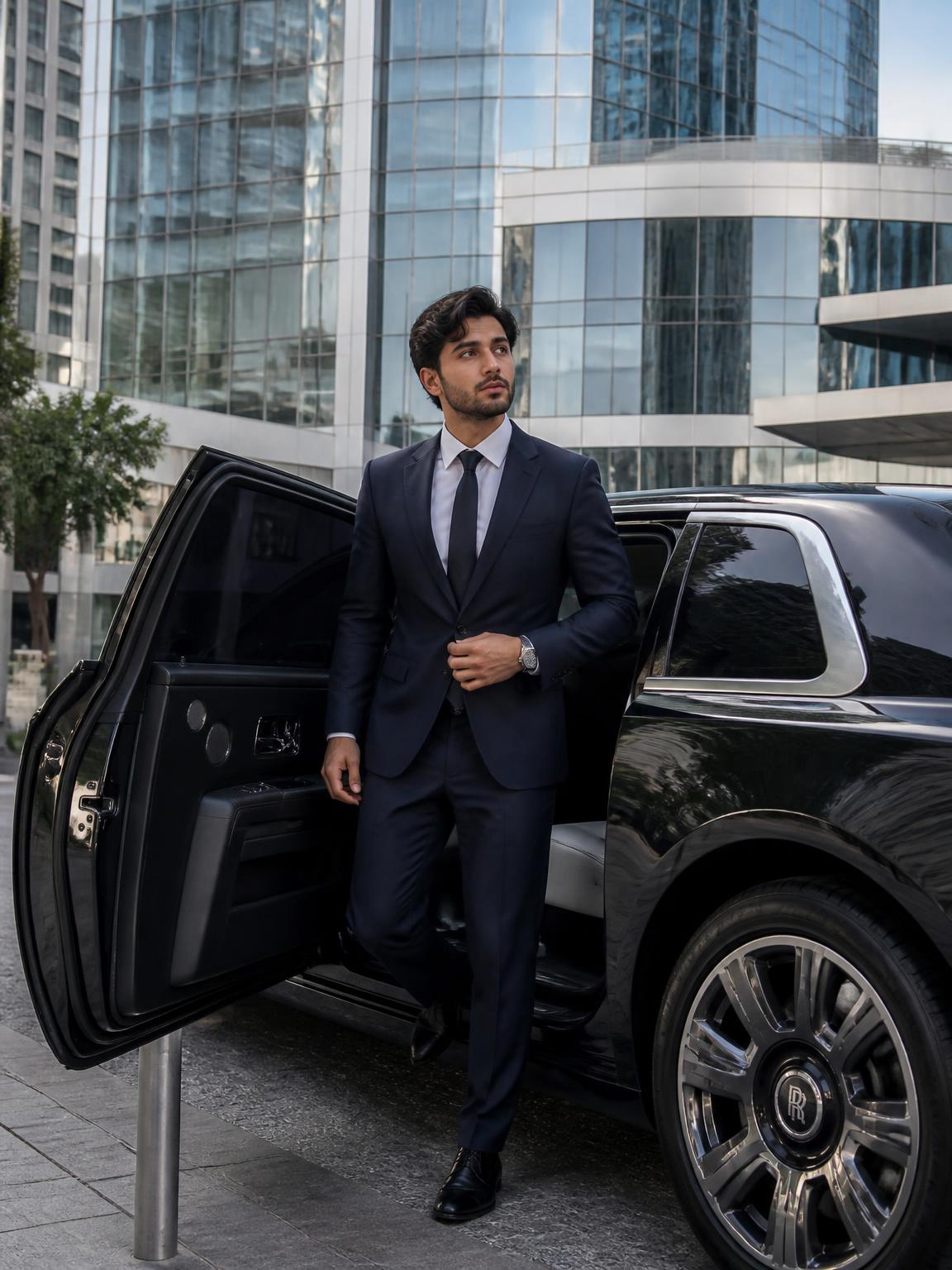
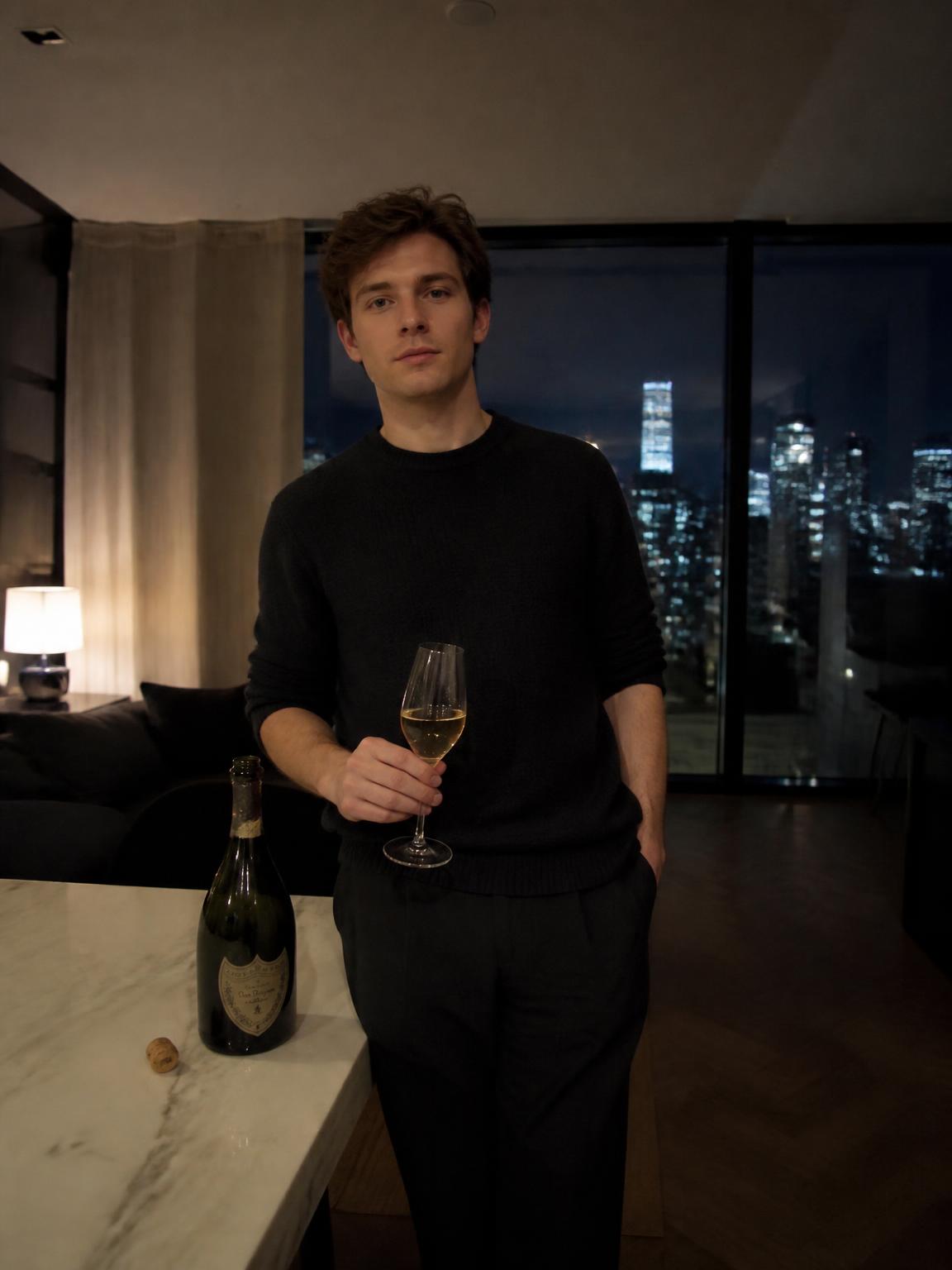
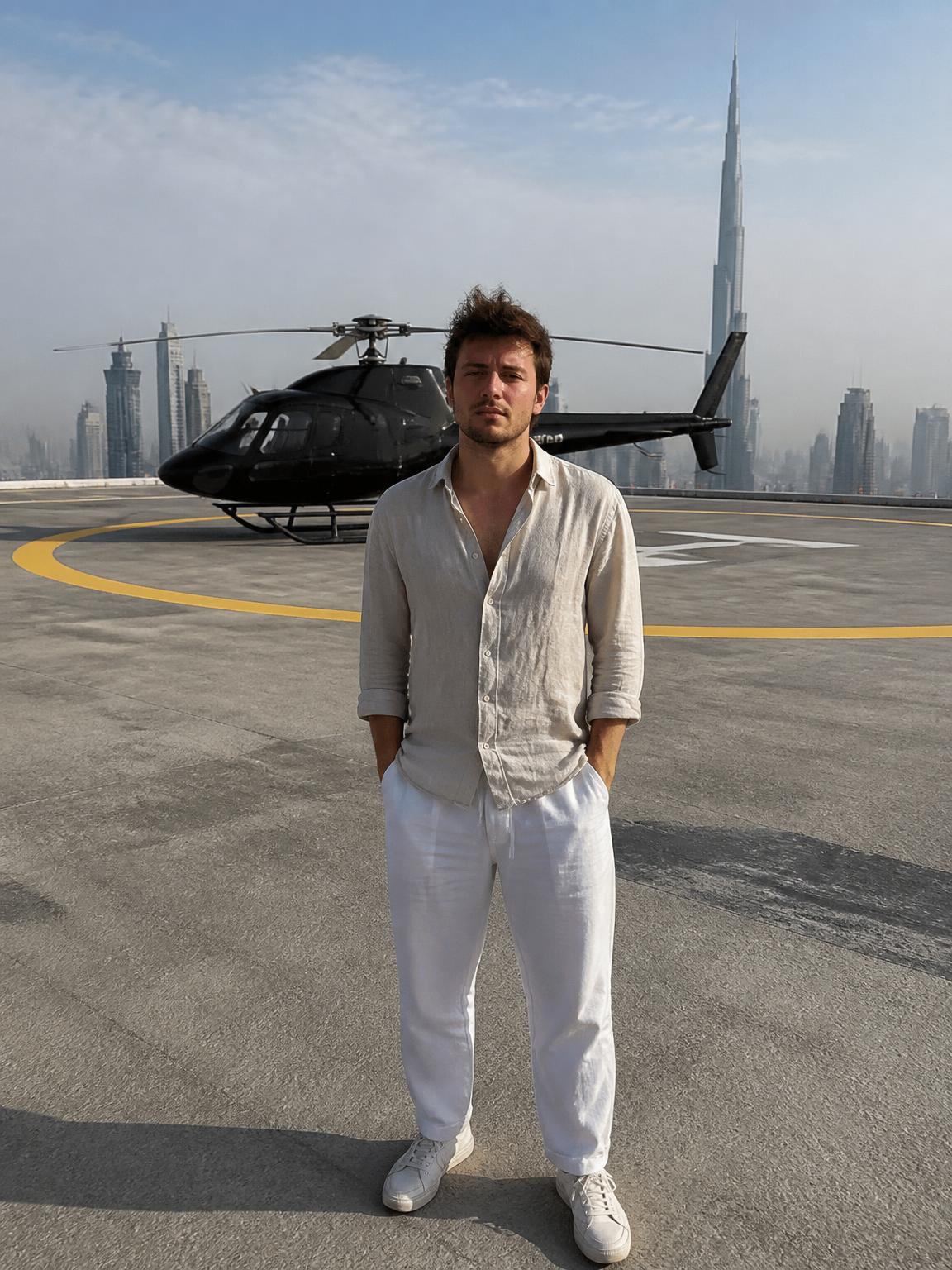
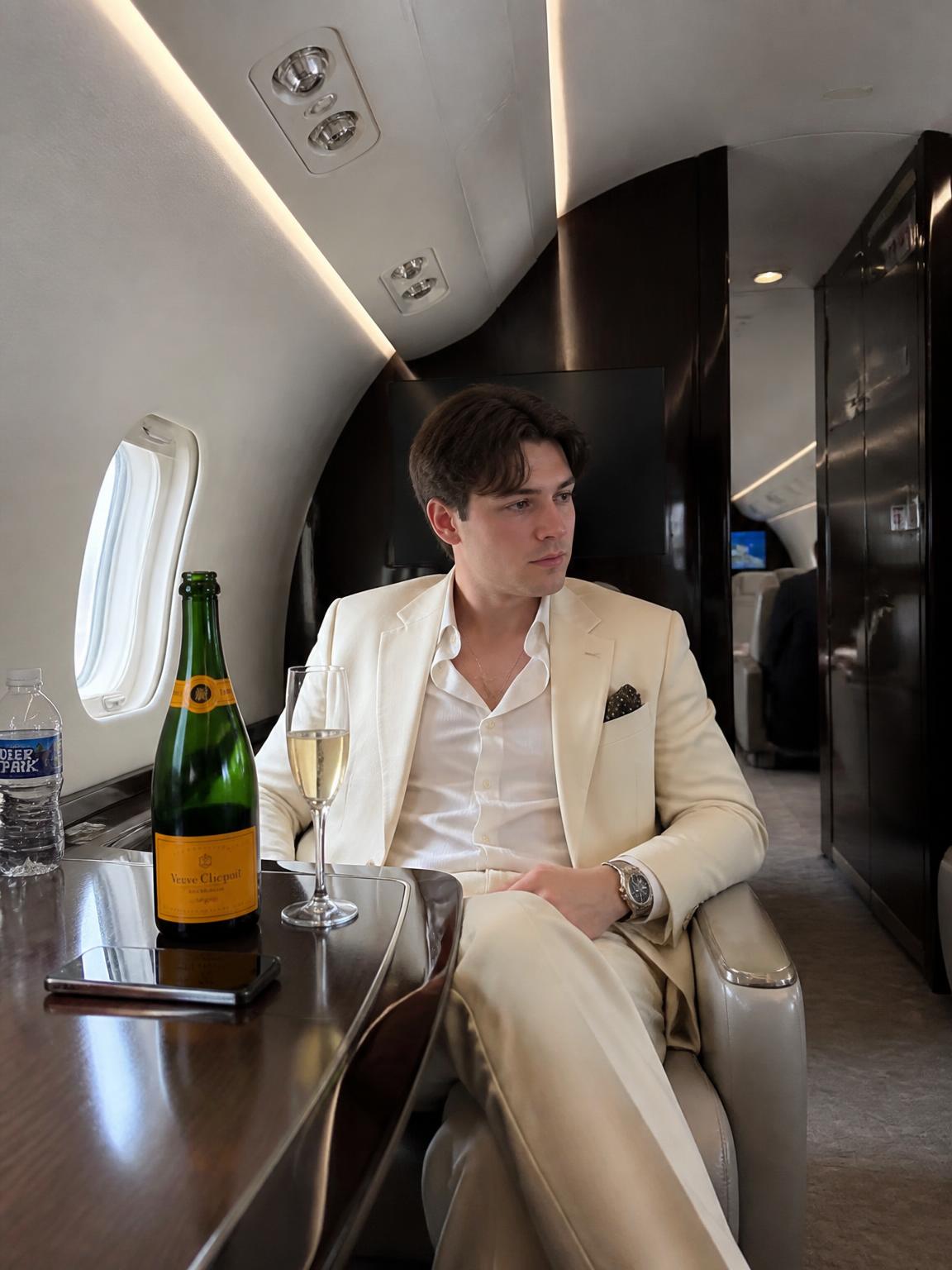
Upload one selfie, pick a profile-picture scene, and you get a square 4K portrait built for the circular crop — face dominant, background simplified, contrast tuned so it still reads at thumbnail size.
What makes a profile picture work
Design a PFP backwards, starting from the smallest size it will ever be shown at.
- Face fills roughly 60% of the frame. Anything smaller disappears in the circle.
- Eyes sit on the upper third and look toward the lens.
- The background is one tone or one soft gradient — busy backgrounds turn to noise at 40px.
- Luminance contrast between hair and background is high enough that your silhouette survives compression.
- Nothing important sits in the corners; the circular crop eats them.
Choosing a style that matches the platform
The same face needs different treatment depending on where it lands. A LinkedIn photo that works is often too formal for TikTok, and a moody nightlife portrait that performs on Instagram reads as unserious on a business profile.
As a rule: warm, slightly desaturated and softly lit for professional profiles; higher contrast with a colored key light for creator platforms; and a clean, single-color backdrop when the picture will sit next to a lot of text.
Common mistakes
Three habits ruin more profile pictures than anything technical.
- Cropping a full-body photo. Upscaling a tiny face gives you a soft, mushy result.
- Sunglasses or a cap brim. Both remove the eyes, which is most of what a PFP communicates.
- Heavy filters. Platform compression stacks on top of them and the skin turns to plastic.
How Lyvoriia works
Upload your photo
One clear, front-facing image. A phone selfie works.
Choose your style
Each scene is a full photographic recipe: location, light, lens and grade.
Generate
Your face and proportions stay locked while the scene is built around you.
Download and share
A 4K file, yours to post, print or keep.
Benefits
Built for the circle
Framing, contrast and background are chosen for a small circular crop, not a poster.
Consistent across platforms
Generate several variants from one upload so your face is identical everywhere.
Recognizably you
Identity lock means colleagues and followers still recognize the person in the picture.
Instant re-rolls
Try a professional version, a creator version and a luxury version in a few minutes.
Use cases
- Instagram, TikTok and YouTube avatars
- LinkedIn and business profiles
- Discord, X and community platforms
- Author bios, speaker pages and press kits
FAQ
- What size are the images?
- Full-resolution 4K, which you can crop square without any visible quality loss.
- Can I keep my current look?
- Yes. Lyvoriia does not restyle your face; it changes the light, background and grade around it.
- Will it work with glasses?
- Regular glasses are fine. Mirrored or heavily tinted lenses hide the eyes and weaken the result.
- Can I use it for a professional profile?
- Yes — pick a professional scene rather than a luxury one, and see the professional photos page for framing guidance.
Keep exploring
Generate your profile picture
One upload, several PFP variants, all in 4K. Plans start at $3.99 a month.
Generate my profile picture