How it works
From one selfie to a photoreal luxury shot
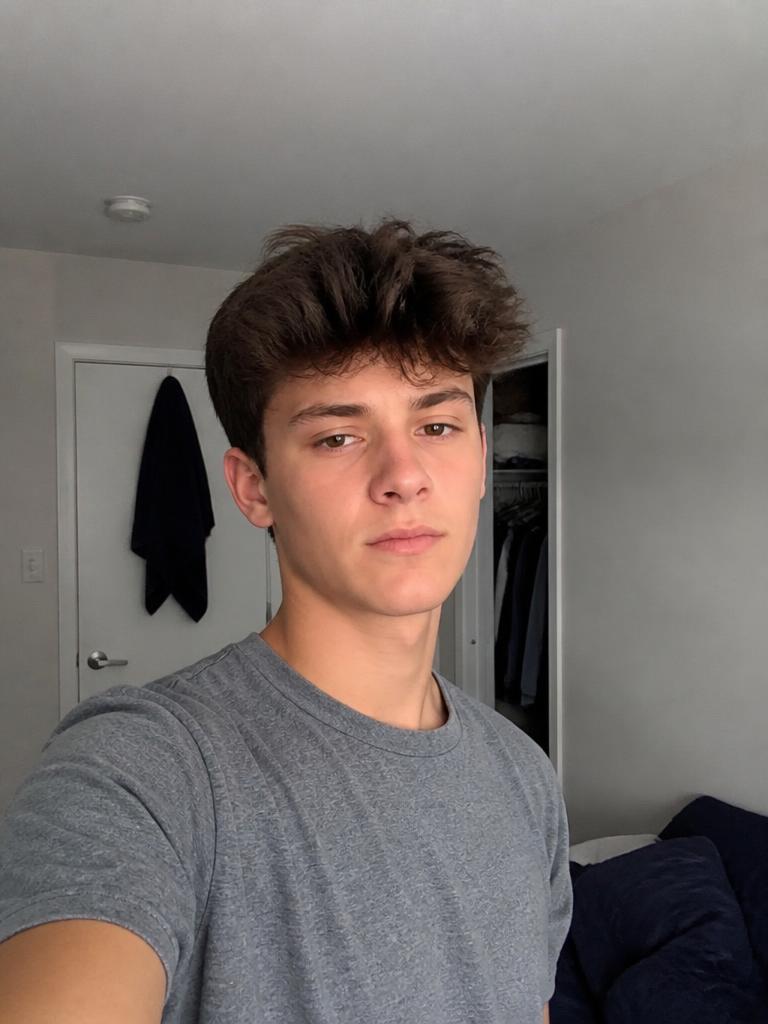
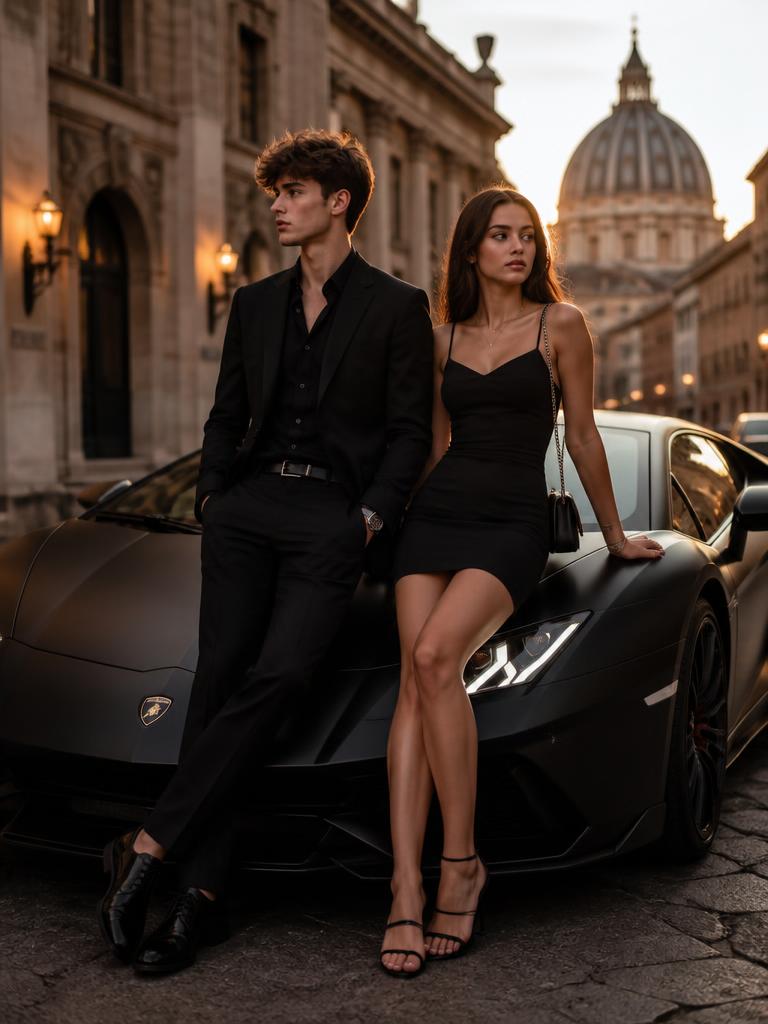
Upload, pick a scene, render in about 30 seconds. No editing skill, no studio, no account for the first three photos.
A real before and after
The five steps
- 01
Upload one photo
A normal phone selfie is enough. Front-facing, soft even light, no sunglasses or heavy filters. Your file is processed for the render and never sold or published.
- 02
Pick a scene
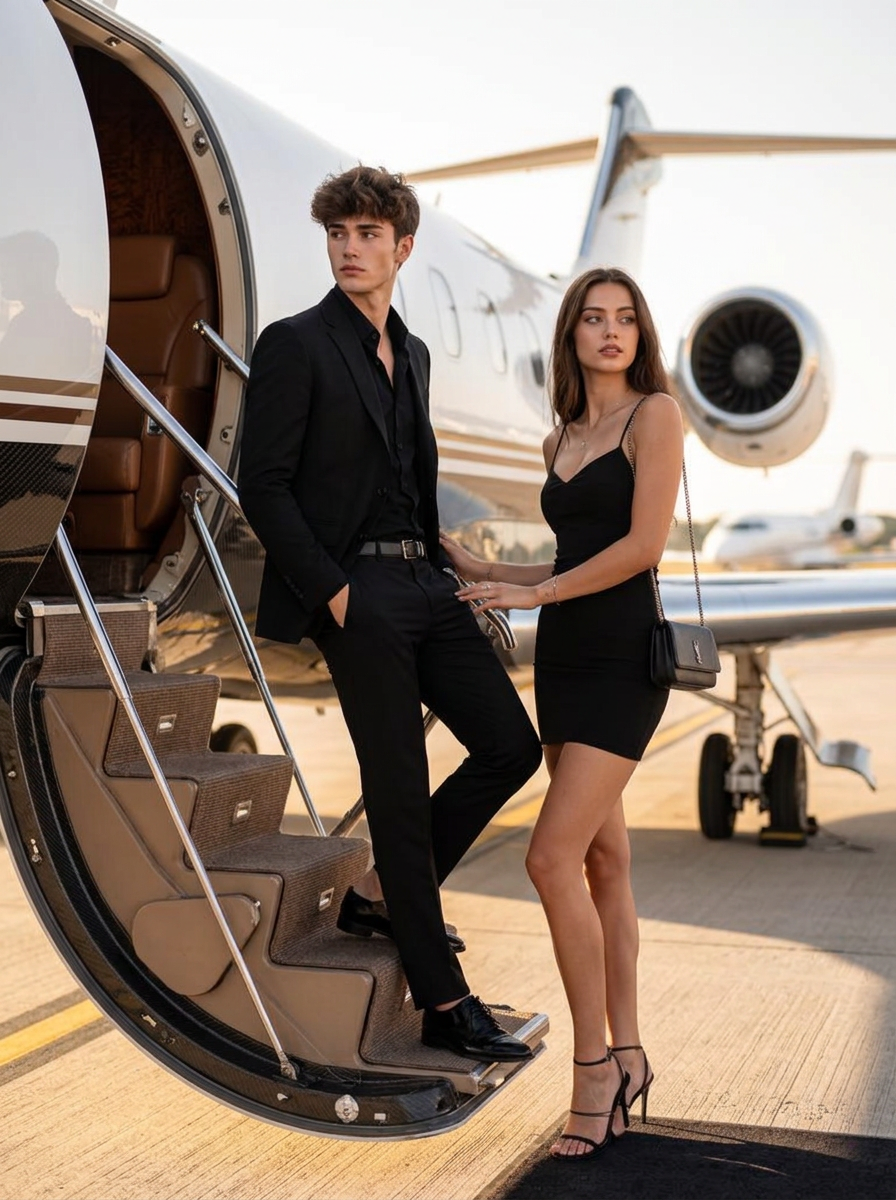
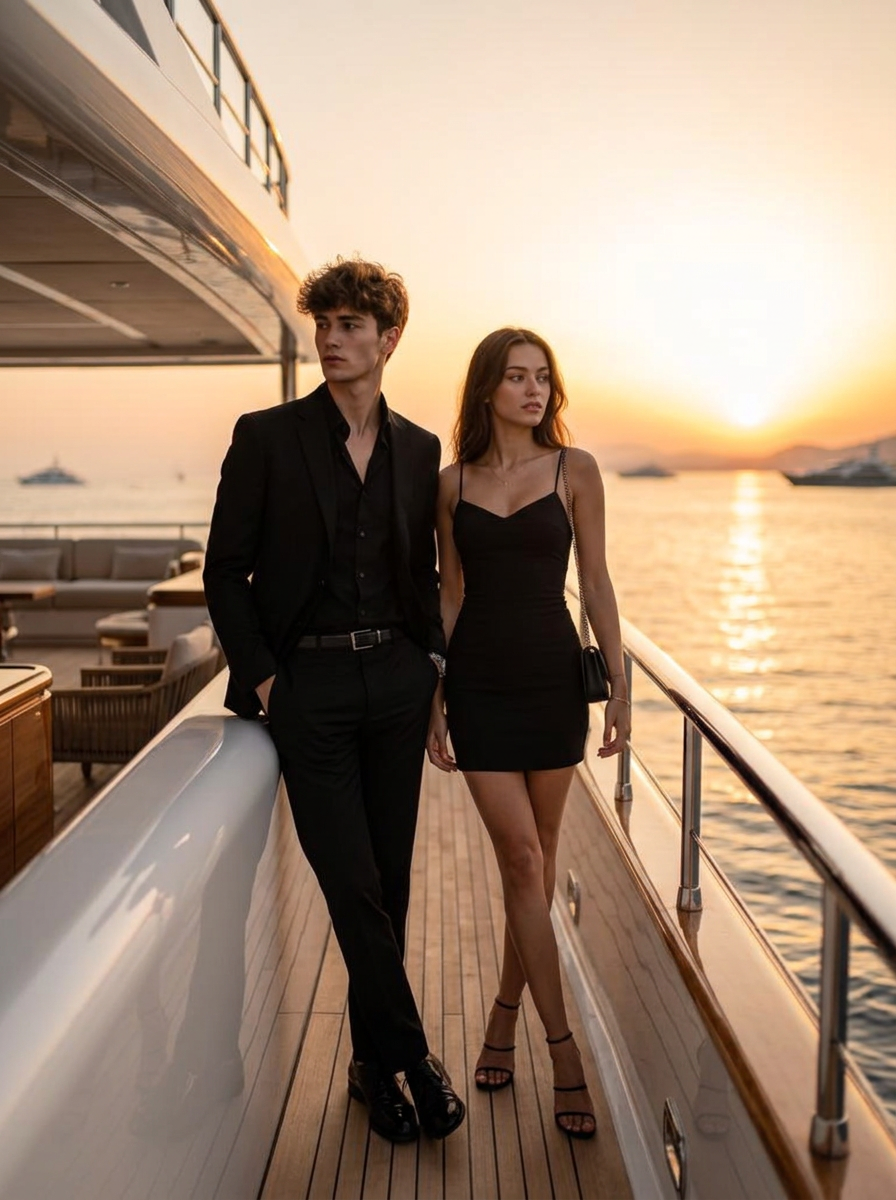
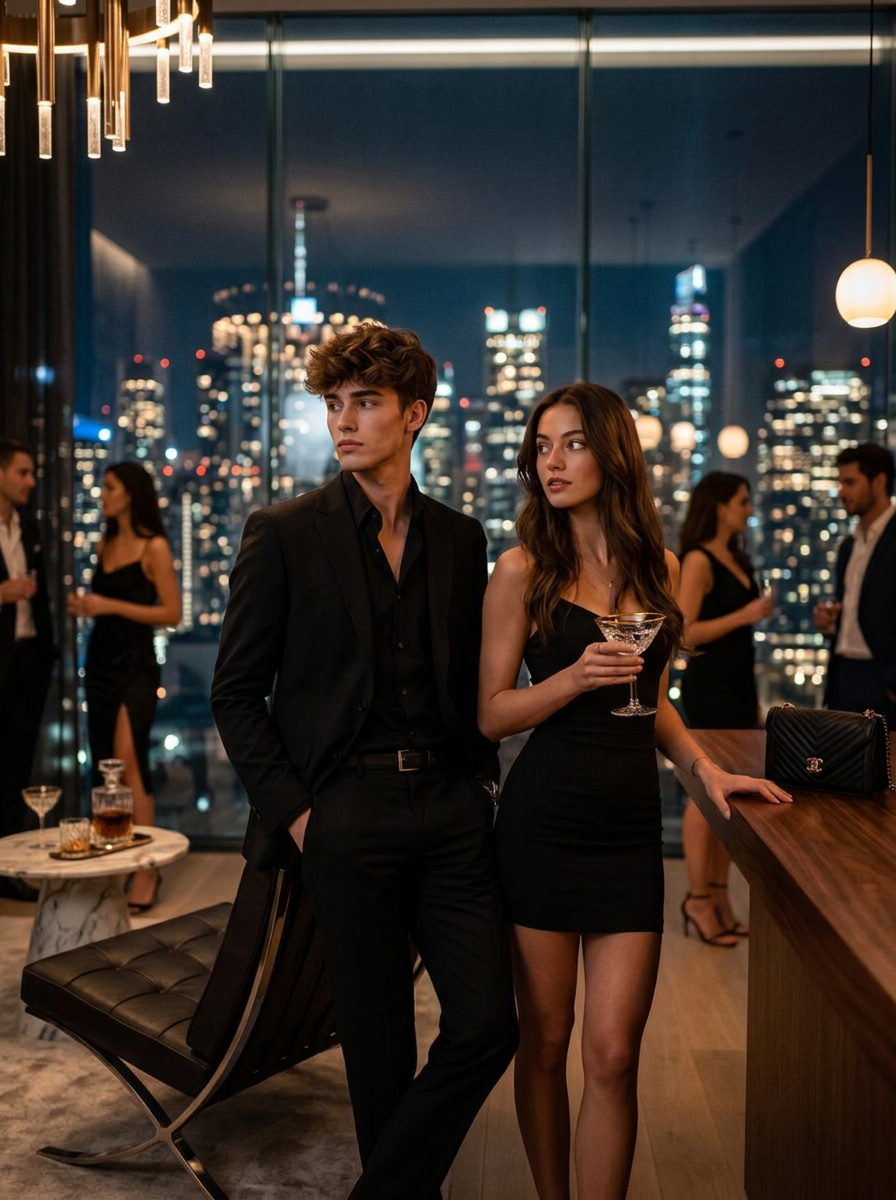
Supercar day, private jet, yacht sunset, penthouse night or car upgrade. Each scene carries its own lighting, lens and location so the result matches a real camera, not a template.
- 03
Add details (optional)
Type what you want in the scene: a specific car model, someone next to you, a city, an outfit. The detail box refines the render before it starts.
- 04
Render in about 30 seconds
The engine rebuilds the frame around your face, keeping skin texture, natural grain and true-to-life shadows so the shot reads as a photo.
- 05
Download or export
Save the 4K file, or use the 9:16 export that re-encodes the image with sensor grain and fresh capture data for social apps.
What the scenes look like
FAQ
- Can I add someone to a photo with AI?
- Yes. Upload your photo, pick a scene and describe who you want next to you in the detail box. Lyvoriia rebuilds the frame with that person placed naturally in the same light as you.
- Do I need any editing skill?
- No. There are no layers, masks or sliders. You upload one photo, choose a scene and the render is done in about 30 seconds.
- How realistic are the results?
- Renders keep unretouched skin texture, real lens blur and natural grain instead of the plastic look of most generators, which is what makes them read as ordinary photos.
- Can I try it before paying?
- Yes. Three free generations run straight from the homepage or the /try page, with no account and no card.
- What happens to my uploaded photo?
- It is used to produce your render only. Nothing is published, resold or used for advertising.