Product page
AI Professional Photos
A professional photo has a narrow brief: look competent, look approachable, and do not distract. That is why corporate portraiture is so conservative — the constraints are real, and breaking them costs credibility.
Lyvoriia can work inside those constraints. The same engine that generates a supercar scene can generate a neutral studio portrait, and for a business profile the neutral version is almost always the right call.
In short
AI professional photos are business-appropriate portraits generated from your own photo: neutral background, soft key light, conservative framing, and enough resolution for print. Lyvoriia produces them in about 30 seconds.
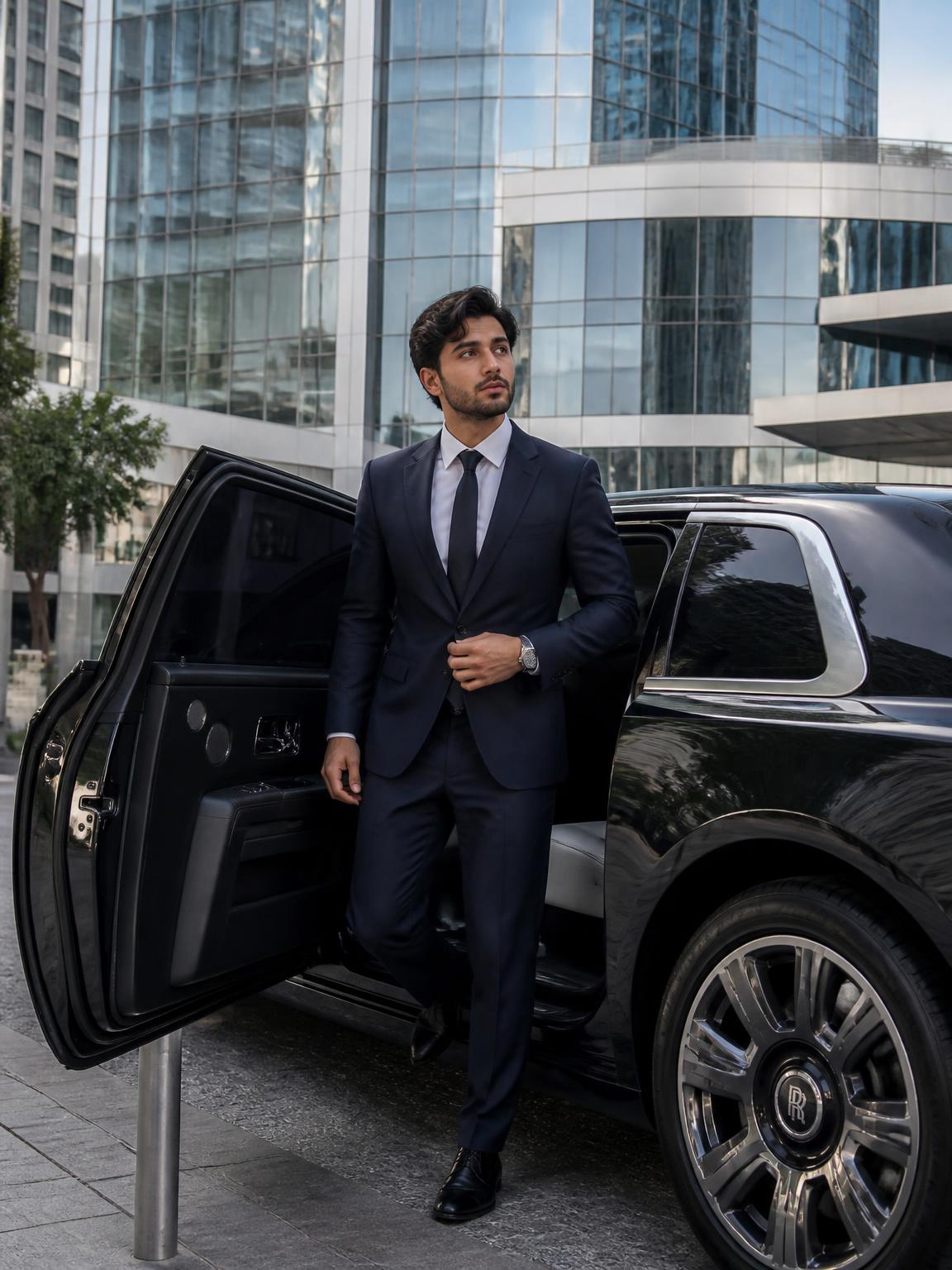
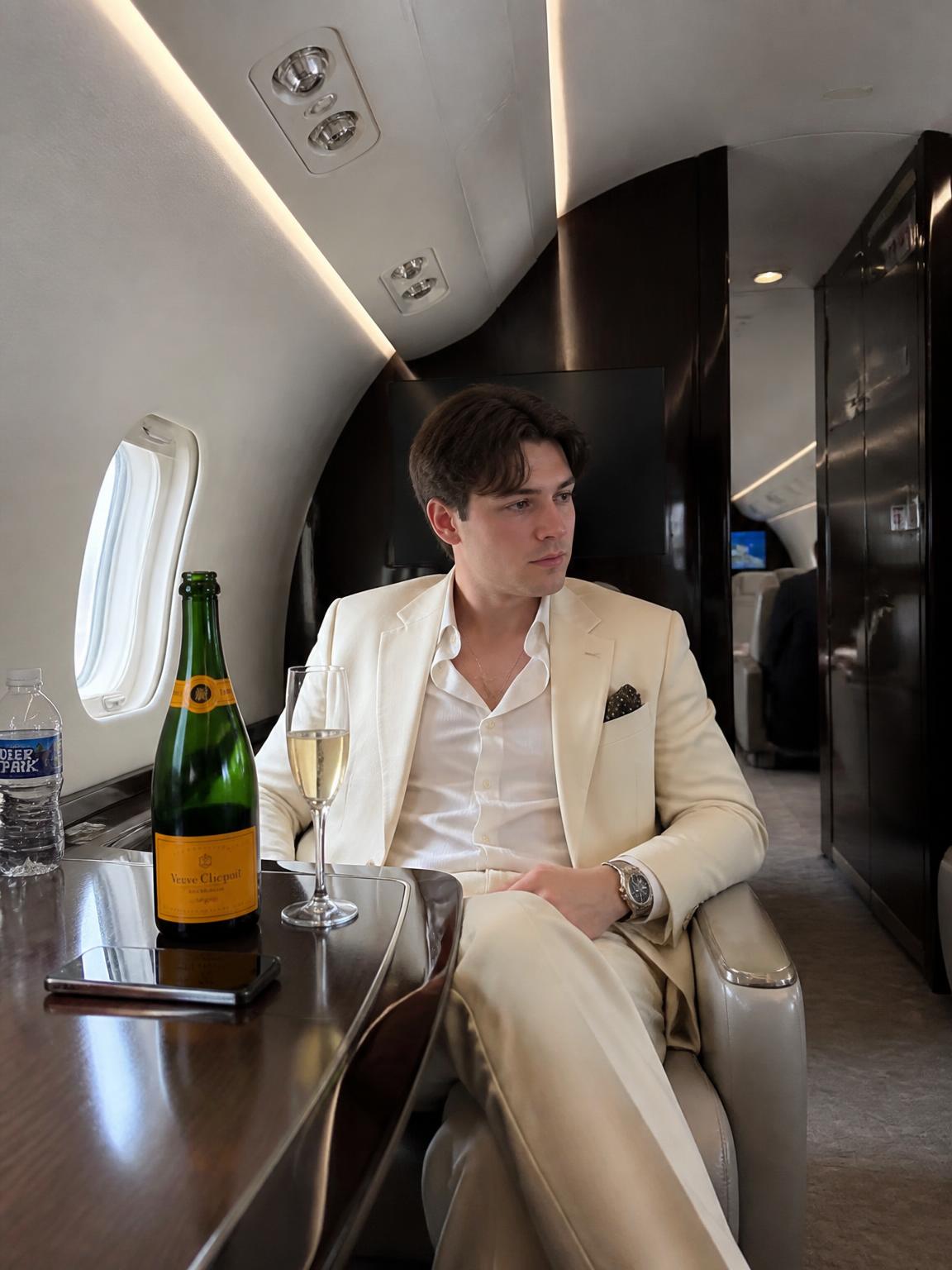
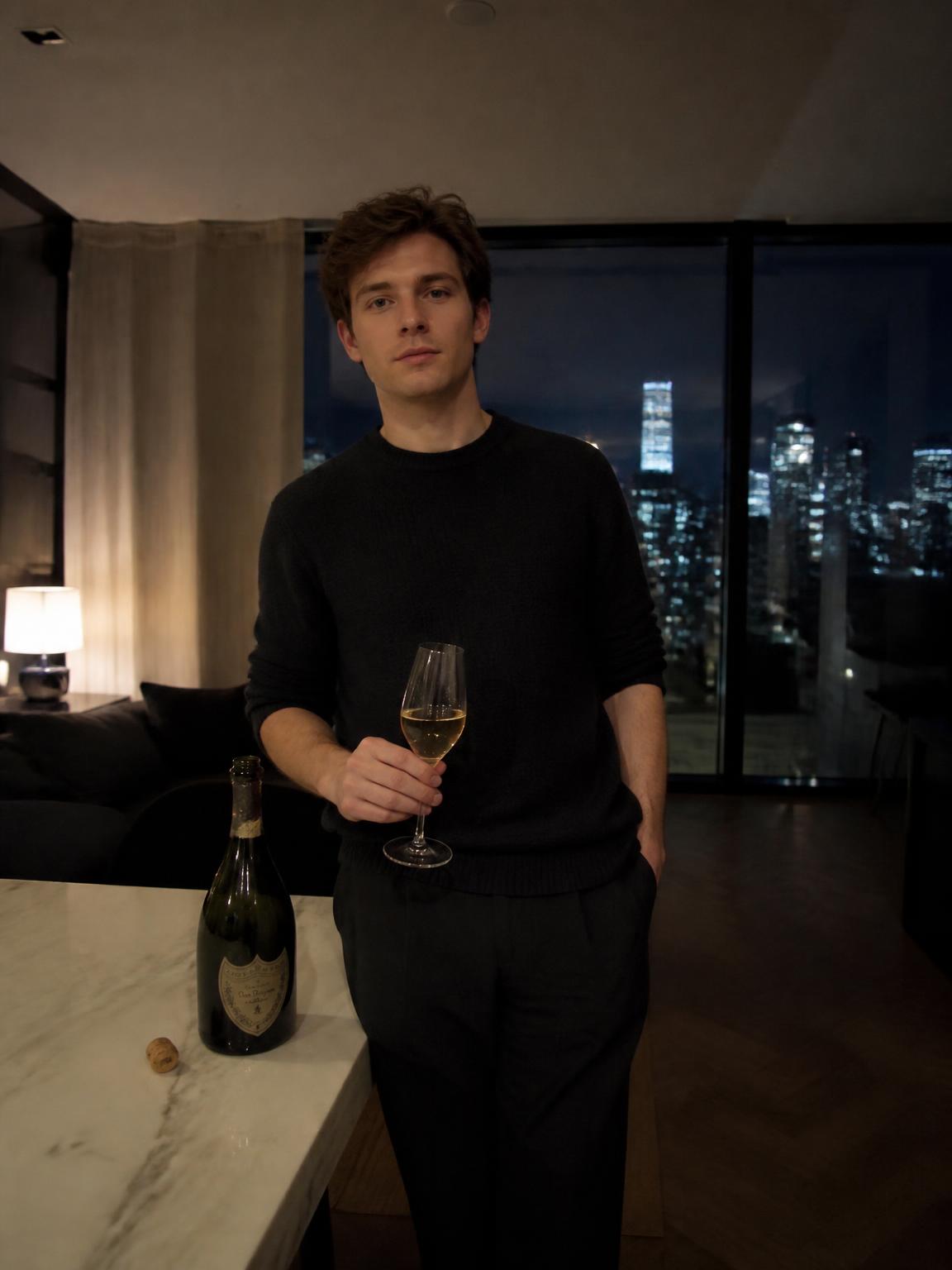
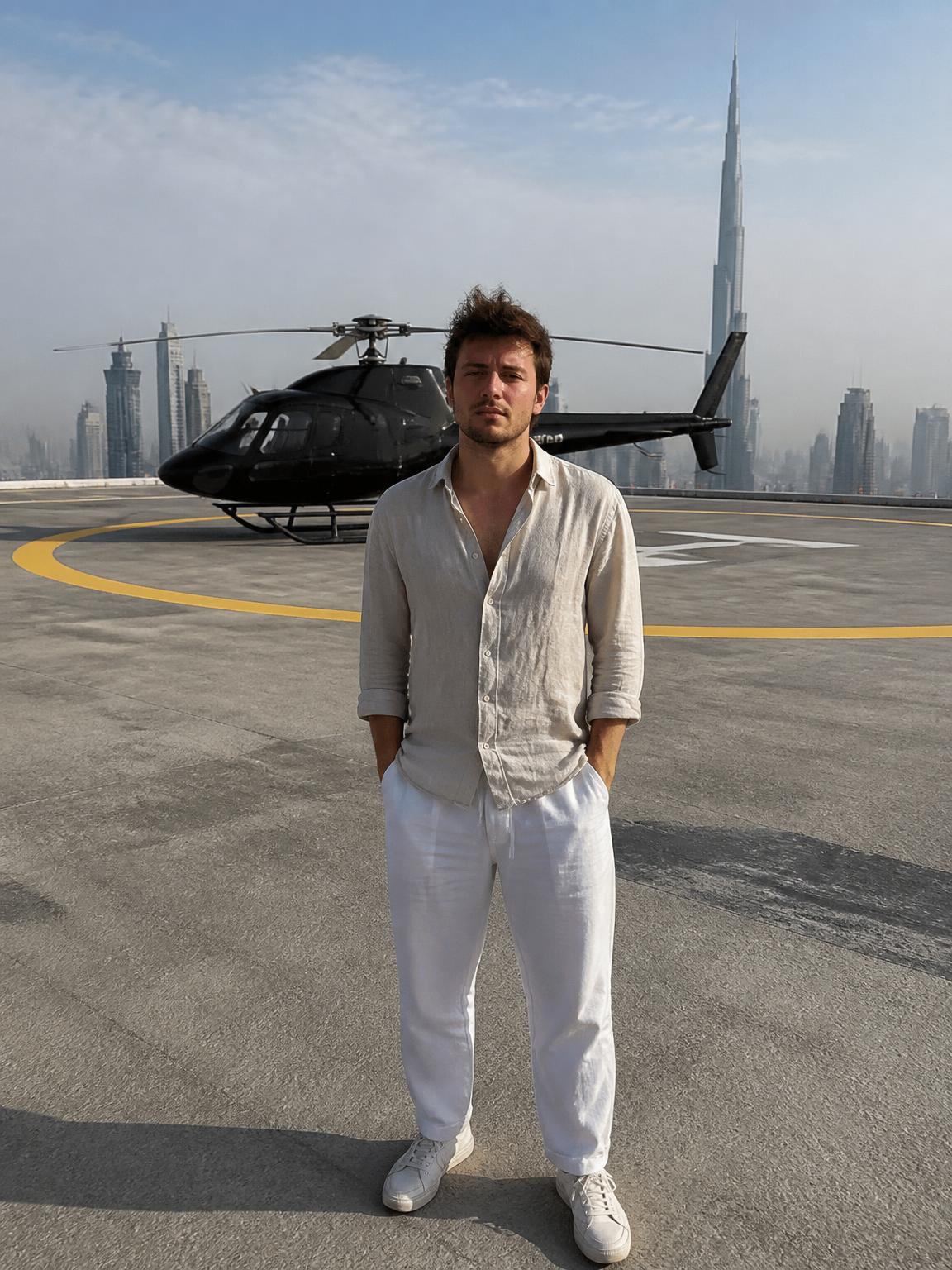
The professional framing rules
Corporate portraiture is standardized for a reason — these rules read as competent everywhere.
- Head-and-shoulders or mid-chest crop, never full body
- Eyes on the upper third, subject facing slightly off-axis
- Soft key light from about 45 degrees, gentle fill on the shadow side
- Neutral or softly defocused background, no strong color casts
- Wardrobe one notch more formal than your everyday work clothes
Choosing between studio and environmental
A studio portrait is the safe default: it works at any size, on any platform, in any context, and it will not date quickly. An environmental portrait — you in an office, a workshop, a lab — communicates more about what you actually do, but it is more specific and dates faster.
A practical approach is to generate both. Use the studio frame as your avatar and the environmental frame on your about page and in speaker bios.
Where AI professional photos are not appropriate
Some contexts require a documented likeness taken by a photographer: press credentials, regulated professional directories, legal identification, and any employer whose policy requires an authentic photograph. Generated images are not appropriate there, and using one can create a real problem.
For everything else — profiles, bios, thumbnails, decks — a generated professional portrait is a reasonable and disclosable choice.
How Lyvoriia works
Upload your photo
One clear, front-facing image. A phone selfie works.
Choose your style
Each scene is a full photographic recipe: location, light, lens and grade.
Generate
Your face and proportions stay locked while the scene is built around you.
Download and share
A 4K file, yours to post, print or keep.
Benefits
Business-appropriate defaults
Neutral backgrounds and conservative framing built into the scenes.
Print resolution
4K output works for badges, decks and printed materials.
Consistent team look
Everyone can generate from the same scene for a uniform directory.
Fast turnaround
No scheduling a photographer for a single portrait.
Use cases
- LinkedIn and company directory photos
- Speaker bios and conference materials
- Press kits and about pages
- Pitch decks and proposals
FAQ
- Is this a headshot generator?
- Yes — choose a studio-style scene and crop head-and-shoulders. The output is a standard professional headshot.
- Can my whole team use the same look?
- Yes. Generating from one shared scene gives a consistent directory without booking a photographer.
- Should I tell my employer?
- Yes. Some organizations require an authentic photograph, and it is a short conversation.
- What should I wear in the source photo?
- Something plain and well-fitting. Busy patterns compress poorly and distract from the face.
Keep exploring
Generate your professional portrait
A clean, business-ready headshot from one upload.
Generate my professional photo