Product page
AI Realistic Photo Generator
Realism in generated images is not one property — it is a stack of small physical agreements. Skin has pores and asymmetry. Lenses have falloff and distortion. Shadows have a direction and a hardness that matches their source. Break one and the eye flags the whole image, usually without being able to say why.
Lyvoriia is optimized for that stack rather than for stylistic range.
In short
A realistic AI photo generator produces images with real photographic properties: consistent light direction, physically plausible reflections, natural skin texture and lens-accurate depth of field. Lyvoriia generates these from a single upload in 4K.
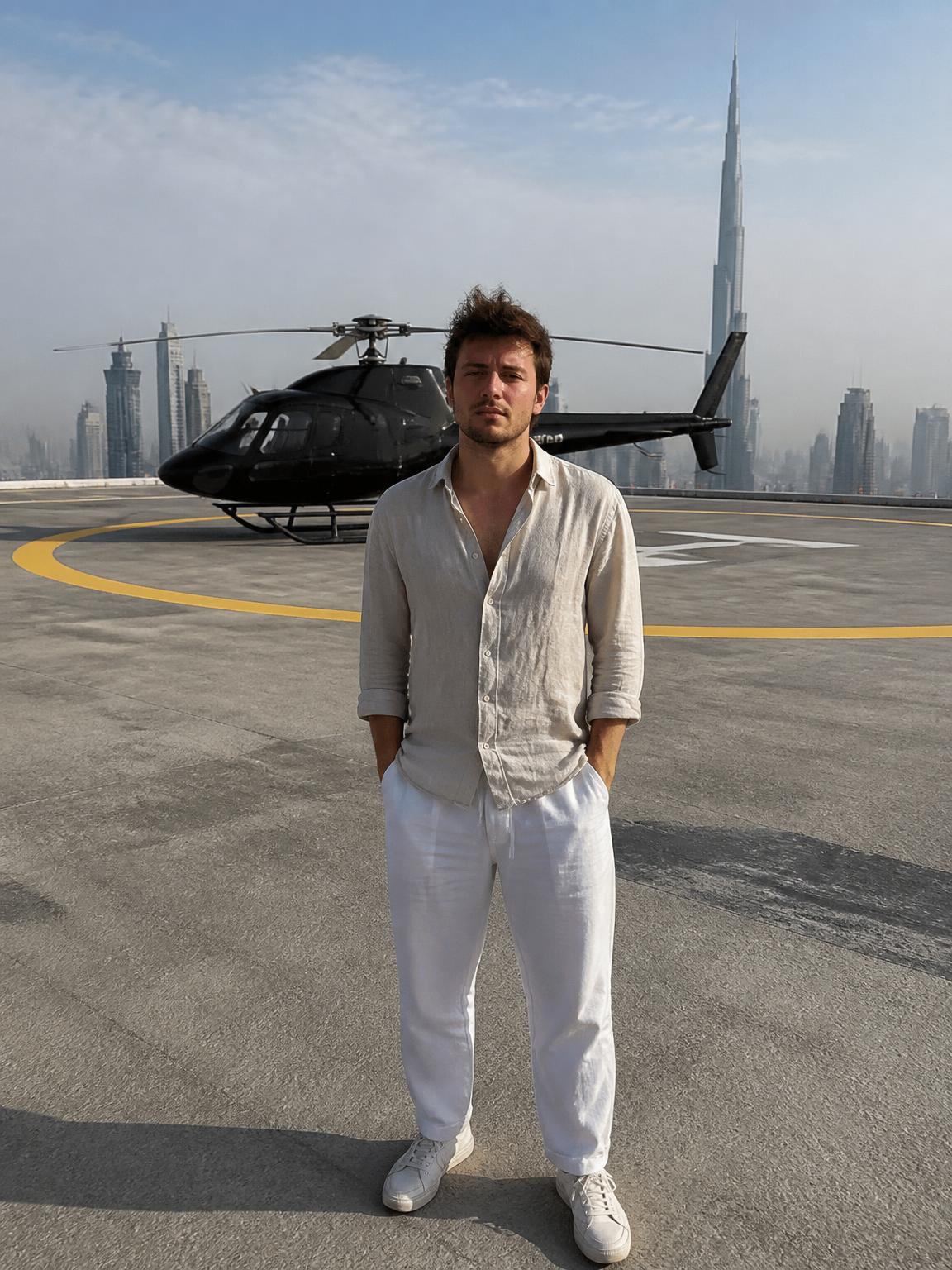
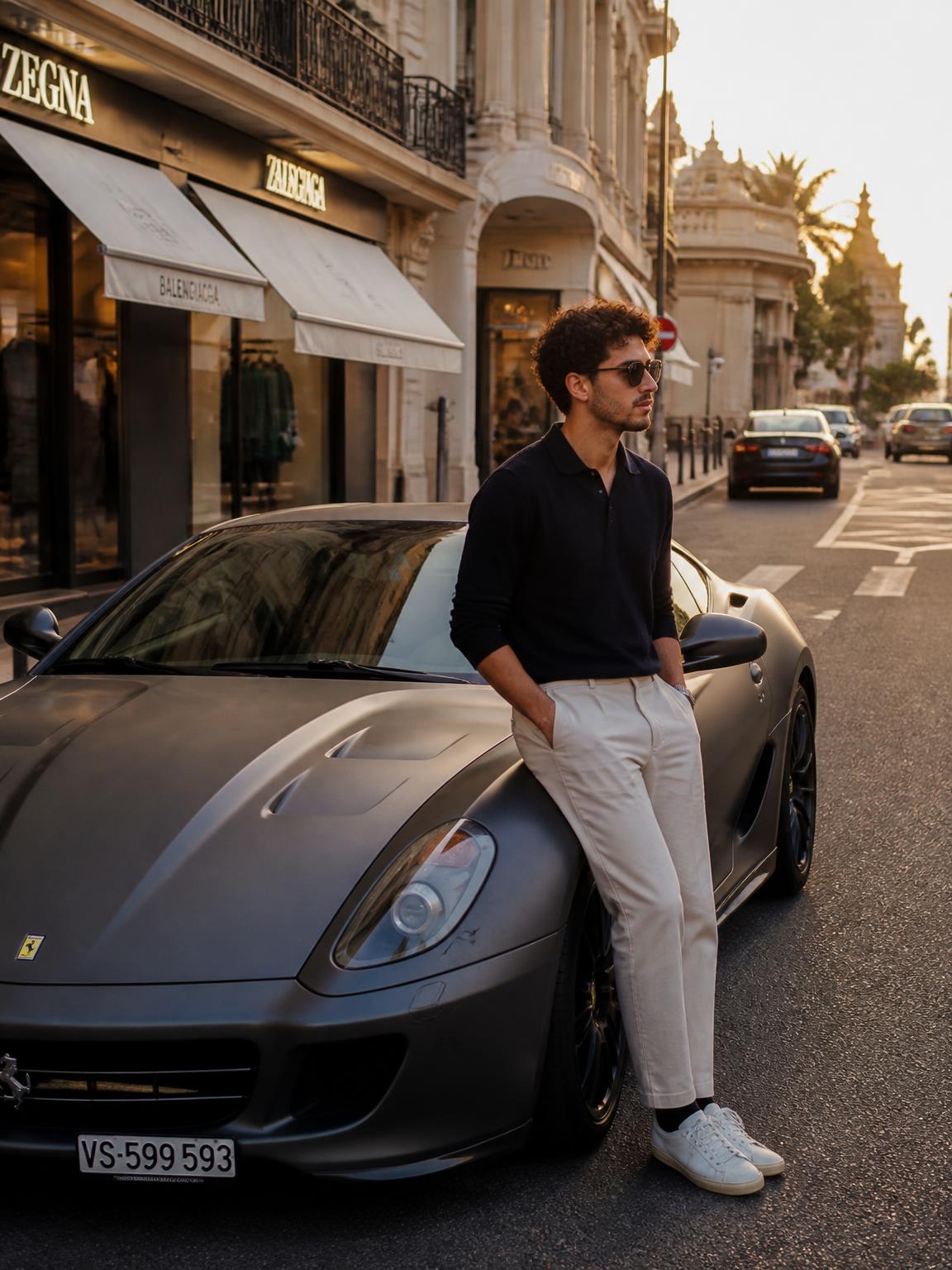

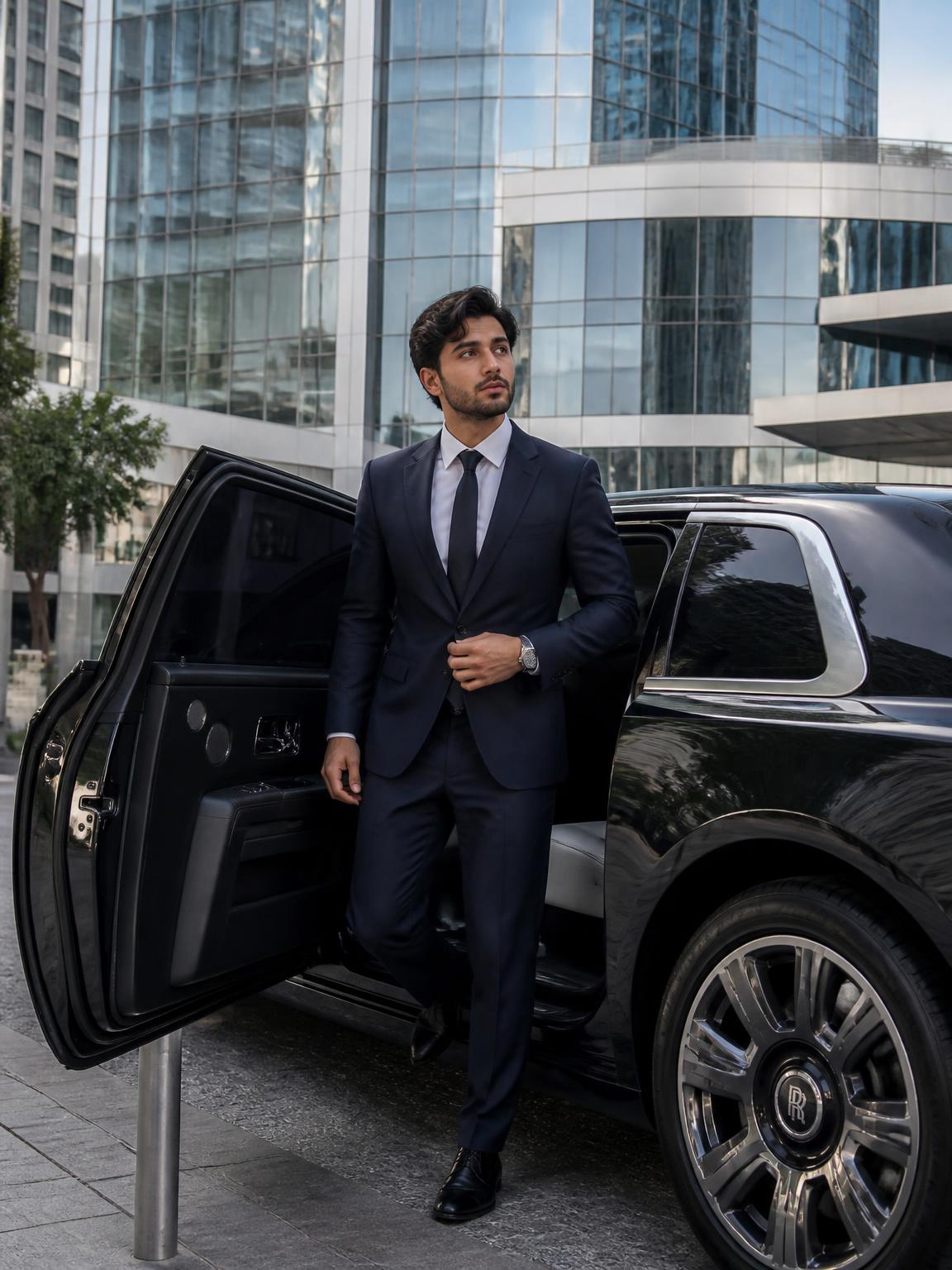
What makes an image read as real
These are the properties the eye checks first, roughly in order.
- One dominant light source, with every shadow agreeing on its direction
- Skin texture retained — pores, fine lines and slight asymmetry, not airbrushed plastic
- Depth of field that matches a plausible lens and aperture
- Reflections that show the actual surroundings
- Slight imperfection: a stray hair, uneven fabric, a real horizon line
The most common realism failures
Hands, teeth and text are the classic giveaways, but the subtler failures matter more because people notice them without articulating them: a subject lit from the front standing in a scene lit from behind; an unnaturally smooth face on a textured background; depth of field that blurs by distance in a way no lens actually does.
Reviewing your own outputs against this short list will make you much better at picking the keeper from a batch.
How to get more realistic results
Most of the improvement available to you is in the upload.
- Use a sharp, well-lit source photo — realism cannot be recovered from a blurry input.
- Prefer soft, even lighting in the source so the model has clean facial data.
- Pick scenes whose lighting resembles your source; extreme mismatches are harder to reconcile.
- Do not stack filters afterward — post-processing is what makes an otherwise real image look synthetic.
How Lyvoriia works
Upload your photo
One clear, front-facing image. A phone selfie works.
Choose your style
Each scene is a full photographic recipe: location, light, lens and grade.
Generate
Your face and proportions stay locked while the scene is built around you.
Download and share
A 4K file, yours to post, print or keep.
Benefits
Physically consistent light
Subject and scene share one lighting model.
Real skin texture
Detail is preserved rather than smoothed into plastic.
Lens-accurate depth
Blur behaves like an actual aperture, not a background mask.
4K detail
Enough resolution that texture survives at full size.
Use cases
- Portraits and profile images
- Lifestyle and travel imagery
- Concept frames that need to look photographic
- Personal projects and prints
FAQ
- Can AI photos be detected?
- Often, yes — by detection tools and sometimes by close human inspection. Treat generated images as generated and be open about it.
- Why do some outputs look off?
- Usually a mismatch between the lighting in your source photo and the scene. Try a scene with similar light direction.
- Does resolution affect realism?
- It affects perceived realism a lot. Texture needs pixels, which is why output is 4K.
- Are hands still a problem?
- They are the hardest region in any generative pipeline. Scenes where hands rest on a surface are more reliable than free-floating gestures.
Keep exploring
Generate a photoreal image
See the difference between a render and a photograph.
Generate my realistic photo