Product page
AI Photoshoot Generator
A real photoshoot is a logistics exercise. You are paying for a photographer's day, a location, travel, and the weather cooperating — and you still end up with a handful of keepers from hundreds of frames.
An AI photoshoot inverts that. You generate the specific frames you want, one at a time, and stop when you have them.
In short
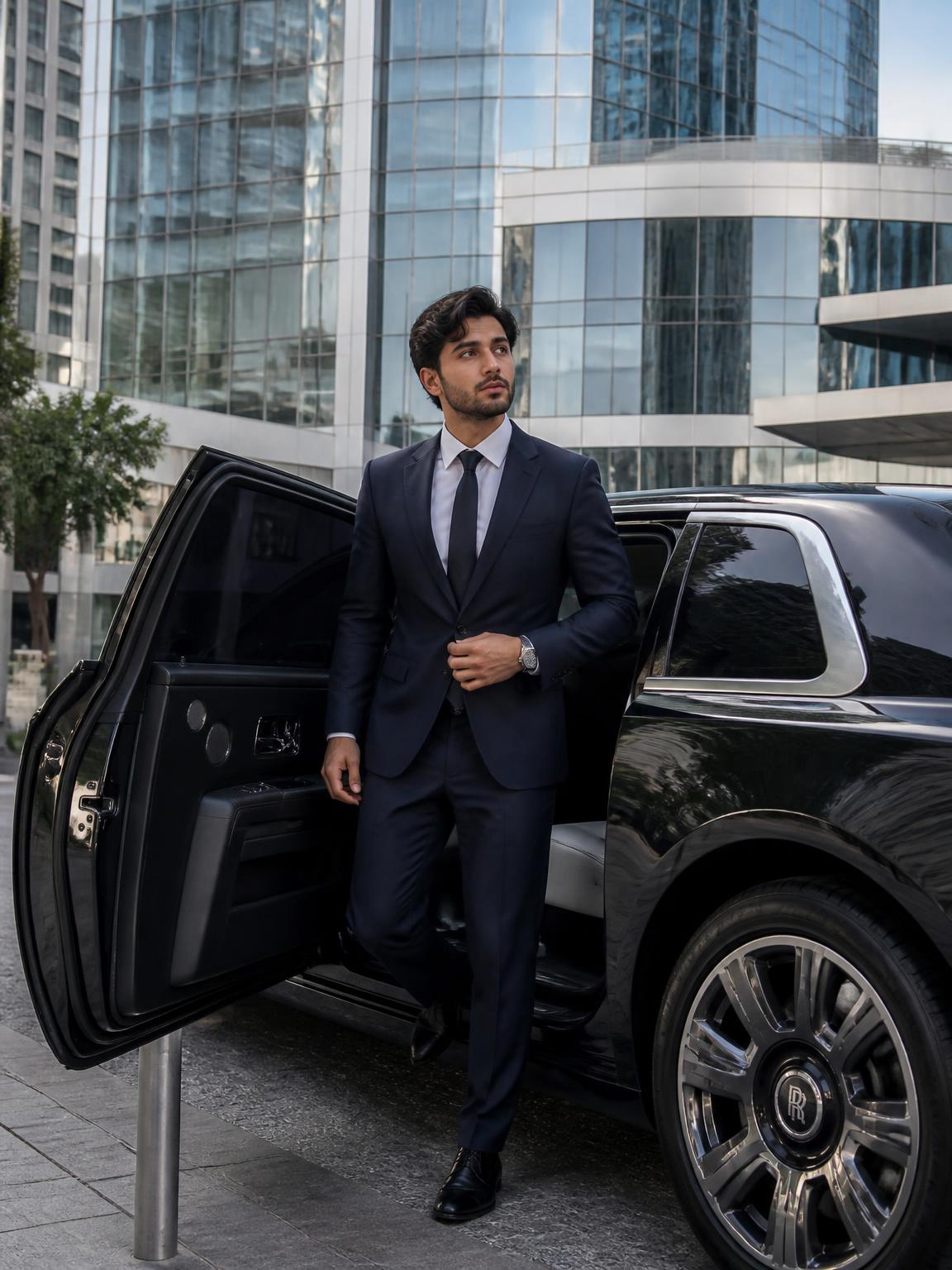
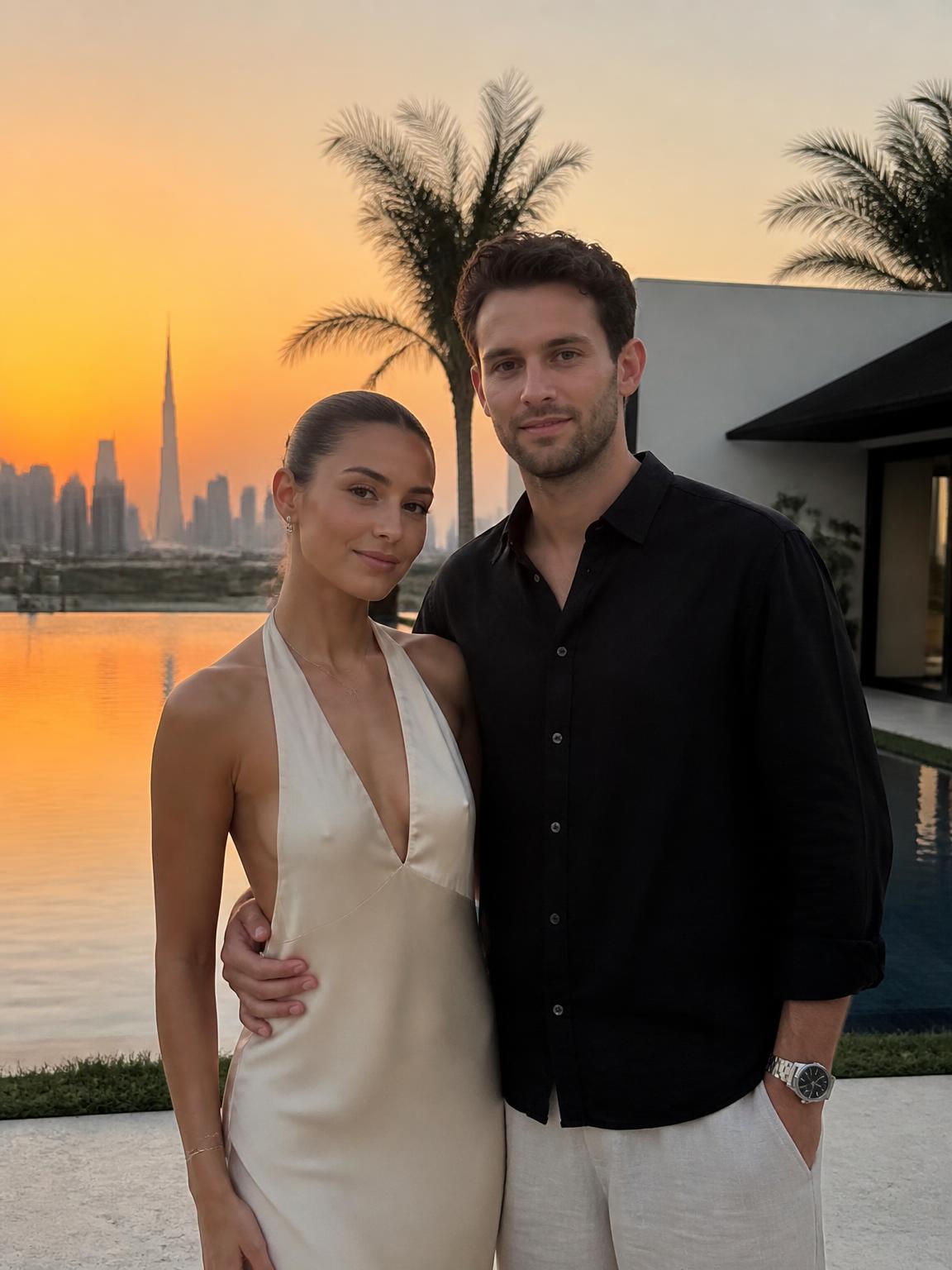
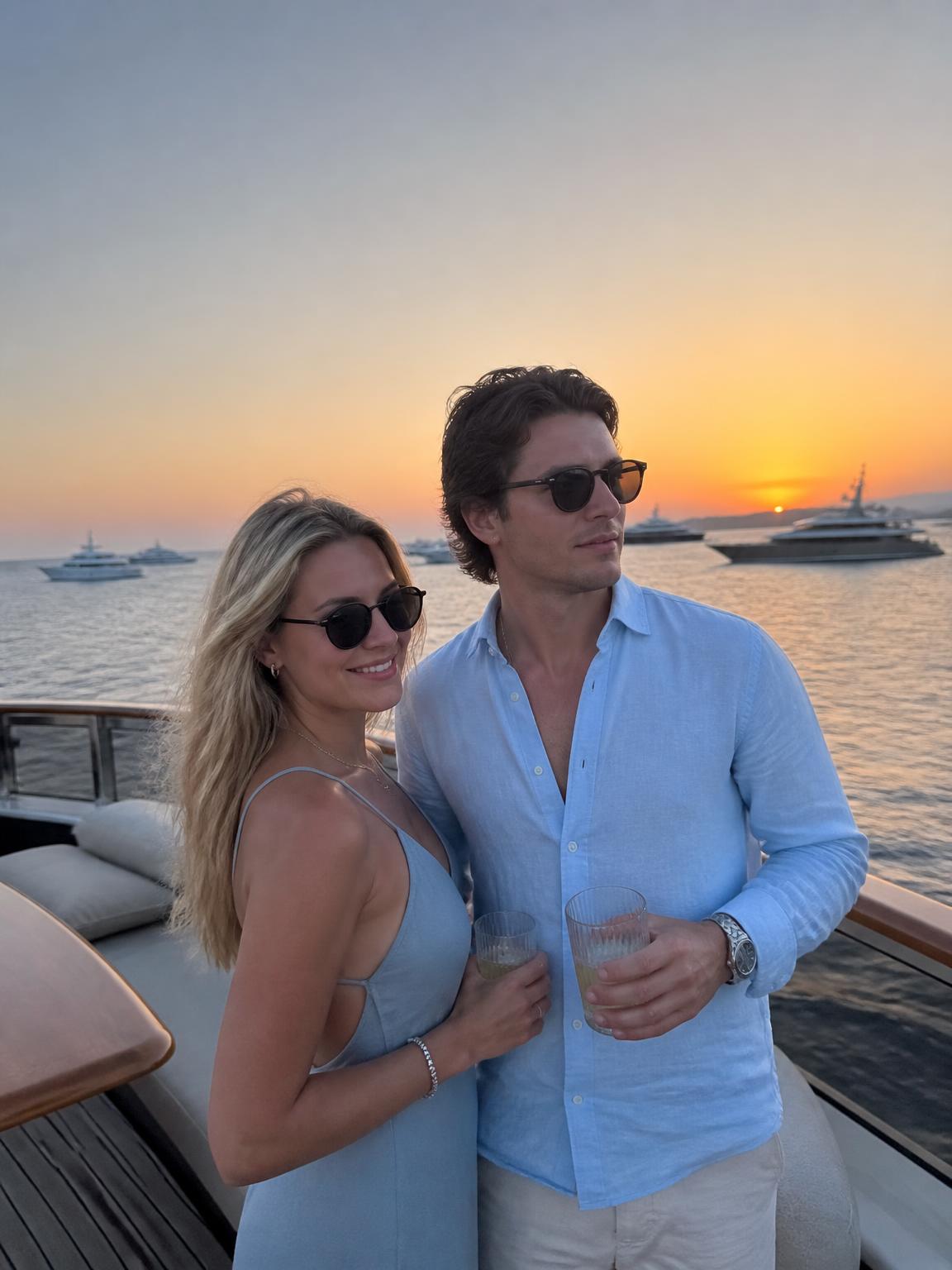
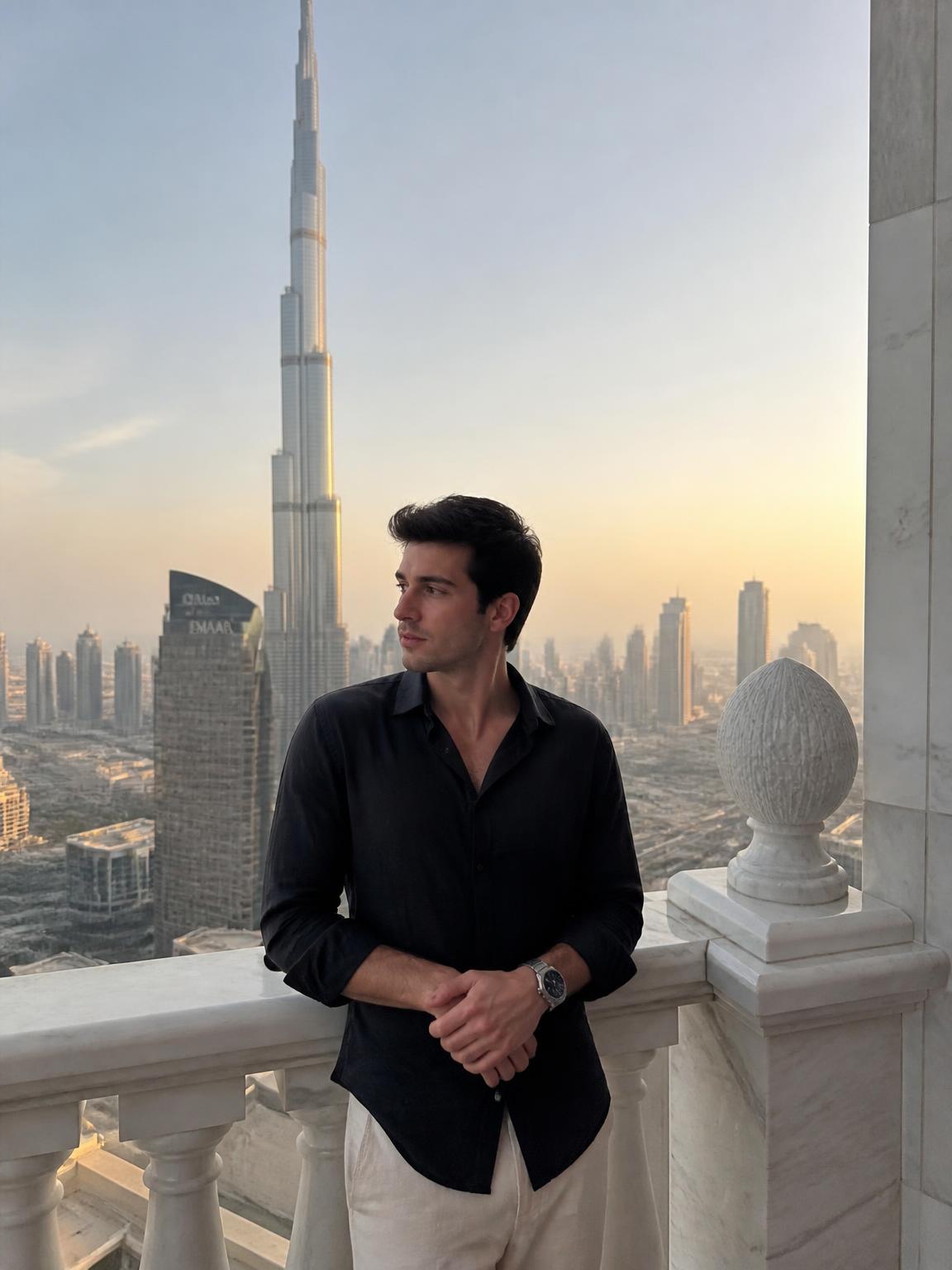
An AI photoshoot generator produces a full set of varied images — different locations, lighting and framing — from one photo of you. With Lyvoriia a complete set of eight to ten usable frames takes roughly ten minutes.
How to plan a session
Treat it like a real call sheet and the results improve immediately.
- Decide the purpose first: profile, feed batch, website, or press.
- Choose three looks maximum. More than that and the set stops feeling like one session.
- For each look, generate one wide, one mid and one close frame.
- Cull hard. Keep the best three per look and discard the rest.
AI photoshoot vs traditional photoshoot
They are good at different things and it is worth being honest about which is which.
A traditional shoot wins on authenticity, on physical products, on anything that must document a real moment, and on the collaborative direction a good photographer brings. An AI photoshoot wins on cost, speed, iteration and location range. If you need forty frames for a content calendar and cannot justify a production, generation is the right tool. If you need a portrait that will represent you in a press context for the next five years, hire a photographer.
Directing yourself without a photographer
The direction you would normally receive on set becomes a choice you make when picking a scene. Ask what the image should say — approachable, serious, aspirational, playful — and choose the light accordingly. Soft frontal light reads warm and open. Hard side light reads dramatic and closed. Low, warm backlight reads aspirational. The scene you pick is the direction.
How Lyvoriia works
Upload your photo
One clear, front-facing image. A phone selfie works.
Choose your style
Each scene is a full photographic recipe: location, light, lens and grade.
Generate
Your face and proportions stay locked while the scene is built around you.
Download and share
A 4K file, yours to post, print or keep.
Benefits
A session in minutes
Eight to ten usable frames in the time a shoot spends on setup.
Unlimited retakes
Re-roll a frame until the composition is what you wanted.
No production cost
No studio rental, travel, or day rate.
Location range
Alpine, coastal, urban and interior looks in the same session.
Use cases
- Content batches for creators
- Website and about-page imagery
- Personal brand refreshes
- Concept and mood exploration before a real shoot
FAQ
- How many images make a complete set?
- Eight to ten keepers across three looks is enough for most uses, including a full month of social content.
- Can I get variations of the same frame?
- Yes. Re-rolling the same scene produces different compositions with the same lighting logic.
- Do I need different source photos per look?
- No. One good upload drives the entire session.
- Is it cheaper than a real shoot?
- Substantially — plans start at $3.99 a month against a typical several-hundred-dollar day rate. They serve different purposes, though.
Keep exploring
Run your AI photoshoot
One upload, three looks, a complete set in 4K.
Start my AI photoshoot