Product page
AI Social Media Photo Generator
Social platforms are unforgiving to images. They re-encode everything, crush shadows, band gradients and crop your frame to a shape you did not choose. A photo that looked perfect on your laptop can arrive in someone's feed muddy and soft.
Lyvoriia generates for that reality: high resolution, clean tonal separation and framing that survives the crop.
In short
Upload a photo, choose a scene, and get a 4K social-ready image in about 30 seconds — with enough resolution and contrast headroom that platform compression does not destroy it.
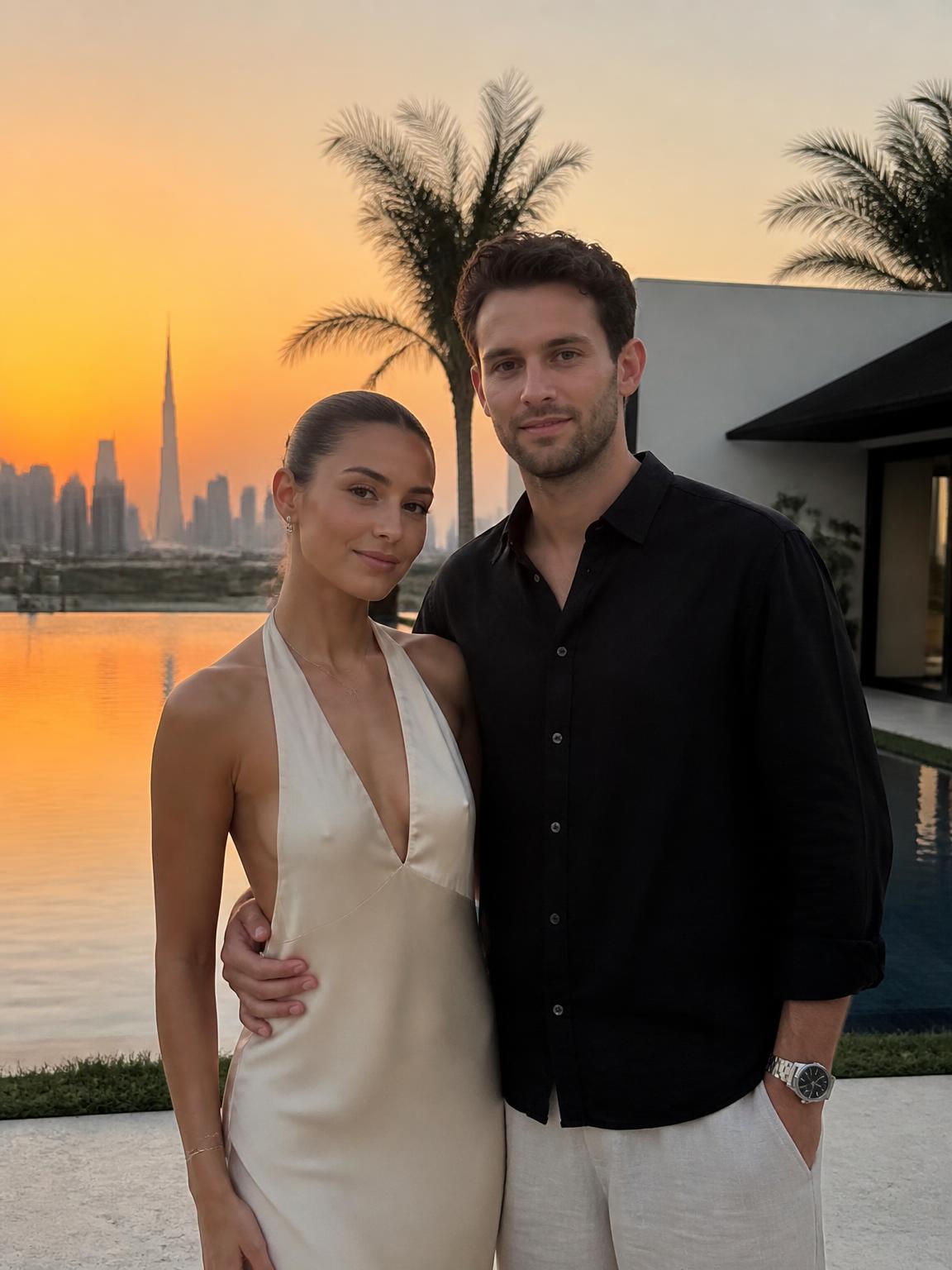
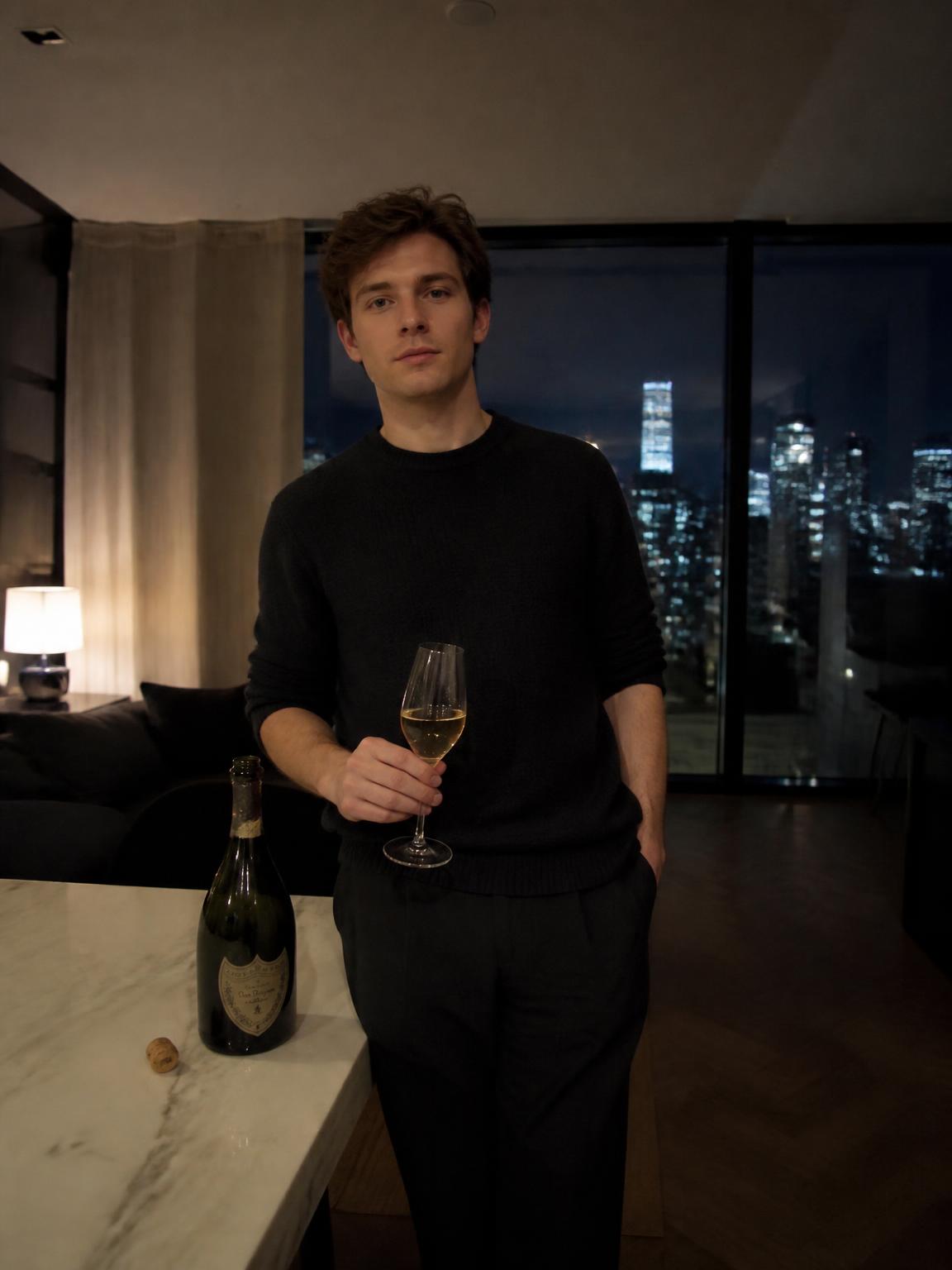
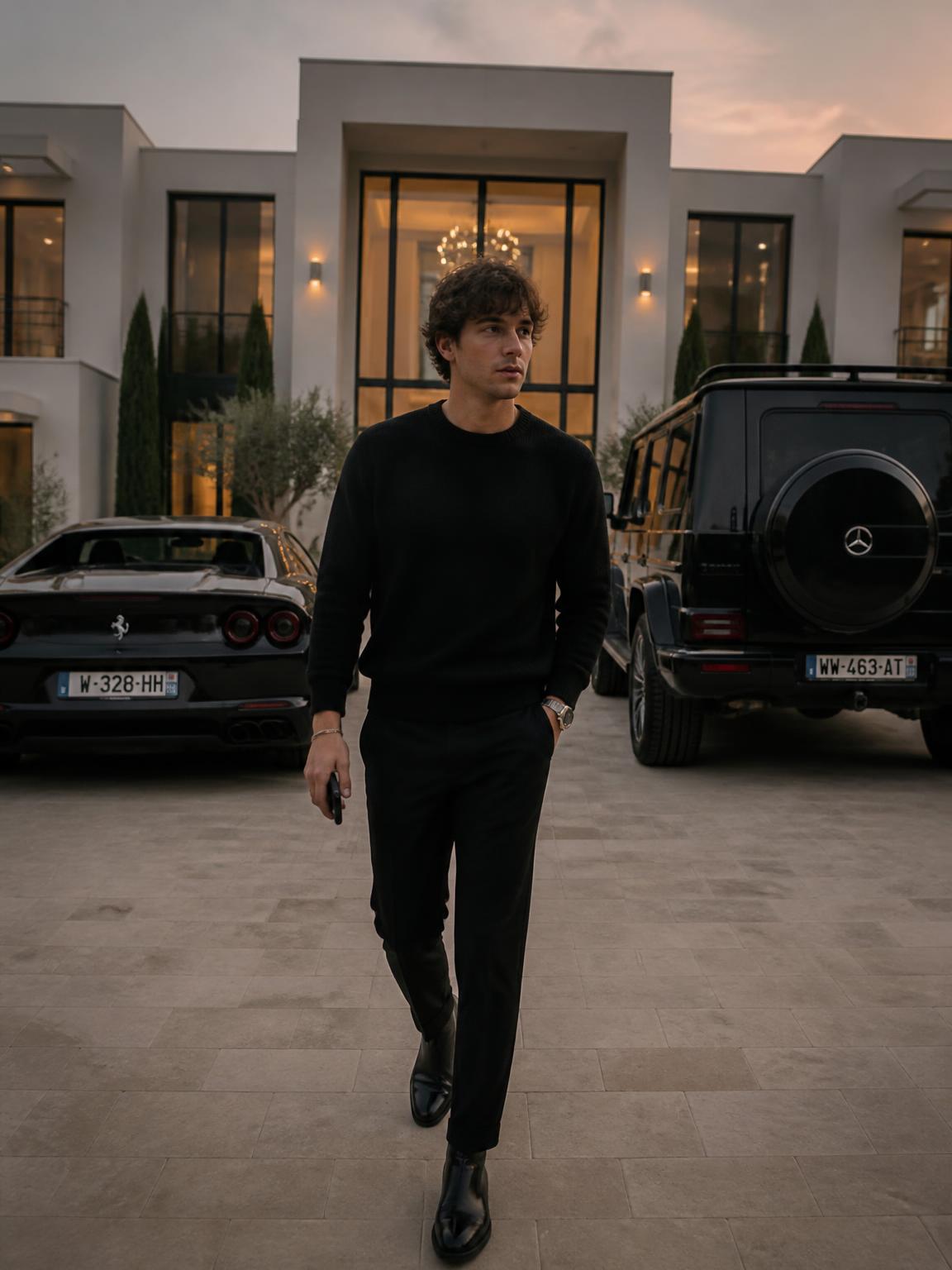
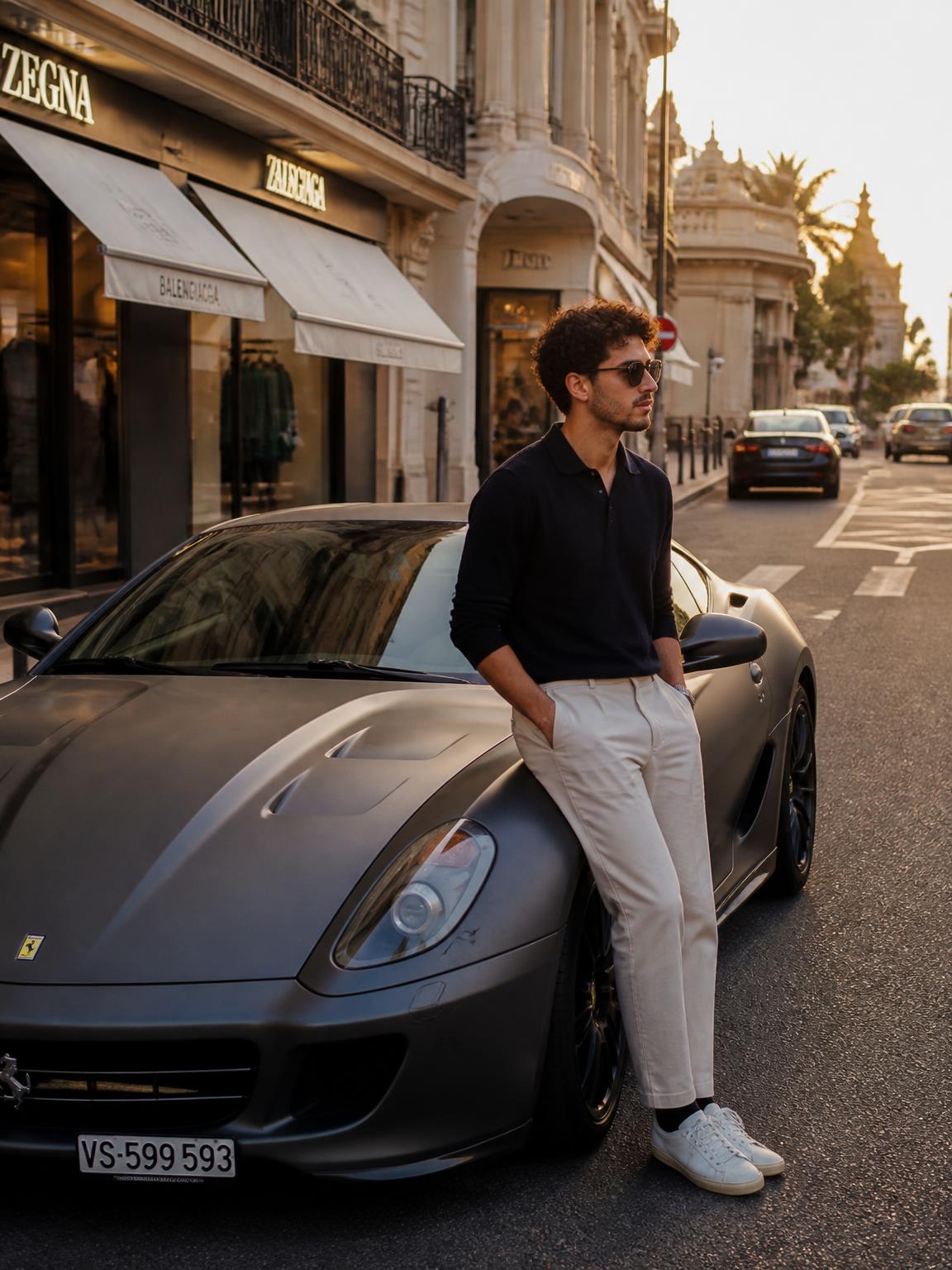
Shoot for the crop, every time
Each surface has a different safe area, and the fastest way to waste a good image is to ignore them.
- Feed posts: 4:5 vertical gets the most screen height on mobile.
- Stories and Reels: 9:16, with the top and bottom ~15% reserved for interface elements.
- Profile pictures: square, cropped to a circle — keep the corners empty.
- Link previews and covers: 1.91:1, with the subject centered.
Why compression eats your photo
Platform encoders allocate the fewest bits to smooth gradients and the most to edges. That is why a soft sunset sky bands into stripes while a busy street scene survives intact.
Two practical defenses: keep a little grain or texture in large flat areas, and avoid pushing saturation to the point where a channel clips. Lyvoriia's grades are built with both in mind, which is why exports hold up after upload.
A weekly workflow that actually holds
Generate on one day, publish across the week. Batch six to nine frames in a single session, pick the three strongest, and keep the rest as buffer. The consistency of a feed comes from planning, and generation removes the scheduling constraint that usually breaks it.
How Lyvoriia works
Upload your photo
One clear, front-facing image. A phone selfie works.
Choose your style
Each scene is a full photographic recipe: location, light, lens and grade.
Generate
Your face and proportions stay locked while the scene is built around you.
Download and share
A 4K file, yours to post, print or keep.
Benefits
Platform-aware framing
Compositions leave room for the crop instead of fighting it.
Compression-safe grading
Tonal separation and texture survive re-encoding.
One upload, many surfaces
Feed, story, avatar and cover from the same session.
No scheduling constraint
Content stops depending on weather, locations or availability.
Use cases
- Weekly feed content
- Story and Reels backgrounds
- Profile and cover art refreshes
- Campaign mockups and concept boards
FAQ
- Which aspect ratios should I use?
- 4:5 for feed, 9:16 for stories and short video covers, 1:1 for avatars. Generate in 4K and crop from there.
- Do images look AI-generated?
- The pipeline is tuned for photorealism, but any generated image can be identified on close inspection. Be straightforward about how you made it.
- Can I generate for a client account?
- Yes, with the client's knowledge. Concept and mood imagery is the strongest fit.
- How fast is a render?
- Around 30 seconds per image.
Keep exploring
Fill your content calendar
Batch a week of social images from one upload.
Generate my social photos