Product page
AI Headshot Generator
A headshot is the single most reused photo you own. It sits on your LinkedIn profile, your email signature, your company directory, your conference badge and every bio you will ever write. Most people are still using a cropped party photo.
Lyvoriia's AI headshot generator takes one ordinary selfie and rebuilds the lighting, background and framing around your face — while keeping your actual features, proportions and skin texture intact.
In short
An AI headshot generator turns a normal selfie into a studio-quality portrait: soft key light, clean background, head-and-shoulders crop and print-ready resolution. With Lyvoriia it takes about 30 seconds, and your first three photos are free without an account.
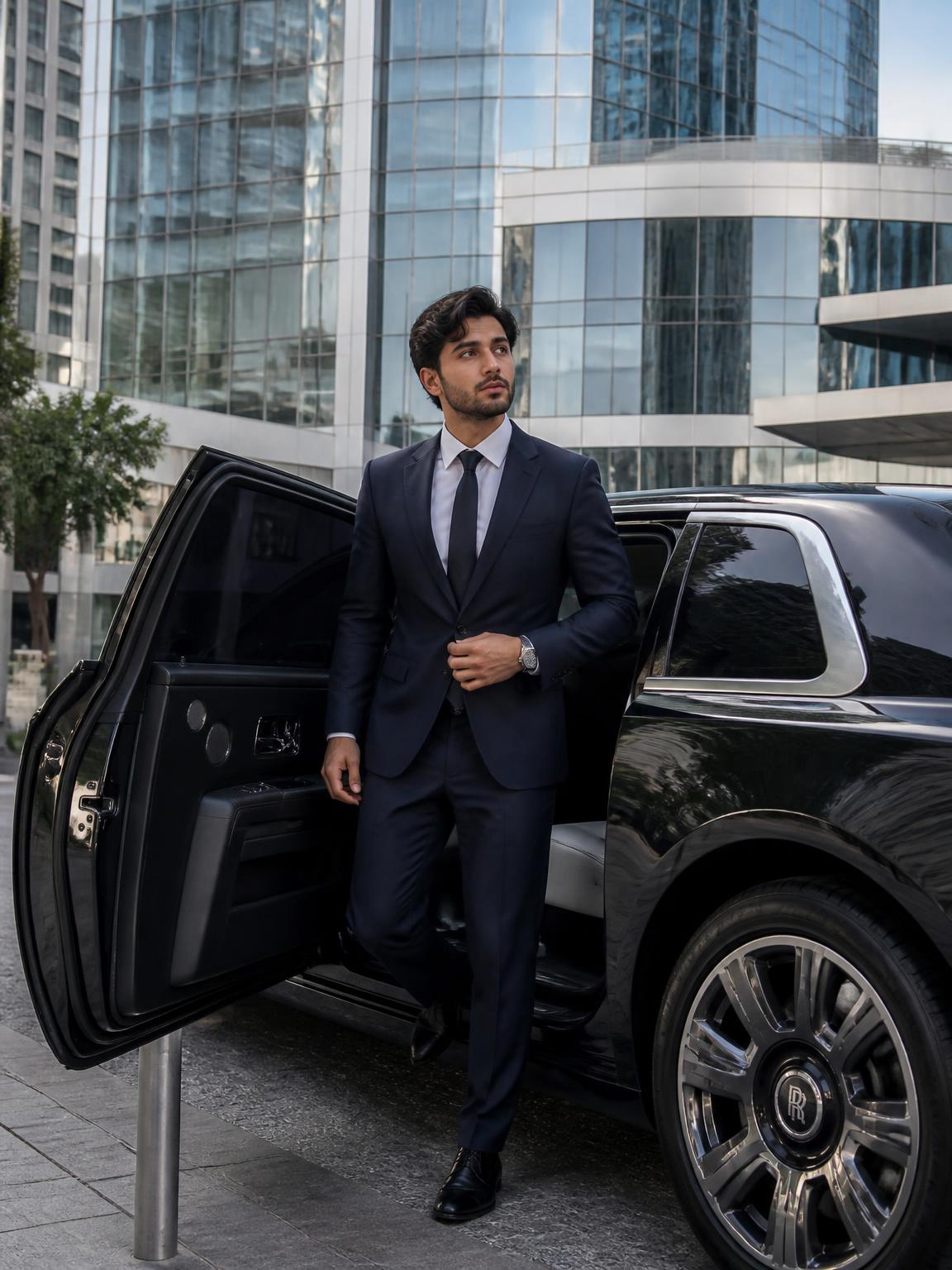
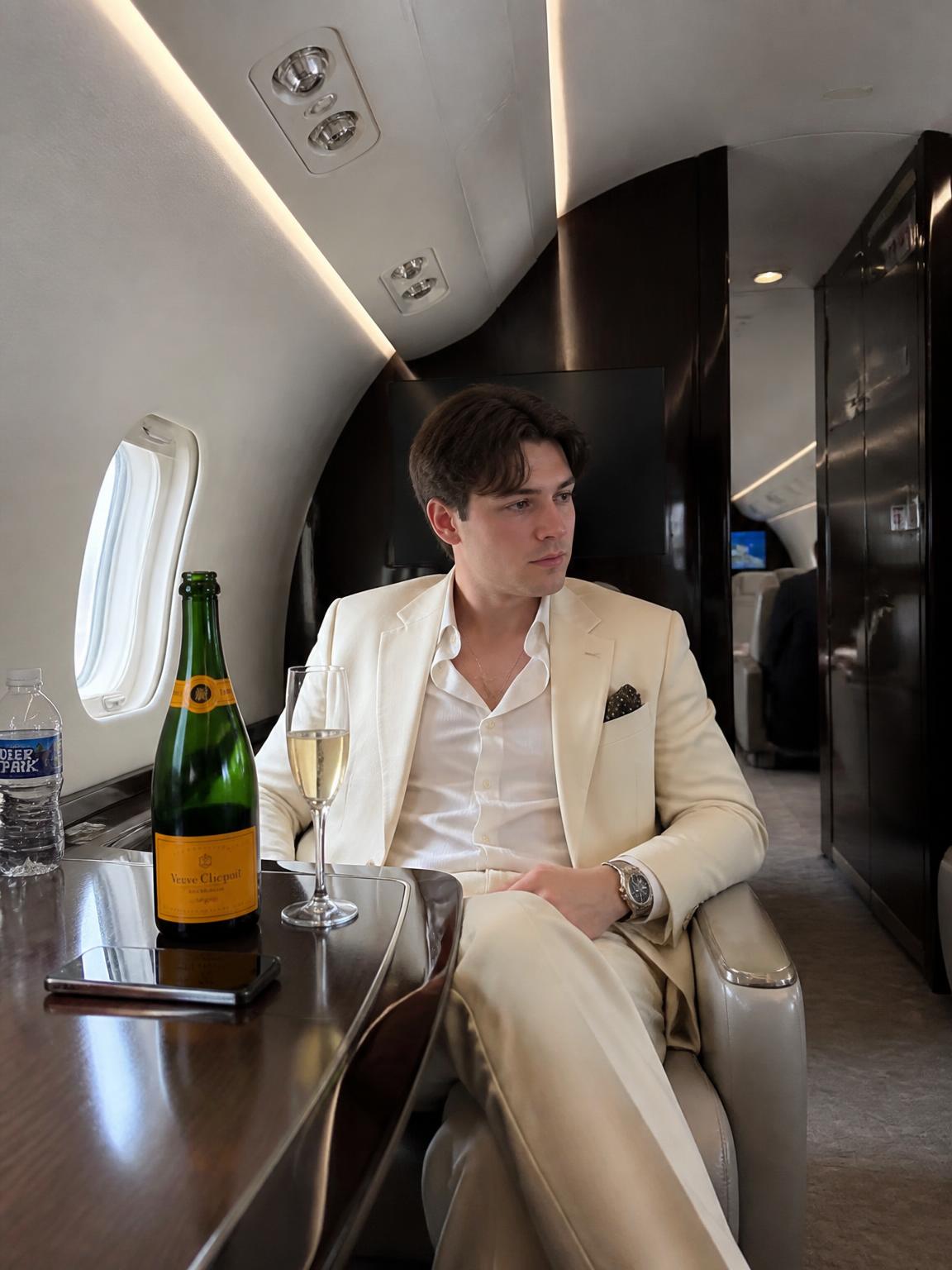
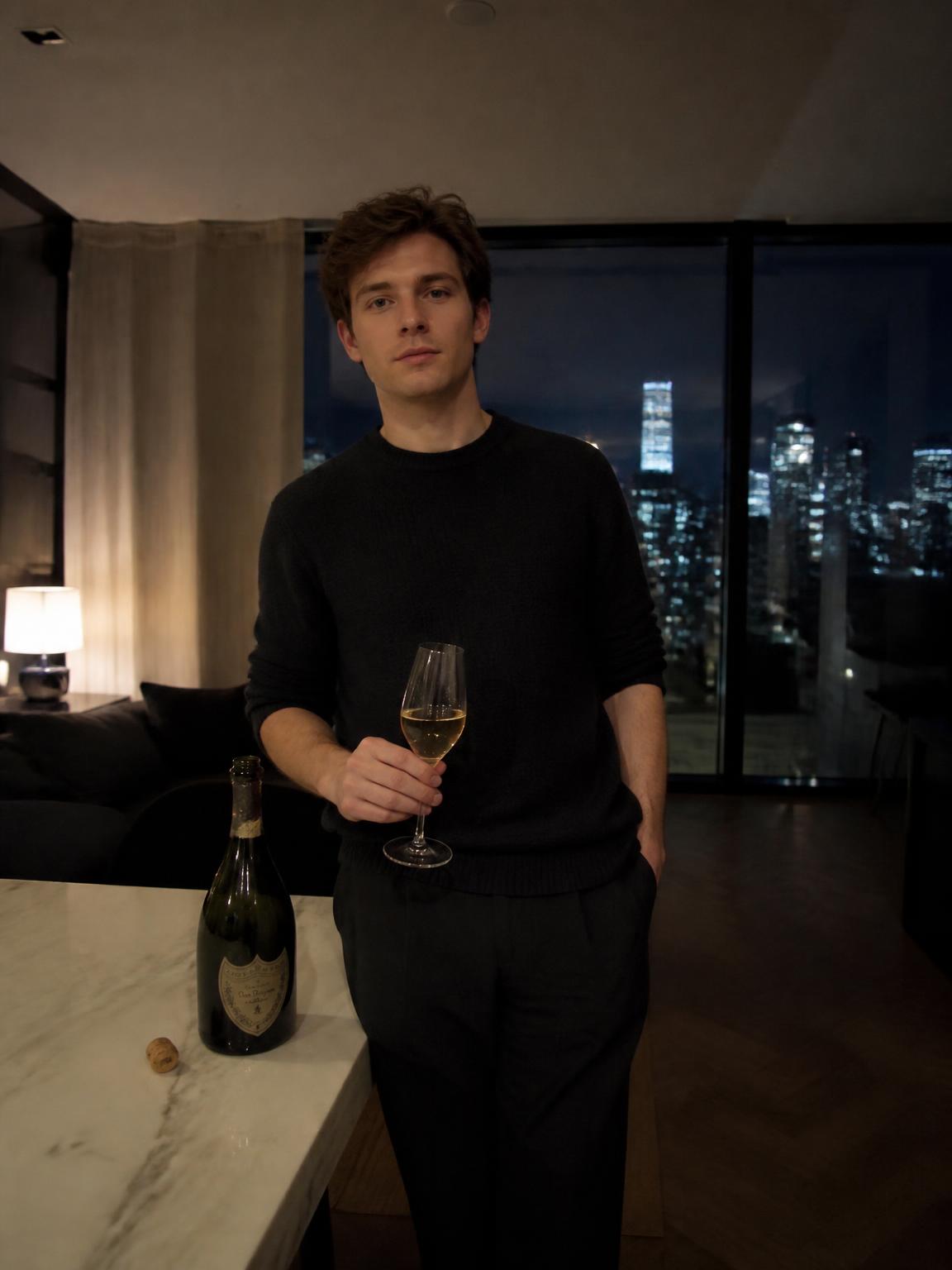
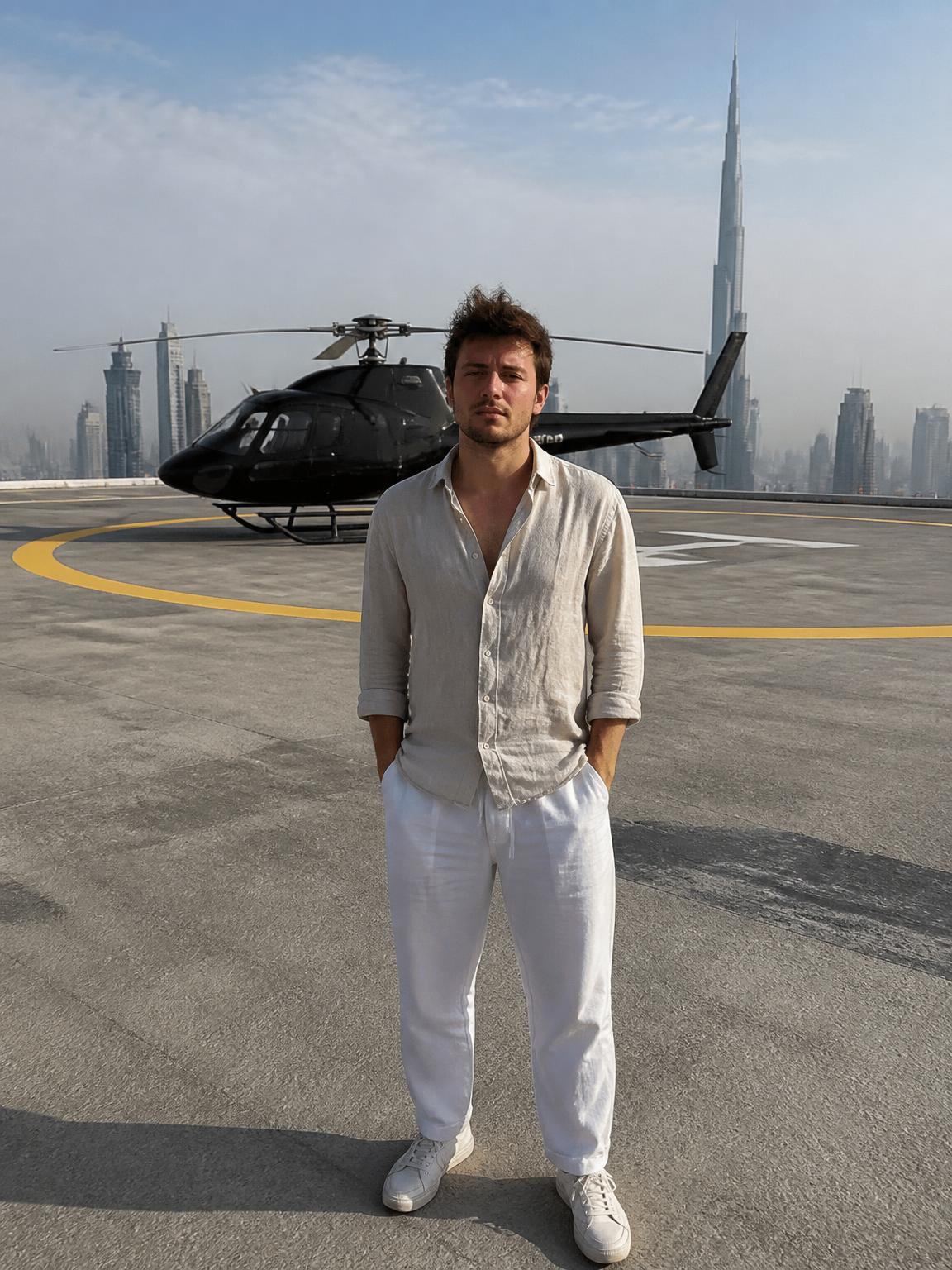
How the AI headshot generator works
You upload one clear, front-facing photo. The engine locks your face — bone structure, eye spacing, hairline, skin texture — and then generates the environment around it: the light source, the falloff, the background separation and the lens compression a portrait lens would give you.
Because the face is locked rather than redrawn, the result still looks like you on a good day, not like a stranger who shares your haircut.
- Upload one front-facing photo, phone camera is fine
- Pick a studio or environmental headshot scene
- Add optional details, such as wardrobe or background tone
- Download a 4K file in about 30 seconds
What makes a headshot read as professional
Recruiters and clients judge a headshot in well under a second, and almost all of that judgment comes from four technical choices rather than from how photogenic you are.
- Head-and-shoulders crop with your eyes on the upper third
- Soft key light roughly 45 degrees off-axis, with gentle fill
- A neutral or softly defocused background with no colour cast
- Sharp eyes, natural skin texture and no heavy retouching
- Wardrobe one notch more formal than your daily work clothes
AI headshots versus a photographer
A studio session in the United States typically runs $150 to $500, takes half a day, and gives you a handful of frames you cannot re-shoot when your hair or role changes. That is good value if you need a documented likeness or a large team shoot on one day.
An AI headshot generator is the better fit when you need one good frame quickly, want to test several looks, or need to refresh the photo every few months. You can generate a studio version for your avatar and an environmental version for your about page from the same upload.
Getting the best source photo
The generator can rebuild light and background, but it cannot invent detail your source photo never captured. A few seconds of care at upload time changes the output more than any setting.
- Face a window or another soft, even light source
- Keep the camera at eye level, roughly an arm's length away
- Avoid sunglasses, hats, heavy filters and motion blur
- Use a plain top; busy patterns compress badly
- One person in frame, face unobstructed
Where AI headshots are not appropriate
Some contexts require a photograph that documents your actual appearance on a given day: press credentials, regulated professional directories, legal identification, and employers whose policy requires an authentic photograph. A generated portrait is not appropriate there.
For everyday profiles, bios, thumbnails and decks it is a reasonable choice, and it is worth being open about it if anyone asks.
How Lyvoriia works
Upload your photo
One clear, front-facing image. A phone selfie works.
Choose your style
Each scene is a full photographic recipe: location, light, lens and grade.
Generate
Your face and proportions stay locked while the scene is built around you.
Download and share
A 4K file, yours to post, print or keep.
Benefits
Studio look from a selfie
Soft key light, background separation and portrait-lens compression without a studio.
Ready in about 30 seconds
No scheduling, no travel, no half-day session for one frame.
4K, print ready
Large enough for badges, printed decks and conference materials.
Try before paying
Three free generations on the homepage, no account required.
Use cases
- LinkedIn profile and connection requests
- Company directory and team pages
- Email signatures and CRM avatars
- Speaker bios, press kits and podcast guest photos
- Résumés, portfolios and freelance marketplace profiles
FAQ
- Is the AI headshot generator free?
- You get three free generations on the Lyvoriia homepage with no account. After that, plans start at $3.99 per month with no commitment.
- How many photos do I need to upload?
- One. A single clear, front-facing photo is enough — you do not need to upload a training set of twenty selfies.
- Will it still look like me?
- Yes. Your face and proportions are locked during generation; only the lighting, background and framing are rebuilt around you.
- How long does it take?
- About 30 seconds per headshot, so you can try several looks in a few minutes.
- What resolution are the headshots?
- 4K, which is large enough for print, badges and high-density displays as well as web profiles.
- Can my whole team use it?
- Yes. Generating from the same scene gives a consistent directory look without booking a group session.
- Should I disclose that my headshot is AI-generated?
- If anyone asks, say so. Some employers and directories require an authentic photograph, and that is a short conversation worth having.
Keep exploring
Generate your AI headshot
One selfie in, a professional 4K headshot out. First three photos are free.
Generate my AI headshot