October 18, 2026 · 8 min read
Use an AI Realistic Photo Generator for Pro Results
Learn how to make AI photos look real. Follow our guide on lighting, lens effects, and grain to master the AI realistic photo generator for lifestyle shots.
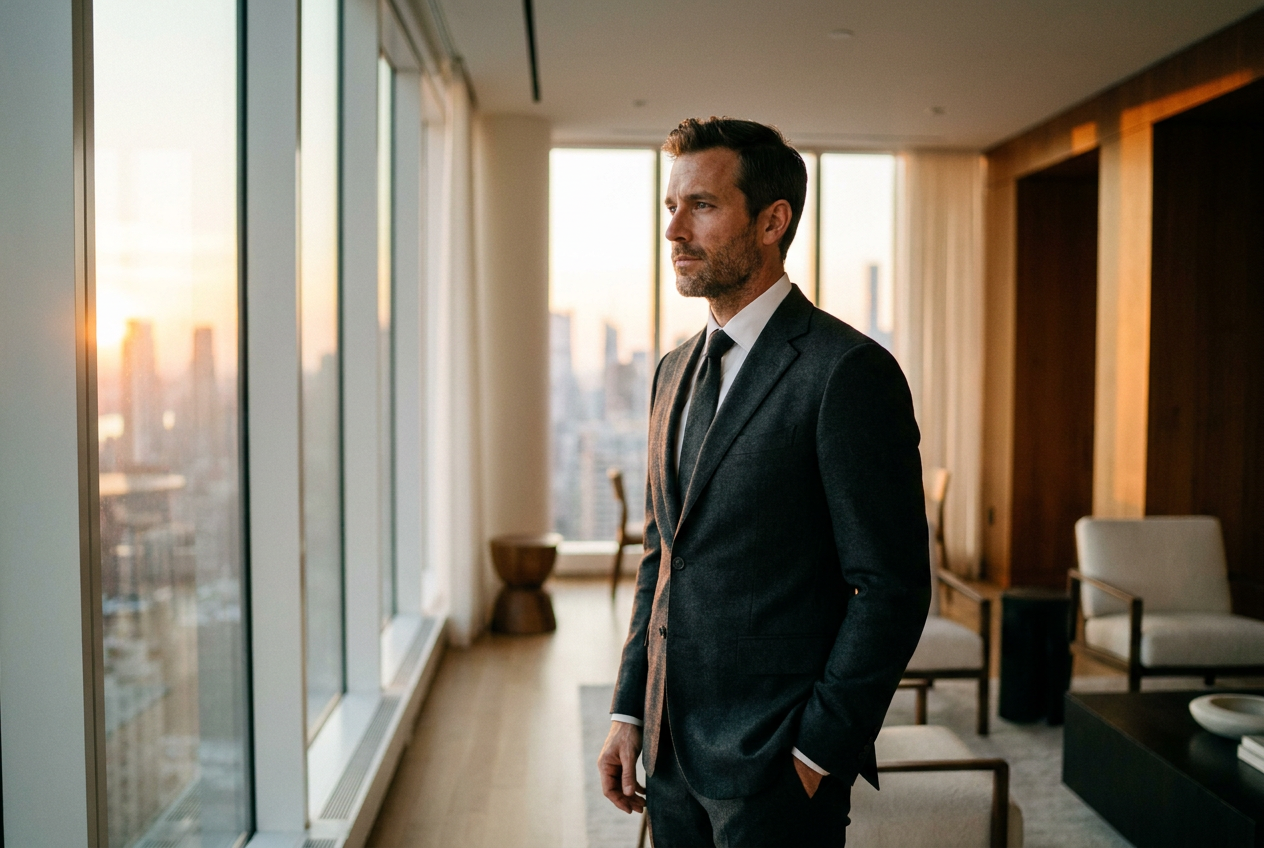
Making AI photos look real and not fake requires focusing on technical details like natural lighting, shallow depth of field, and subtle film grain. Using a high-quality AI realistic photo generator allows you to skip manual editing by applying these sophisticated photographic principles automatically to a single selfie.
The difference between a synthetic-looking image and a photorealistic one lies in the physics of light. While basic generators often produce overly smooth skin or impossible shadows, a professional-grade AI realistic photo generator replicates how a high-end camera sensor captures a scene in a real-world environment, such as a penthouse or a private jet.
How to Use an AI Realistic Photo Generator Step by Step
The process of creating high-end lifestyle images begins with your input material. To achieve the best results, you do not need a professional studio; you simply need a clear, well-lit selfie where your features are unobstructed. The AI uses this as a geometric reference to rebuild your likeness within a new environment.
- Step 1: Select Your Scene. Choose a lifestyle category that fits your goal, whether that is a luxury ski resort, a supercar interior, or a business setting.
- Step 2: Upload a Neutral Selfie. Use a photo with even lighting and a natural expression. Avoid heavy filters or dark sunglasses, as the AI needs to map your facial structure accurately.
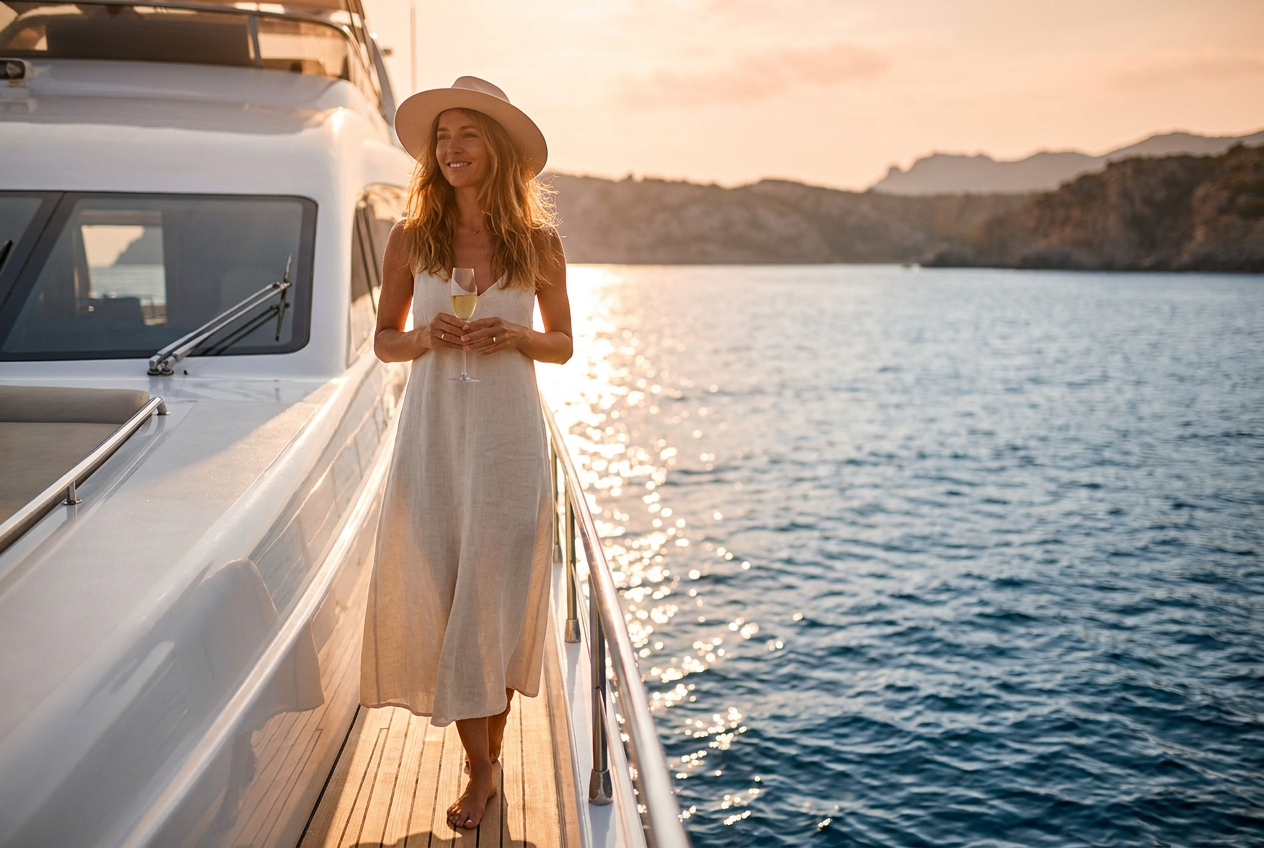
- Step 3: Let the AI Reconstruct the Environment. The system does not just paste your face onto a stock photo. It builds a 4K environment from scratch, ensuring that the light bouncing off the yacht or the leather seats in the jet reflects onto your skin and clothing.
- Step 4: Review and Refine. Once the generation is complete, check for anatomical accuracy and lighting consistency. High-quality generators will provide 4K resolution, allowing you to see fine details like fabric texture and stray hairs.
What Makes an AI Photo Look Real
Realism is achieved by mimicking the imperfections and technical characteristics of a physical camera. If an image is too perfect, the human eye immediately identifies it as artificial. To master an AI realistic photo generator, you must understand four key pillars: lighting, lens choice, grain, and framing.
Natural Lighting and Global Illumination
In real photography, light is never perfectly uniform. There are highlights, mid-tones, and deep shadows. A realistic AI generator uses global illumination, which simulates how light bounces off surfaces. If you are standing next to a red supercar, a faint red tint should be visible on the side of your trousers. This interaction between the subject and the environment is the hallmark of a true 4K photoreal image.
Lens Characteristics and Depth of Field
Professional lifestyle photography often uses a shallow depth of field (bokeh). This means the subject is sharp, while the background—be it a cityscape or a mountain range—is softly blurred. This replicates the look of a 35mm or 50mm lens. By focusing the viewer's eye on the person rather than the background details, the image gains a sense of depth that flat, fake-looking AI images lack.
Adding Film Grain and Texture
Digital sensors and film stock always have a degree of noise or grain, especially in low-light settings like a luxury lounge or a night scene in a penthouse. An AI realistic photo generator adds a subtle layer of digital grain to the final 4K output. This removes the "plastic" look common in lower-tier AI tools and makes the skin texture look like actual pores and fine lines rather than airbrushed pixels.
Intentional Framing and Composition
Fake AI photos often place the subject dead center with no regard for the Rule of Thirds. Real professional photos use dynamic angles. Whether it is a wide shot showing the scale of a private jet hangar or a close-up of a luxury outfit, the framing should look like a human photographer made a conscious choice about where to place the camera.
Mistakes to Avoid for Photorealistic AI
Even with a powerful AI realistic photo generator, certain errors can break the illusion of reality. Avoiding these common pitfalls will ensure your generated photos remain indistinguishable from real life.
- Over-Smoothing: Do not use selfies that have already been heavily filtered. The AI works best with raw data. If your input is blurry, the output will struggle to define sharp edges.
- Inconsistent Shadows: Watch out for "floating" subjects. If a person is standing on a pier next to a yacht, there must be a contact shadow where their shoes meet the ground. Lyvoriia handles this automatically, but it is a key detail to check.
- Anatomical Errors: While AI has improved significantly, always check the hands and the way clothing drapes over the body. Real fabric has weight and creates specific folds based on posture.
- Ignoring the Background Context: If you are wearing a heavy winter parka but the background is a tropical beach, the image will look fake regardless of the technical quality. Match your outfit selection to the environment.
Try it free
You can experience the quality of a professional engine right now; try the free demo to see your own transformation. Discover the capabilities of our AI realistic photo generator and create your first 4K lifestyle image in seconds.
Why use Lyvoriia?
Lyvoriia stands apart because it is built on an autonomous artificial intelligence system. Unlike tools that simply mix existing stock photos, Lyvoriia utilizes its own proprietary AI engine that has been refined over several years. This focus on internal development allows the system to reach a level of image quality and realism that mimics high-end photography equipment. Every pixel is calculated to ensure that lighting, shadows, and textures work together harmoniously. The result is a 4K image that looks like it was shot on location by a professional crew, not generated by a computer.
As you use these tools to enhance your digital presence, please remember that these images are AI-generated. While they provide a powerful way to visualize yourself in new settings, they should always be used honestly and responsibly in all personal and professional contexts.
Try it on your own selfie
One photo in, a 4K lifestyle shot out. Plans from $3.99 a month, cancel anytime.
Upload your photo