September 14, 2026 · 5 min read
How to Use an AI Photoshoot Generator with One Selfie
Learn how to turn a single selfie into professional, 4K lifestyle photos using a high-end AI photoshoot generator. A guide to realistic digital photography.
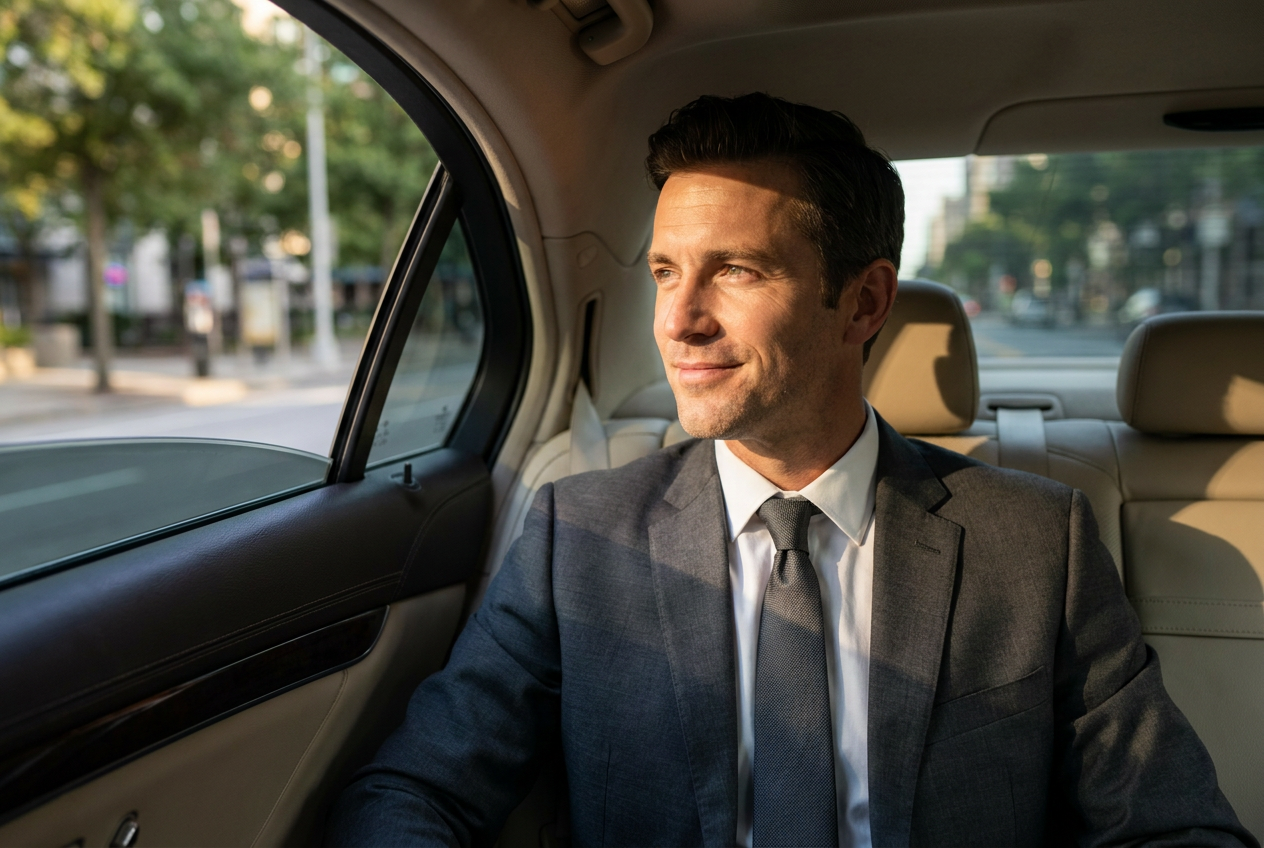
Creating a high-end digital portfolio no longer requires a professional photographer or an expensive studio session. You can generate a complete AI photoshoot from one selfie by using a specialized AI photoshoot generator that maps your facial features onto high-resolution lifestyle environments.
The process involves uploading a clear image of yourself to a platform like Lyvoriia, which then utilizes autonomous artificial intelligence to render your likeness into various scenarios. Whether you want to see yourself in a luxury penthouse, a private jet, or wearing high-end fashion, the technology now allows for photorealistic results that maintain your identity across every frame.
How to use an AI photoshoot generator step by step
Generating high-quality images is a straightforward process, but the quality of your output depends heavily on the initial input. Follow these three steps to ensure the best results for your digital upgrade.
1. Select your base image
The foundation of any AI generation is the source photo. Choose a selfie where your face is clearly visible, well-lit, and facing the camera directly or at a slight three-quarter angle. Avoid wearing hats, large sunglasses, or having hair covering your eyes, as these elements can confuse the AI when it attempts to map your facial structure. High-resolution photos taken in natural daylight work best.
2. Choose your lifestyle aesthetic
Once your selfie is uploaded, you select the environment or "style" you wish to inhabit. The AI photoshoot generator offers a variety of curated sets, including luxury vehicles, nautical settings, and international travel hubs. This is where the software begins the process of merging your physical traits with a pre-rendered, high-fidelity environment.
3. Refine and download
After the AI processes your image, you will be presented with a gallery of 4K photos. Look for the images that best capture your natural expression. Modern generators allow for rapid iterations, meaning you can produce dozens of different looks—from casual ski attire to formal luxury outfits—in a matter of minutes without ever leaving your home.
What makes the results look real
The difference between a generic filter and a professional AI photoshoot generator lies in the technical execution of the render. For a photo to be convincing, it must adhere to the laws of physical photography.
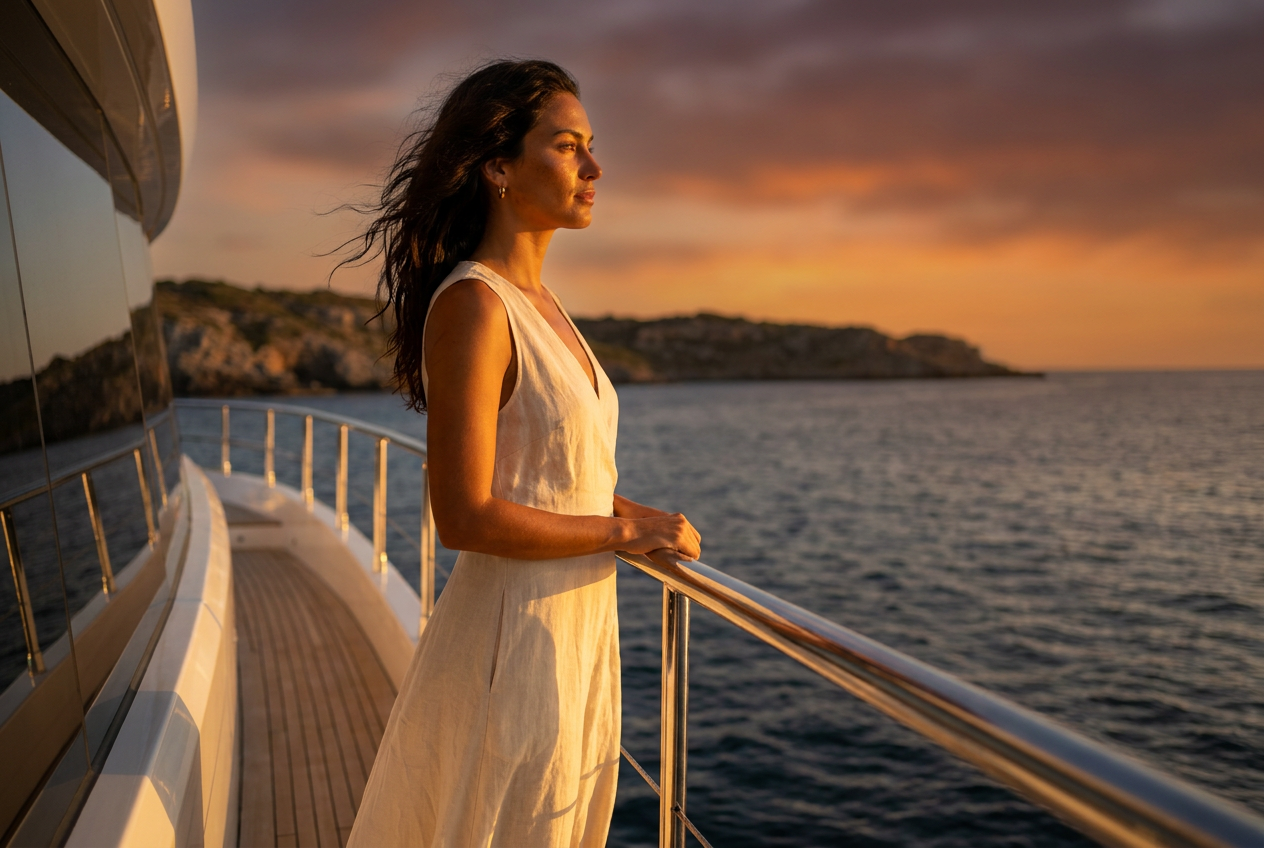
Dynamic Lighting: Realistic AI must calculate how light interacts with skin. Lyvoriia uses autonomous engines to ensure that the light source in the background (such as the sun setting over a yacht) matches the highlights and shadows on your face. This prevents the "pasted on" look common in lower-quality apps.
Lens Physics: Authentic photos have a specific depth of field. A high-end generator replicates the bokeh effect of a 35mm or 50mm lens, subtly blurring the background to make the subject pop. It also simulates natural chromatic aberration and lens flare where appropriate.
Film Grain and Texture: Digital images that are too smooth often look fake. Professional generators add a microscopic layer of noise or grain that mimics the sensor of a high-end DSLR camera. This texture, combined with realistic skin pores and fabric weaves, creates a photo that can withstand close inspection.
Mistakes to avoid for the best AI photoshoot
While the technology is powerful, certain user errors can break the illusion of realism. To get the most out of your session, avoid these common pitfalls:
- Low-Resolution Inputs: Uploading a blurry or pixelated selfie will result in a blurry output. The AI cannot "guess" details that aren't there. Always use the highest-quality file available.
- Overly Complex Backgrounds: If your initial selfie has a very busy background or other people in it, the AI may struggle to isolate your features. Use a clean, simple background for your source photo.
- Ignoring Proportions: While the AI handles most of the heavy lifting, ensure your head position in the selfie feels natural for the body poses in the selected styles. Extreme angles in a selfie may not always translate perfectly to every lifestyle pose.
Try it free
Experience the quality of a professional render by taking advantage of our trial. You can try the free demo to see how your likeness translates into a high-fidelity environment using our AI photoshoot generator.
Why use Lyvoriia?
Lyvoriia stands apart from standard image editors because it is an autonomous artificial intelligence. Unlike tools that simply swap faces or apply basic filters, Lyvoriia works exclusively from the results of its own internal AI engine. This engine has been refined over several years through millions of iterations to achieve a level of image quality and realism that matches professional photography.
Because the AI is autonomous, it understands the nuances of human anatomy, textile behavior, and environmental physics. It doesn't just place a face on a body; it reconstructs the entire scene to ensure that every pixel contributes to a cohesive, photorealistic 4K image. This dedication to technical excellence is why Lyvoriia is the preferred choice for those seeking a premium digital presence.
Please remember that while these images are indistinguishable from reality, they are AI-generated representations. We encourage all users to use these photos honestly and responsibly within their social circles and digital platforms.
Try it on your own selfie
One photo in, a 4K lifestyle shot out. Plans from $3.99 a month, cancel anytime.
Upload your photo