October 13, 2026 · 6 min read
How to Use an AI Photoshoot Generator for Lifestyle Photos
Learn how to transform a single selfie into a high-end lifestyle photoshoot using an AI photoshoot generator. Step-by-step guide for realistic 4K results.
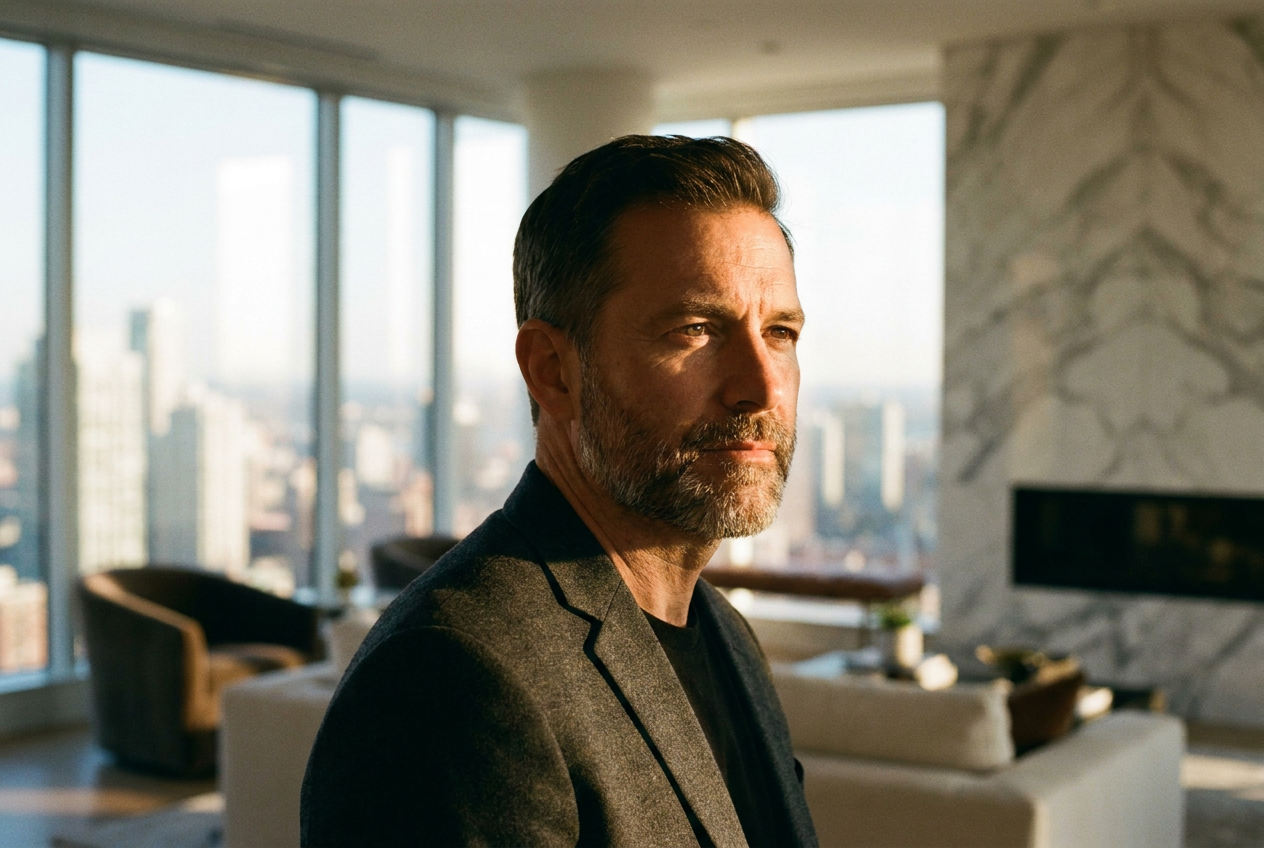
You can create an AI photoshoot from one selfie by using a specialized generative platform that maps your facial features onto new environments. By uploading a single high-quality portrait to an ai photoshoot generator, the software analyzes your unique geometry and re-renders you into 4K scenes such as private jets, luxury penthouses, or exotic travel destinations.
This process eliminates the need for expensive photographers, lighting crews, or physical travel. Within minutes, the artificial intelligence handles the composition, wardrobe, and lighting, providing you with professional-grade lifestyle images that look identical to a real-life production. To get the best results, you simply need to choose a tool optimized for photorealism and follow a few basic preparation steps.
How to use an AI photoshoot generator step by step
The transition from a basic smartphone selfie to a luxury lifestyle image involves a sophisticated machine learning pipeline. However, for the user, the interface is designed to be intuitive and fast. Follow these three steps to generate your first professional set of images.
1. Select a high-quality reference image
The quality of your output depends heavily on the input. To help the ai photoshoot generator understand your features, choose a photo where your face is clearly visible, well-lit, and facing the camera directly. Avoid using photos with heavy filters, sunglasses, or hats that obscure your eyes or forehead. A neutral expression or a natural smile works best, as the AI will adapt this expression to the new scene.
2. Choose your luxury environment
Once your selfie is uploaded, you select the "lifestyle" or "luxury" category. Lyvoriia offers a variety of presets designed to mimic high-end photography. You can choose to be placed inside a private jet cabin, standing next to a modern supercar, or lounging on a yacht in the Mediterranean. Because the AI understands spatial depth, it will place your likeness into these scenes with correct proportions, ensuring you don't look like a flat cutout against a background.
3. Generate and refine the 4K results
After clicking generate, the engine processes the image. It doesn't just swap your head onto a body; it recreates your entire likeness to match the lighting and colors of the chosen environment. Once the 4K render is complete, you can download the image immediately. If you want a different look—perhaps changing from a casual ski outfit to a bespoke tuxedo—you simply select a new style and run the process again.
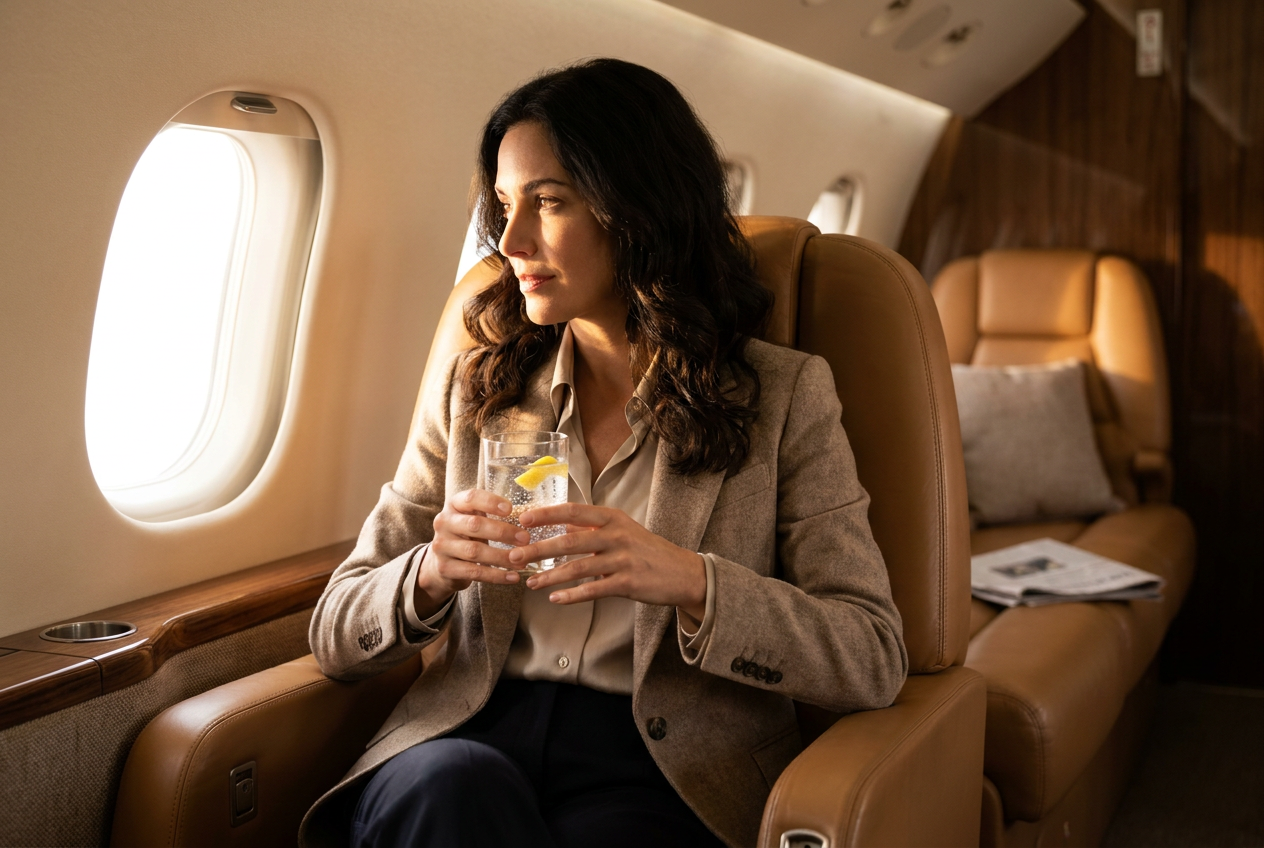
What makes the AI photoshoot results look real
The primary concern for users is whether the images look "fake" or overly processed. The difference between a standard filter and a high-end ai photoshoot generator lies in the technical details of the render. To achieve photorealism, the software mimics the physics of a traditional camera lens.
Dynamic Lighting and Shadows
Real photos have complex lighting where shadows fall naturally across the face and clothing. A high-quality AI engine calculates the light source in the virtual environment—such as the sun hitting a yacht deck—and applies that exact light angle to your skin. This ensures that the highlights on your cheekbones match the brightness of the background, creating a seamless visual blend.
Lens Characteristics and Depth of Field
Professional lifestyle photography often uses a shallow depth of field (bokeh) to make the subject pop. Lyvoriia replicates the look of an 85mm or 50mm prime lens, gently blurring the background while keeping your features sharp. This adds a sense of physical space to the image that simple photo editing cannot replicate.
Film Grain and Texture
Digital images can sometimes look too smooth or "plastic." Real photography contains subtle textures and fine grain. The AI adds a layer of natural skin texture—including pores and fine lines—and a microscopic grain to the final 4K export. These small imperfections are what trick the human eye into perceiving the image as a physical photograph taken by a human.
Common mistakes to avoid for the best results
While the technology is powerful, certain user errors can decrease the realism of the final product. Avoiding these pitfalls will ensure your gallery looks authentic.
- Using low-resolution selfies: If you upload a blurry or pixelated photo, the AI struggles to map your features, often resulting in a "uncanny valley" look where the face doesn't quite match the body.
- Ignoring the background of your source: While the AI replaces the background, a source photo taken in a very dark room with yellow lighting might color-contaminate the AI's understanding of your skin tone. Use a photo taken in natural daylight if possible.
- Over-editing your input: Do not use FaceTune or other beauty apps on your selfie before uploading it. The ai photoshoot generator works best with raw, honest data to recreate a believable version of you.
Try it free
You can experience the power of our technology right now by exploring the AI photoshoot generator and choosing your preferred style. We invite you to try the free demo to see how one selfie transforms into a high-end lifestyle render.
Why use Lyvoriia?
Lyvoriia is not a simple face-swapping app or a basic filter tool. It is an autonomous artificial intelligence system that operates using a proprietary engine developed specifically for high-fidelity human rendering. Unlike other services that might rely on generic open-source models, Lyvoriia has been refined over several years to prioritize anatomical accuracy and photorealistic textures.
The system works autonomously to handle complex tasks like fabric physics, reflections on metallic surfaces (like supercars), and the interaction between human subjects and their environment. This dedication to independent AI development ensures that every image meets a 4K standard suitable for professional branding and high-end social presence.
Please remember that while these images are indistinguishable from real photography, they are entirely AI-generated. We encourage all users to use these images honestly and ethically when representing themselves online. These tools are designed to enhance your visual storytelling and personal branding through the power of modern technology.
Try it on your own selfie
One photo in, a 4K lifestyle shot out. Plans from $3.99 a month, cancel anytime.
Upload your photo