September 17, 2026 · 7 min read
How to Use an AI Headshot Generator Without a Photographer
Learn how to get professional portraits using an AI headshot generator. Skip the expensive studio and create high-quality lifestyle photos from a single selfie.
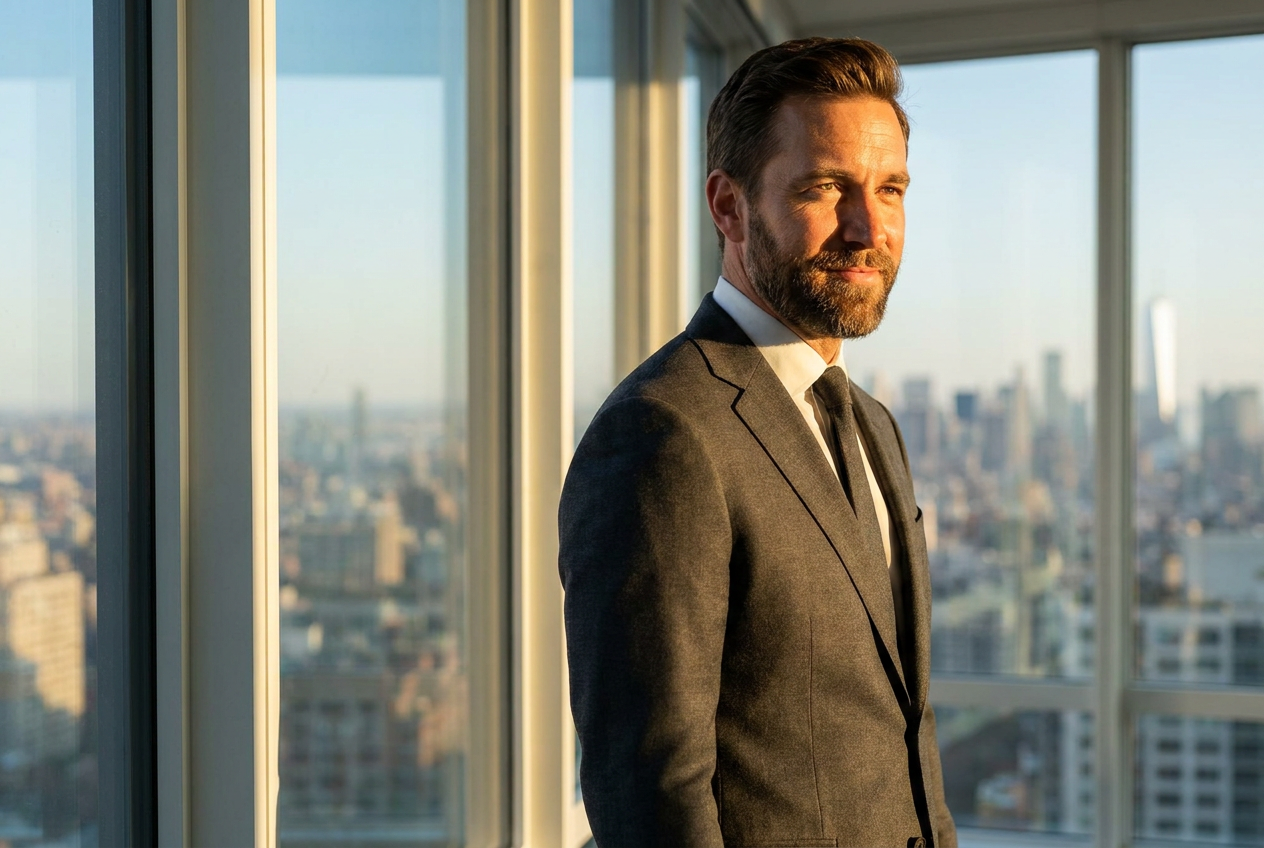
You can get a professional portrait without hiring a photographer by using an ai headshot generator like Lyvoriia. This technology allows you to upload a single selfie and transform it into a photorealistic 4K image that mimics the quality of a professional studio session.
Traditional photography requires significant time, equipment, and financial investment. By utilizing artificial intelligence, you can bypass the logistical hurdles of scheduling a shoot while still achieving a result that looks authentic, professional, and high-end. Whether you need a photo for a corporate profile or a luxury lifestyle display, the process is now accessible from your smartphone.
How the AI Headshot Generator Works Step by Step
The transition from a basic smartphone selfie to a professional asset involves a sophisticated sequence of image analysis and reconstruction. Here is how you can achieve these results in just a few minutes:
- Upload Your Base Image: Start by choosing a clear, well-lit selfie. The AI needs to understand your facial structure, so a photo where your face is clearly visible and not obscured by sunglasses or heavy filters works best.
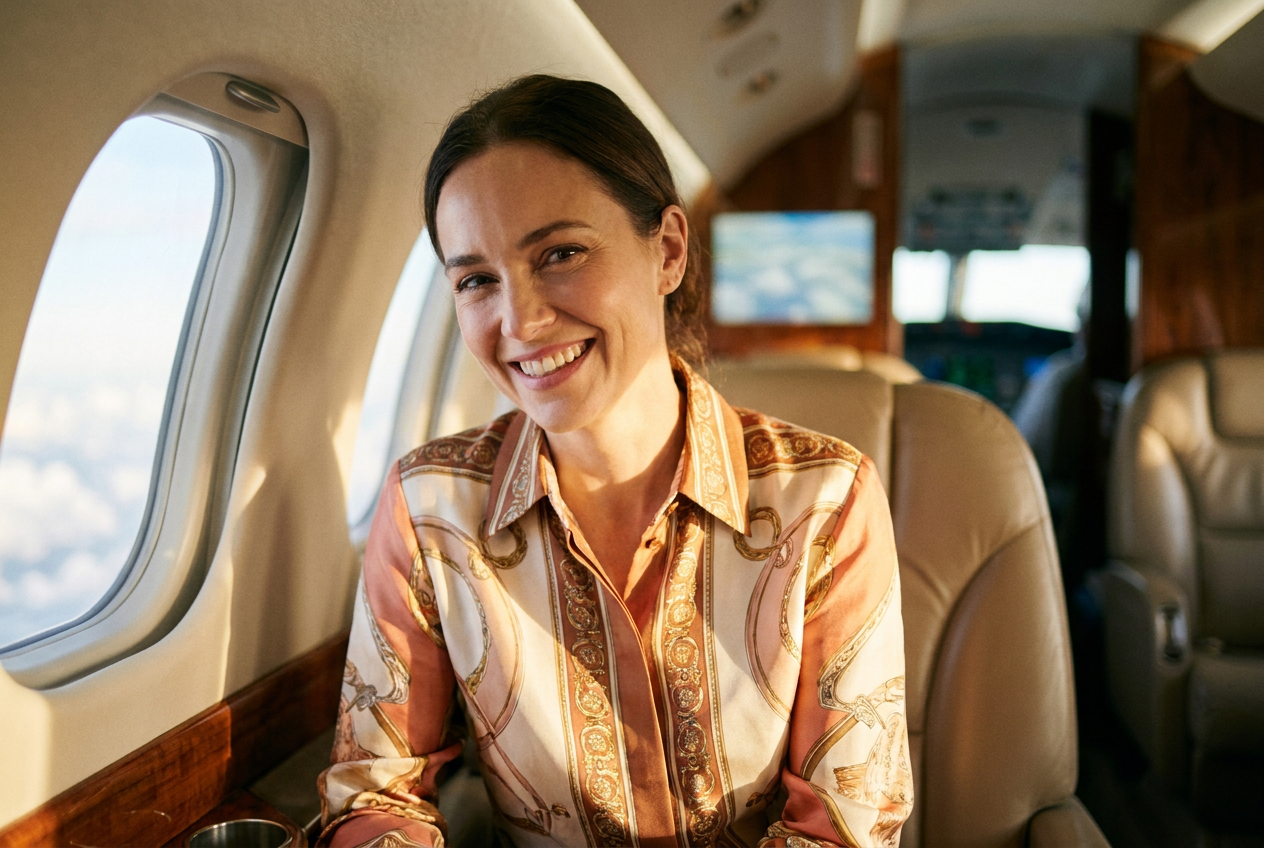
- Select Your Desired Environment: Unlike a traditional studio where you are stuck with one background, an AI generator allows you to place yourself in a penthouse, a private jet, or a luxury ski resort.
- Configure Your Styling: Choose the attire that fits your goal. You can opt for tailored suits, high-end designer outfits, or specific lifestyle gear that matches the setting.
- Generate and Refine: The engine processes your facial features and merges them with the chosen environment, maintaining your likeness while upgrading the lighting and resolution to 4K quality.
The entire process removes the need for expensive lighting rigs or post-production editing software. The AI handles the color grading and sharpness automatically, delivering a polished final product ready for immediate use.
What Makes an AI Portrait Look Real?
The difference between a generic filter and a high-quality AI generation lies in the technical details of the image. For an image to pass as a real photograph, the AI must account for specific optical properties that human eyes are trained to recognize.
Natural Lighting and Shadows
Real photos have consistent light sources. If you are placed in a sun-drenched penthouse, the shadows on your face must match the direction of the windows. Advanced AI ensures that the global illumination is consistent across your skin, clothing, and the background elements to prevent a "pasted-on" appearance.
Lens Characteristics and Depth of Field
Photographers use specific lenses to create a shallow depth of field, which results in a blurred background (bokeh) that makes the subject pop. An effective ai headshot generator replicates this by applying a mathematical blur to background elements based on their virtual distance from the camera lens.
Texture and Film Grain
Digital sensors and film stock have a specific texture. Perfectly smooth skin often looks fake. High-end AI adds subtle skin textures, pores, and a fine layer of digital grain to simulate the output of a professional DSLR camera. This subtle imperfection is actually what makes the image feel grounded in reality.
Framing and Composition
Professional photos follow the rule of thirds or specific centered compositions. The AI is trained on millions of high-quality photographs to understand how to frame a subject within a luxury setting—whether it is the cockpit of a jet or the deck of a yacht—ensuring the proportions look natural.
Common Mistakes to Avoid When Generating AI Photos
While the technology is powerful, the quality of the output depends on the input and the settings you choose. To ensure your photos look authentic, avoid these common pitfalls:
- Low-Quality Source Images: If your initial selfie is blurry or taken in a dark room, the AI will have a harder time mapping your features accurately. Always use the highest resolution selfie available.
- Over-Styling: It can be tempting to choose the most extravagant settings, but for a professional look, balance is key. Ensure the outfit matches the setting to maintain visual logic.
- Ignoring Facial Expressions: Try to use a selfie with a neutral or natural smile. An overly exaggerated expression can sometimes lead to slight distortions during the AI reconstruction process.
- Neglecting Consistency: If you are building a personal brand, try to generate a few images with similar lighting profiles to maintain a cohesive look across your platforms.
Try it free
You can experience the quality of professional AI photography right now. We invite you to try the free demo and see how our AI headshot generator can transform your appearance in seconds.
Why use Lyvoriia?
Lyvoriia stands apart from generic apps because it operates as an autonomous artificial intelligence system. Unlike simpler tools that merely layer filters over your face, Lyvoriia uses its own proprietary AI engine that has been refined over several years to prioritize hyper-realism and 4K clarity.
The system works independently to reconstruct every pixel, ensuring that the final image is not just a modification of your selfie, but a completely new, high-fidelity photograph generated from the ground up. This dedication to autonomous processing allows for a level of detail in luxury outfits, supercars, and complex environments that standard generators simply cannot match. By focusing on high image quality and anatomical accuracy, Lyvoriia provides a professional-grade solution for the modern digital era.
As you explore the possibilities of artificial intelligence, remember that these images are tools for enhancing your digital presence. Please use these AI-generated photos honestly and responsibly in your professional and social interactions.
Try it on your own selfie
One photo in, a 4K lifestyle shot out. Plans from $3.99 a month, cancel anytime.
Upload your photo