September 14, 2026 · 5 min read
How to add someone to a photo ai naturally
Learn how to add someone to a photo with AI for realistic results. Discover how Lyvoriia creates high-quality lifestyle images featuring companions using just one selfie.
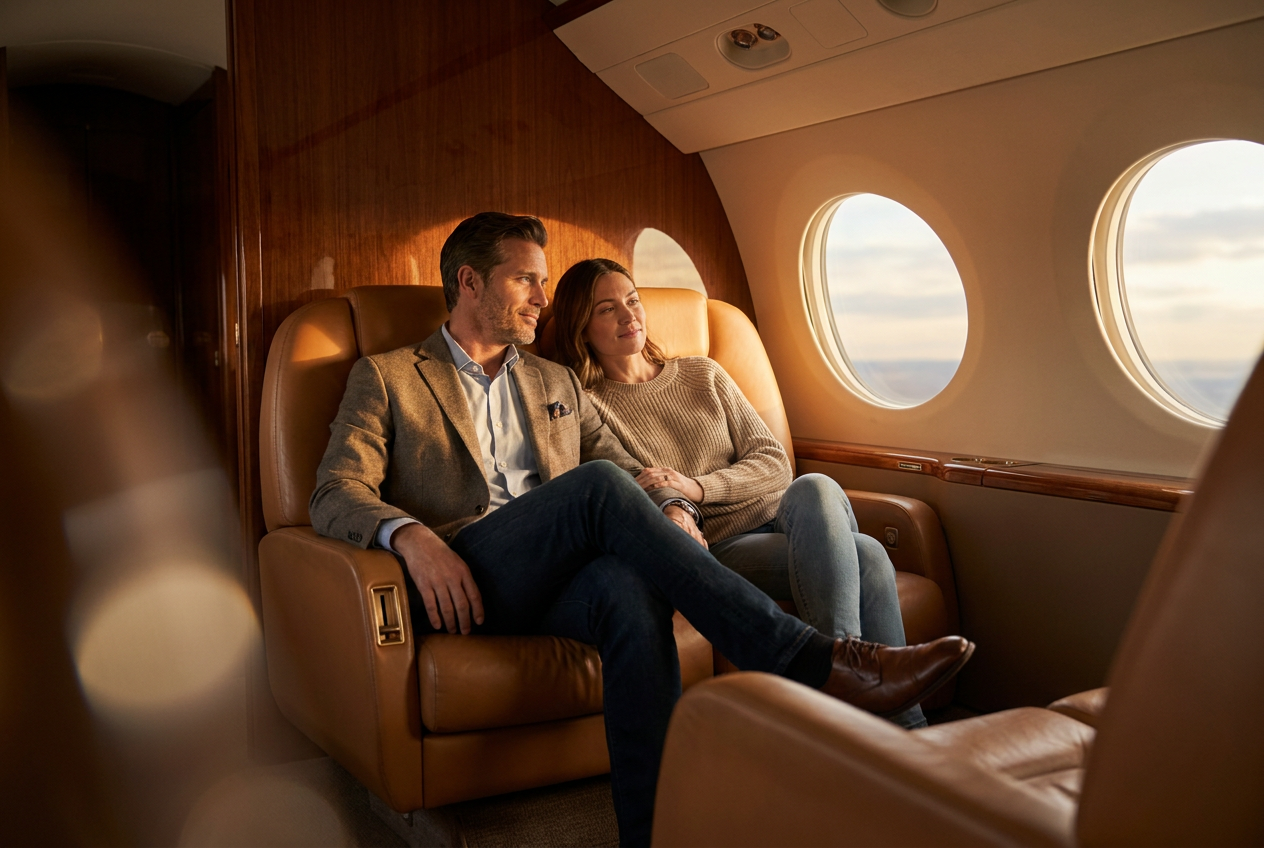
You can add someone to a photo ai by using advanced generative models that analyze your facial features and integrate them into a pre-composed lifestyle scene. Rather than manually cutting and pasting images in traditional editing software, modern AI tools allow you to generate an entirely new, photorealistic image where you and a companion appear naturally in a luxury setting.
Lyvoriia simplifies this process by focusing on high-end lifestyle scenarios. Instead of worrying about complex layering, you simply provide one clear selfie, and the engine handles the composition, lighting, and placement of a companion to create a seamless final result.
How to add someone to a photo ai step by step
Generating a high-quality lifestyle image with a companion requires a systematic approach to ensure the final output looks authentic. The process with Lyvoriia is designed to be user-friendly, moving from a simple upload to a finished 4K masterpiece.
1. Select a high-quality source selfie
The foundation of any AI generation is the source material. You should upload a clear, high-resolution selfie where your face is well-lit and unobstructed. Avoid wearing sunglasses, hats, or heavy filters, as these can confuse the AI when it attempts to map your features onto a new scene. The more detail the AI has, the more accurate the final render will be.
2. Choose a lifestyle scenario with a companion
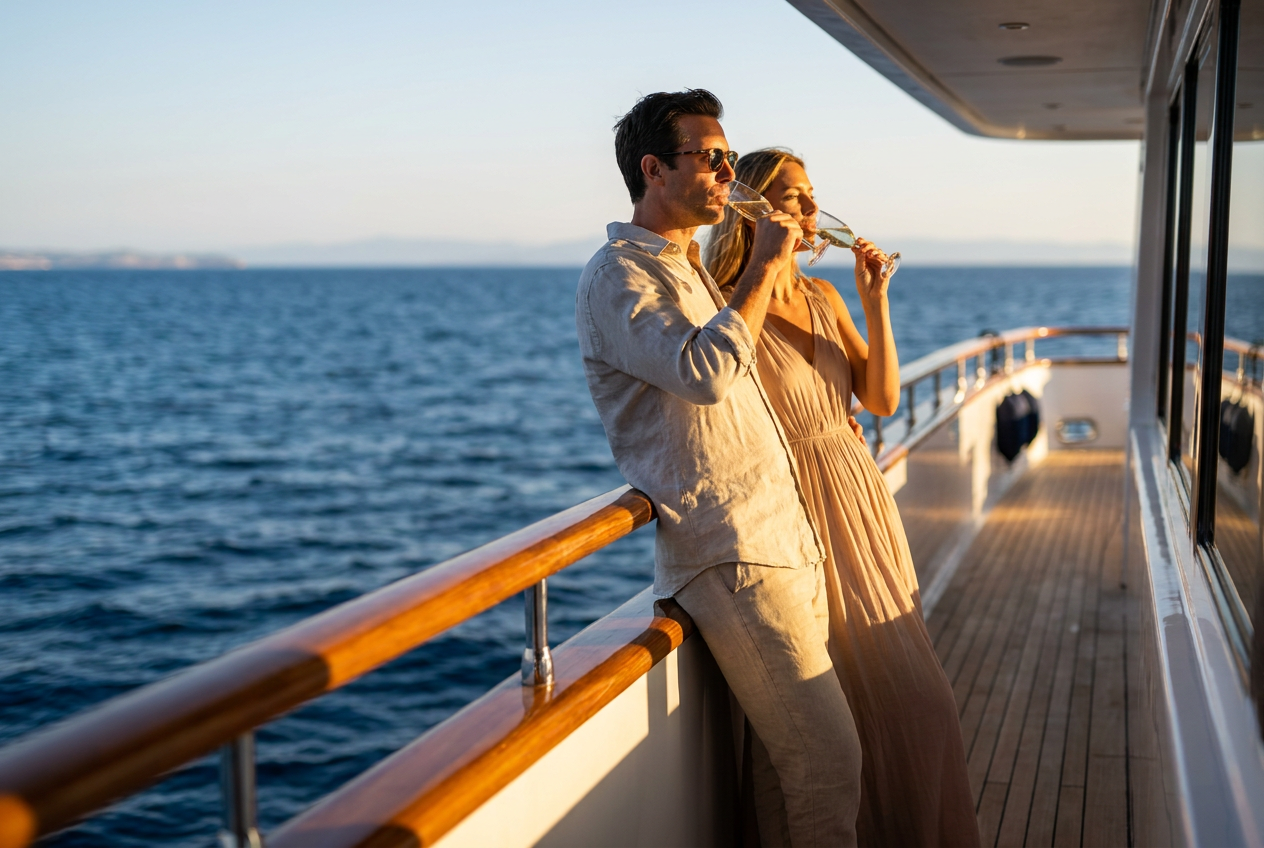
Lyvoriia offers a variety of curated environments. To add a companion, you select a template specifically designed for two people. These include scenarios such as sitting in the back of a private jet, standing on the deck of a yacht in the Mediterranean, or relaxing in a luxury penthouse overlooking a city skyline. By selecting these pre-defined compositions, you ensure the framing and depth of field are already optimized for two subjects.
3. Generate and refine
Once you select your style and upload your photo, the AI begins the rendering process. It calculates the geometry of your face and places it onto the primary subject while generating a secondary person—such as a partner or friend—that matches the aesthetic of the scene. The result is a unified image where the interaction between the two subjects looks natural rather than staged.
What makes the result look real
The difference between a cheap filter and a professional AI generation lies in the technical details. To successfully add someone to a photo ai, the engine must account for four critical elements: lighting, lens physics, film grain, and framing.
Consistent lighting and shadows
In a real photograph, light hits every subject from the same source. If you are standing on a yacht at sunset, the golden hour light must reflect off both you and your companion identically. Lyvoriia’s engine calculates global illumination, ensuring that shadows cast by one person correctly fall across the environment or the other person, creating a sense of physical presence.
Optical lens physics
Real cameras have a specific depth of field. Usually, one person might be slightly more in focus than the background or the person standing slightly behind them. Lyvoriia mimics high-end full-frame camera lenses, applying a natural bokeh effect. This blur is not a simple Gaussian filter; it is a mathematically accurate representation of how light passes through a glass lens, which is essential for perceived realism.
Authentic film grain and texture
Digital sensors and film stock both have unique textures. A common mistake in AI images is making the skin look too smooth or plastic. To counter this, the AI adds a subtle layer of digital noise and skin texture—pores, fine lines, and natural imperfections. This makes the image look like it was captured on a professional camera rather than rendered by a computer.
Mistakes to avoid when using AI
While the technology is powerful, certain errors can ruin the illusion of a luxury lifestyle photo. Knowing what to avoid will help you produce the most convincing results.
- Low-resolution uploads: If your starting selfie is blurry or pixelated, the AI will struggle to recreate your likeness accurately, often resulting in a face that looks mismatched compared to the high-detail background.
- Cluttered backgrounds in the source: Try to take your selfie against a neutral background. While the AI replaces the background, busy environments can sometimes cause artifacts around your hair or ears.
- Ignoring the composition: When you want to add someone to a photo ai, ensure the scenario you choose makes sense for the pose in your selfie. If your head is tilted significantly in your upload, choose a style that accommodates that angle.
Try it free
Experience the quality of a professional photoshoot without the expense by trying our try the free demo. You can explore the capabilities of our AI lifestyle photo generator to see how effortlessly you can place yourself in elite global locations.
Why use Lyvoriia?
Lyvoriia stands apart from generic image editors because it is an autonomous artificial intelligence system. Unlike tools that simply mix existing stock photos, our engine has been refined over several years to generate every pixel from scratch based on its internal understanding of photography and aesthetics. This autonomy allows for a level of consistency and high-definition quality that is rarely achieved in the consumer AI space. By focusing specifically on the luxury lifestyle niche, the AI has learned the nuances of high-end fashion, architectural lighting, and premium automotive textures, resulting in 4K images that are indistinguishable from real photography.
Please remember that while these images are highly realistic, they are entirely AI-generated. We encourage all users to use these photos honestly and responsibly within their social circles and digital platforms.
Try it on your own selfie
One photo in, a 4K lifestyle shot out. Plans from $3.99 a month, cancel anytime.
Upload your photo