September 22, 2026 · 5 min read
Choosing the Best AI YouTube Photo Generator
Discover how an AI youtube photo generator can create photorealistic lifestyle thumbnails from a single selfie to boost your channel's click-through rate and visual authority.
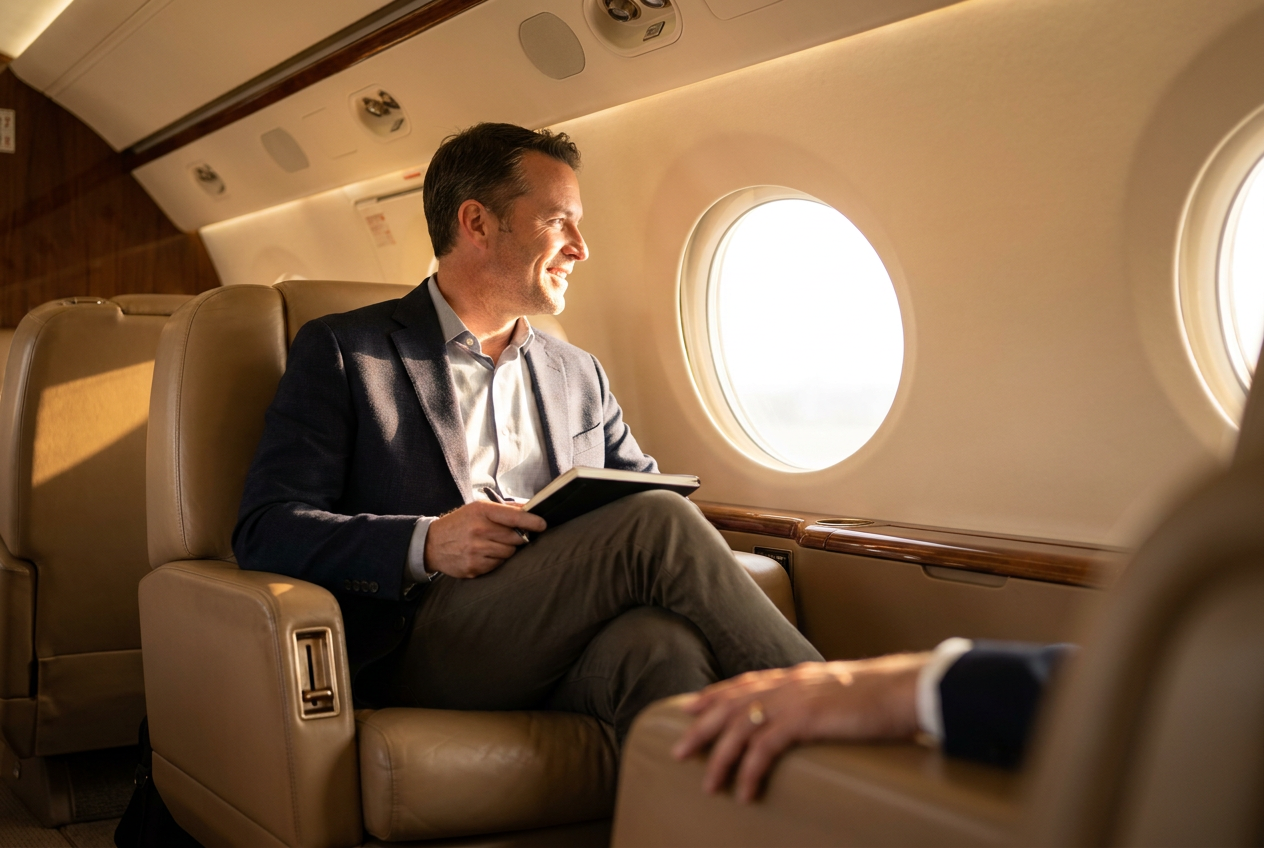
When looking for the best AI photo generator for YouTube thumbnails, you need a tool that produces photorealistic lifestyle images rather than cartoonish avatars. The most effective option is an AI youtube photo generator that can take a single reference photo and place you in high-end, high-contrast environments that naturally attract clicks.
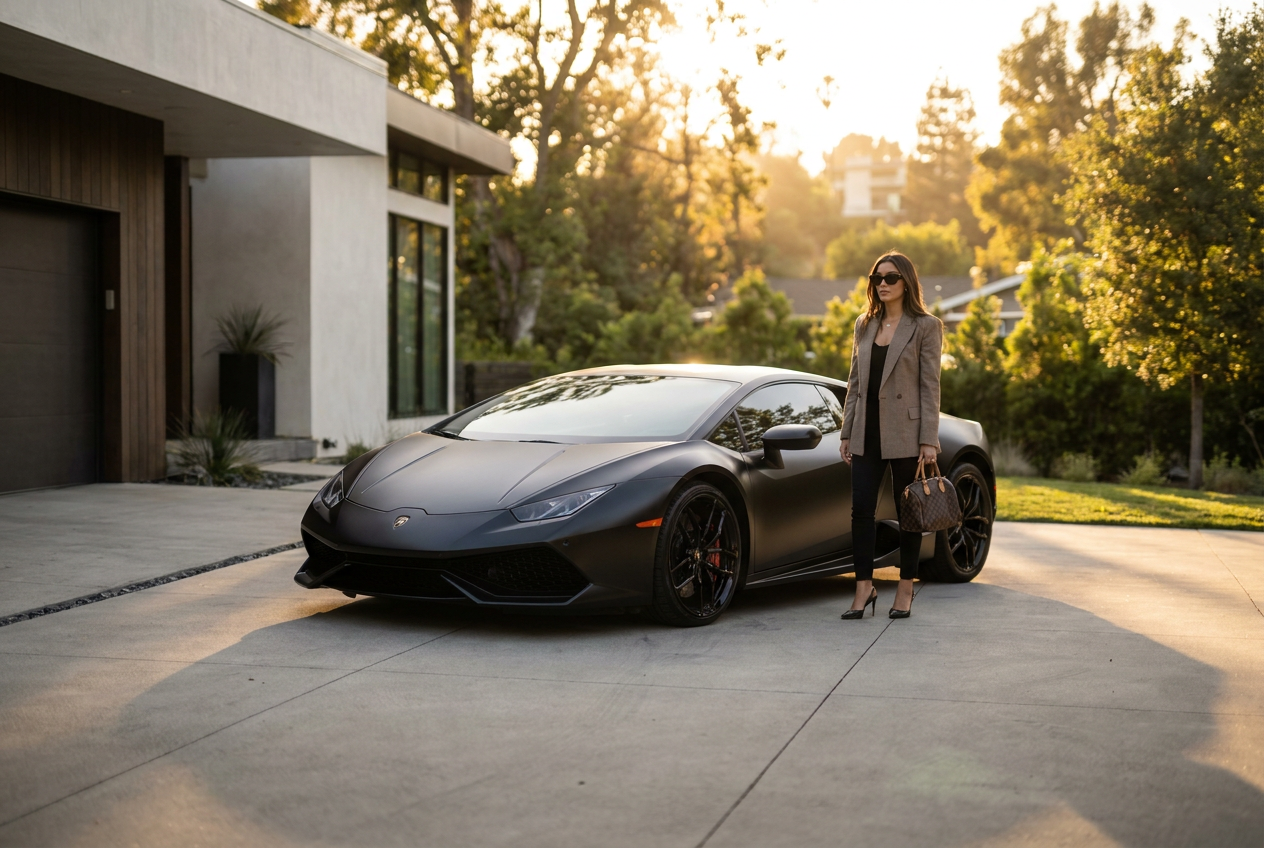
YouTube is a visual-first platform where viewers judge the quality of a video by its thumbnail in less than a second. Using an AI-driven approach allows creators to feature themselves in luxury settings—such as private jets, supercars, or modern penthouses—without the logistical costs of a physical photoshoot. This increases the perceived value of your content and helps build a stronger personal brand.
How the AI youtube photo generator works step by step
Creating professional-grade thumbnails with an AI youtube photo generator is a streamlined process designed for creators who do not have time for complex editing software. The goal is to move from a basic smartphone selfie to a 4K lifestyle shot in minutes. Here is the standard workflow for achieving high-quality results.
1. Upload your base image
The process begins with a single, clear selfie. For the best results, ensure your face is well-lit and looking toward the camera. Unlike older systems that required twenty or thirty different photos to learn your features, modern autonomous AI can map your facial structure from just one high-resolution input.
2. Select a lifestyle environment
Once your identity is uploaded, you choose the narrative of your thumbnail. You can select from a variety of luxury settings that fit your video topic. If your video is about entrepreneurship, a private jet or a penthouse office provides immediate authority. If it is a travel vlog, you might choose a Mediterranean yacht or a snowy ski resort in the Alps.
3. AI generation and refinement
The engine processes your request by generating the environment and your likeness simultaneously. It doesn't just "paste" your face onto a stock photo; it recreates your features within the lighting and perspective of the new scene. After a few moments, the AI presents a 4K image that is ready for text overlays or direct upload to your YouTube Studio dashboard.
Technical elements that make AI photos look real
The difference between a generic AI image and a photoreal lifestyle photo lies in the technical execution of the details. To stand out on a crowded YouTube sidebar, your thumbnail must look like it was captured by a professional photographer using a high-end DSLR camera. There are four specific areas where the AI must excel to maintain realism.
Dynamic lighting and shadows
Lighting is the most common giveaway of an AI image. In a real photo, the light source affects the skin tone and creates consistent shadows across the body and the background. An advanced AI youtube photo generator calculates the direction of light—whether it is the golden hour sun hitting your face on a yacht or the cool interior lights of a luxury car—and applies those highlights to your features naturally.
Lens optics and depth of field
Professional photography often utilizes a shallow depth of field (bokeh) to make the subject pop. High-quality AI mimics specific lens characteristics, such as a 35mm or 50mm prime lens, ensuring the background has a soft blur while your face remains sharp. This creates a sense of scale and professional production value that viewers associate with top-tier creators.
Natural film grain and texture
Digital images that are too "smooth" often look fake. Real photos have a subtle amount of digital noise or film grain, especially in the darker areas of the frame. The AI adds these micro-textures to the skin and clothing to ensure the output does not look like a 3D render, but rather a captured moment in time.
Framing and composition
A good thumbnail follows the rule of thirds or uses leading lines to draw the eye. The AI understands how to frame a subject within a luxury environment, ensuring the supercar or the jet interior complements the person rather than cluttering the frame. This balance is essential for maintaining a clean, professional aesthetic on small mobile screens.
Common mistakes to avoid when generating thumbnails
Even with powerful technology, the quality of your final thumbnail depends on how you use the tool. Avoiding common pitfalls will ensure your audience remains engaged and trusts your visual branding.
- Using low-resolution source photos: If your initial selfie is blurry or pixelated, the AI will struggle to recreate your features accurately. Always use a clear, high-definition photo for the best mapping.
- Over-editing the final result: While it is tempting to add heavy filters, doing so can make the AI features look artificial. Trust the 4K output of the generator, as it is already optimized for color and contrast.
- Inconsistent branding: If you use a different face style or wildly different lighting in every video, your audience may not recognize you. Try to maintain a consistent "look" across your thumbnails to build brand recognition.
- Ignoring the thumbnail safe zones: Remember that YouTube places timestamps in the bottom right corner. Ensure your face and the most important lifestyle elements are not obscured by platform overlays.
Try it free
You can see the quality of our engine for yourself and try the free demo to experience the power of the AI youtube photo generator today.
Why use Lyvoriia?
Lyvoriia stands apart from other tools because it is an autonomous artificial intelligence. It does not rely on third-party stock photo databases or external rendering engines. Instead, it works exclusively from the results of its own proprietary AI engine, which has been refined over several years. This focus on internal development allows Lyvoriia to reach a level of image quality and realism that is difficult to find elsewhere. Every pixel is generated with the goal of creating a seamless, photorealistic lifestyle image that looks indistinguishable from a real photograph.
While these tools offer incredible creative freedom, users should remember that these images are AI-generated. We encourage creators to use these photos honestly as part of their digital storytelling and branding efforts. Transparency helps maintain a healthy relationship with your audience while you leverage the best technology to grow your channel.
Try it on your own selfie
One photo in, a 4K lifestyle shot out. Plans from $3.99 a month, cancel anytime.
Upload your photo