September 30, 2026 · 7 min read
Choosing the Best AI Realistic Photo Generator
Learn how to make AI photos look real. We explore how an AI realistic photo generator uses lighting, lens physics, and grain to create authentic lifestyle imagery from one selfie.
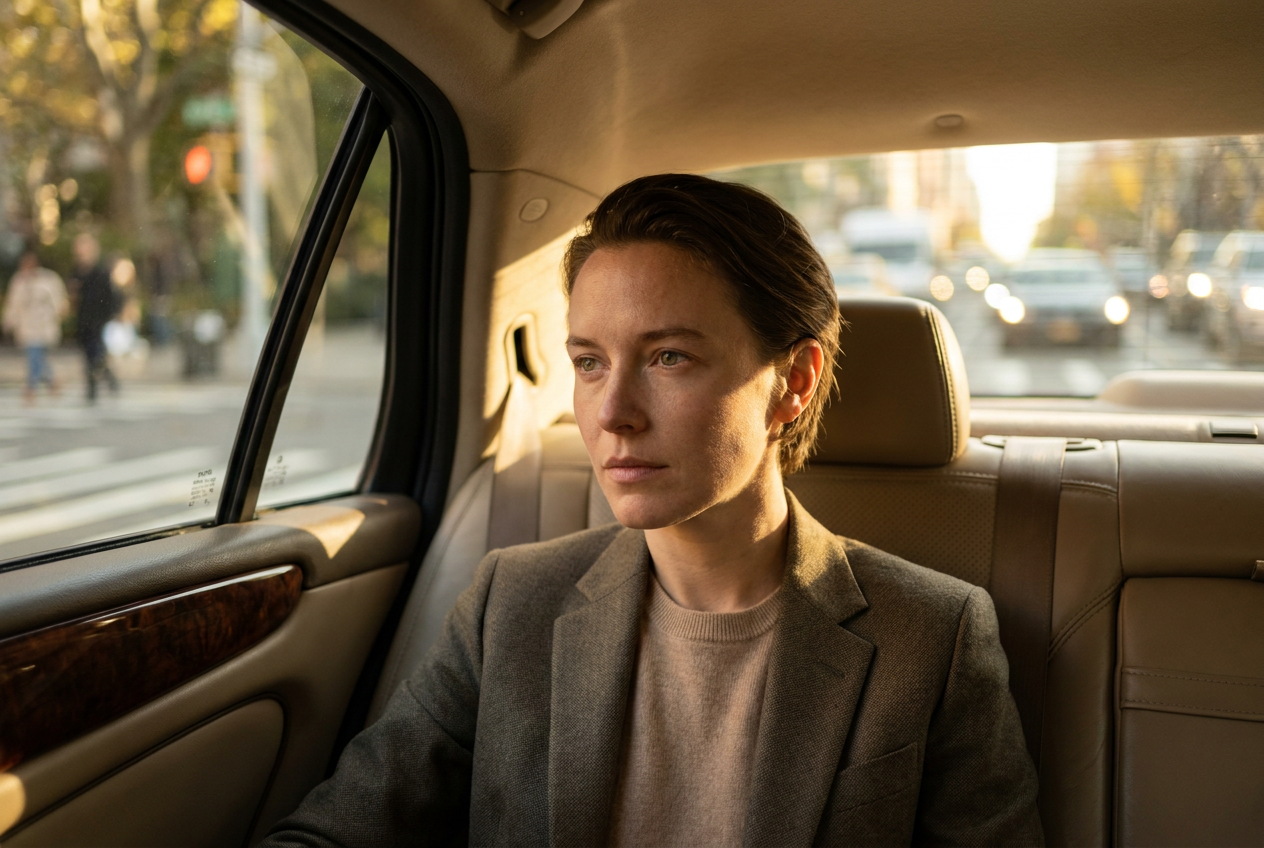
To make AI photos look real and not fake, you must use a model trained on authentic camera physics rather than digital illustrations. The key is to select an ai realistic photo generator that prioritizes high-frequency details like skin texture, natural lighting fall-off, and optical imperfections found in professional photography.
Many users struggle with the "uncanny valley" effect because generic AI models often smooth out skin tones and create impossible lighting setups. By focusing on environmental consistency and depth of field, you can bridge the gap between a digital render and a high-quality 4K lifestyle photograph that looks as though it was taken with a professional DSLR.
How to Use an AI Realistic Photo Generator Step by Step
Creating a photorealistic image begins with the input. While older systems required dozens of photos to learn a face, modern high-end engines only need a single, clear selfie. The process is designed to be efficient while maintaining the structural integrity of your facial features.
1. Select Your Base Image
Choose a selfie with neutral lighting. Avoid heavy filters or extreme angles. The AI needs to see your bone structure and eye color clearly to replicate them accurately in the new environment. A direct gaze at the camera usually yields the most symmetrical and believable results.
2. Choose a Lifestyle Setting
Pick a scenario that matches your desired aesthetic. Whether it is a penthouse in Manhattan, the cabin of a private jet, or a snowy terrace in the Alps, the generator will calculate how light should interact with your face in that specific location. This context is what makes the final result feel grounded in reality.
3. Generate and Refine
Once you trigger the generation, the engine builds the scene layer by layer. It places your likeness into the high-resolution environment, ensuring that the shadows on your face match the light sources in the background. The final output is a 4K image ready for social media or professional branding.
What Makes an AI Image Look Real?
The difference between a "fake" look and a professional photo lies in the technical details. A high-quality ai realistic photo generator replicates the flaws and characteristics of real-world optics.
Natural Lighting and Shadows
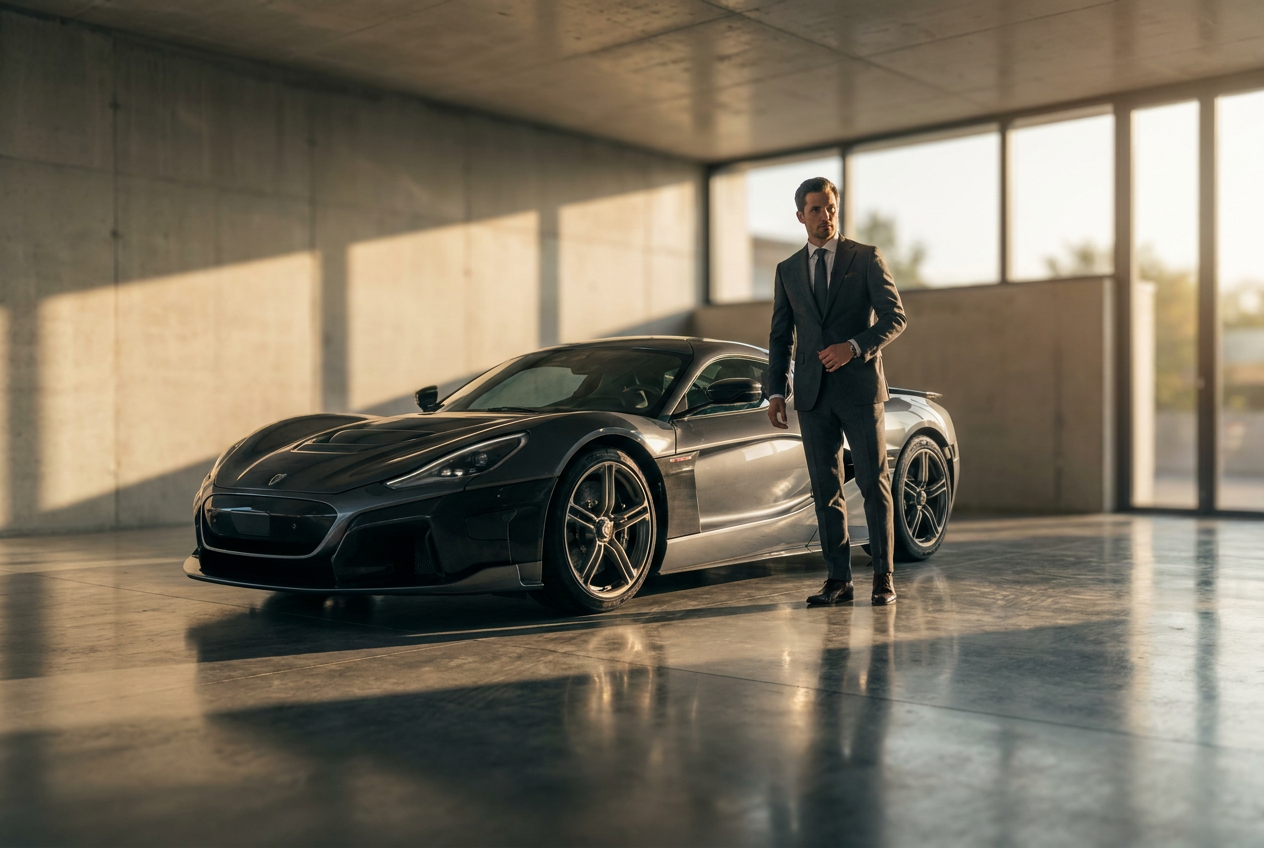
In the real world, light is rarely perfect. It bounces off surfaces, creating secondary highlights and soft shadows. Realistic AI simulates this "global illumination." If you are pictured in a supercar with tan leather seats, a subtle warm glow should appear on your jawline. If this interaction is missing, the brain immediately flags the image as a composite.
Lens Physics and Depth of Field
Professional lifestyle photography often uses a shallow depth of field (bokeh). This means the subject is sharp while the background is softly blurred. An authentic AI generator understands focal length. It does not just blur the background evenly; it creates a gradient of blur that increases the further an object is from the virtual lens.
Film Grain and Texture
Digital sensors and film stock both produce a microscopic level of noise or grain. Perfectly smooth, plastic-looking skin is the primary indicator of a low-quality AI. Realistic generators introduce a fine layer of texture that mimics the ISO noise of a high-end camera, making the skin look porous and lifelike.
Framing and Composition
Real photos often have slight imperfections in framing—a shoulder slightly out of frame or a natural lean. If the composition is too perfectly centered and rigid, it feels artificial. Realistic AI uses dynamic posing to make the subject appear as if they were captured in a candid moment rather than a static render.
Mistakes to Avoid for the Best Results
Even with a powerful tool, user errors can break the illusion of realism. Avoid these common pitfalls to ensure your images stay looking professional.
- Over-editing the source: If your uploaded selfie is already heavily filtered, the AI will struggle to find your real skin texture. Use a raw, unedited photo for the best starting point.
- Clashing environments: While the AI handles lighting, choosing a style that drastically contradicts your natural vibe can feel "off" to people who know you. Match the wardrobe to the setting for maximum believability.
- Ignoring the hands: While modern AI has improved significantly, always check the peripheral details like hands and accessories. High-end generators like Lyvoriia focus heavily on these areas to prevent common AI artifacts.
Try it free
If you want to see the quality for yourself, you can try the free demo and experience the power of our AI realistic photo generator today.
Why use Lyvoriia?
Lyvoriia stands apart because it is an autonomous artificial intelligence. Unlike tools that simply mask one image over another, Lyvoriia works exclusively through its own sophisticated AI engine. This engine has been refined over years of development to master the nuances of human anatomy and optical physics. By working autonomously, the system ensures that every pixel—from the reflection in a private jet window to the fabric of a luxury suit—is generated with consistent logic and high-fidelity detail.
As you explore the possibilities of lifestyle photography, please remember that these images are entirely AI-generated. We encourage all users to use these photos honestly and responsibly within their personal and professional networks.
Try it on your own selfie
One photo in, a 4K lifestyle shot out. Plans from $3.99 a month, cancel anytime.
Upload your photo