September 18, 2026 · 5 min read
Choosing an AI Realistic Photo Generator for True Quality
Learn how to make AI photos look real and not fake using an ai realistic photo generator. Discover tips on lighting, grain, and framing for professional results.
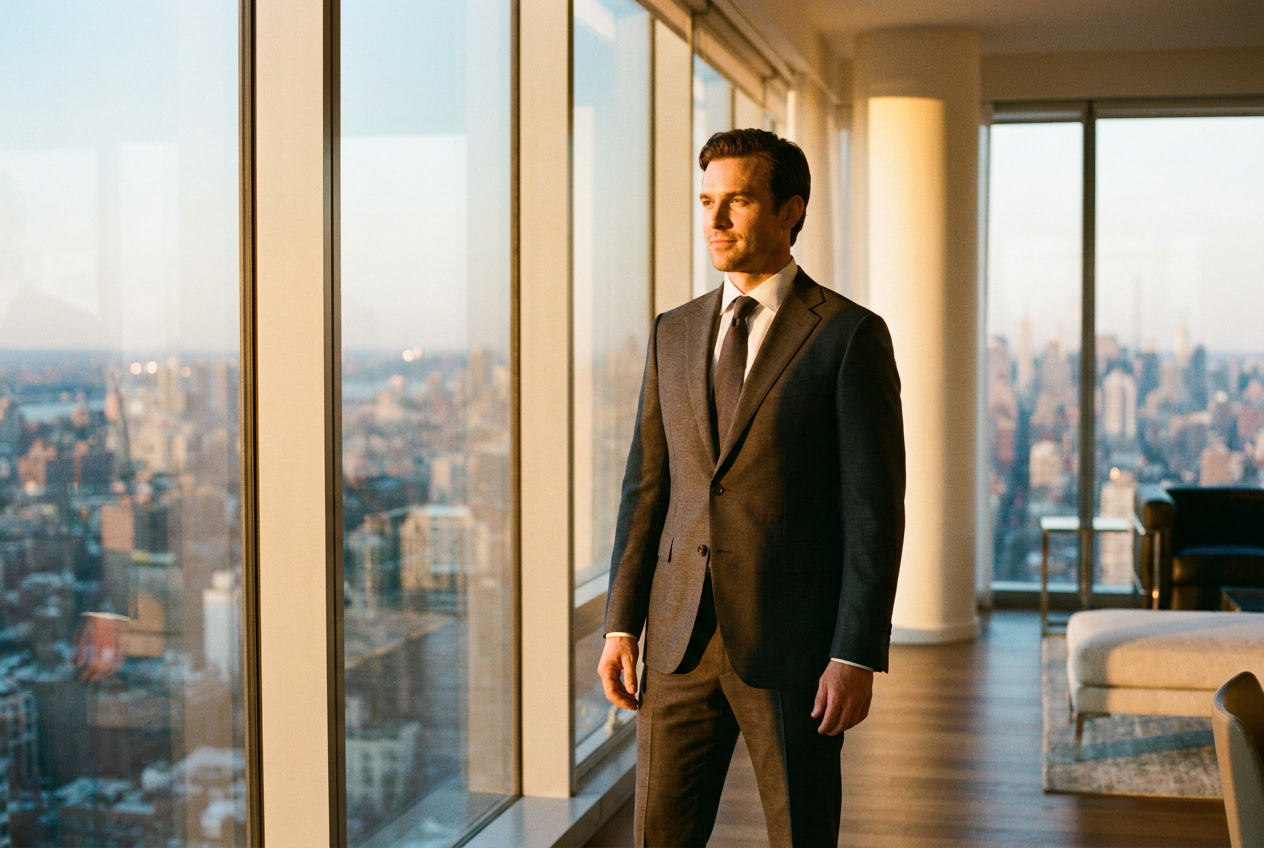
To make AI photos look real and not fake, you must use an ai realistic photo generator that prioritizes physical accuracy in lighting and skin texture. The secret lies in using a high-quality base model that understands depth of field and environmental reflections rather than simply overlaying a face onto a stock image.
Many users struggle with the 'uncanny valley' effect where images look too smooth or plastic. By choosing a sophisticated AI engine and following specific compositional rules, you can generate 4K lifestyle photos that are indistinguishable from professional photography.
How to Use an AI Realistic Photo Generator Step by Step
Creating a photorealistic image begins with the quality of your input. While advanced systems only require a single selfie, that selfie should be clear, well-lit, and taken from a neutral angle. The AI uses this data to map your facial structure, which it then reconstructs within a new environment.
- Upload your source image: Choose a photo where your features are clearly visible. Avoid heavy filters or sunglasses, as these obstruct the AI's ability to learn your likeness.
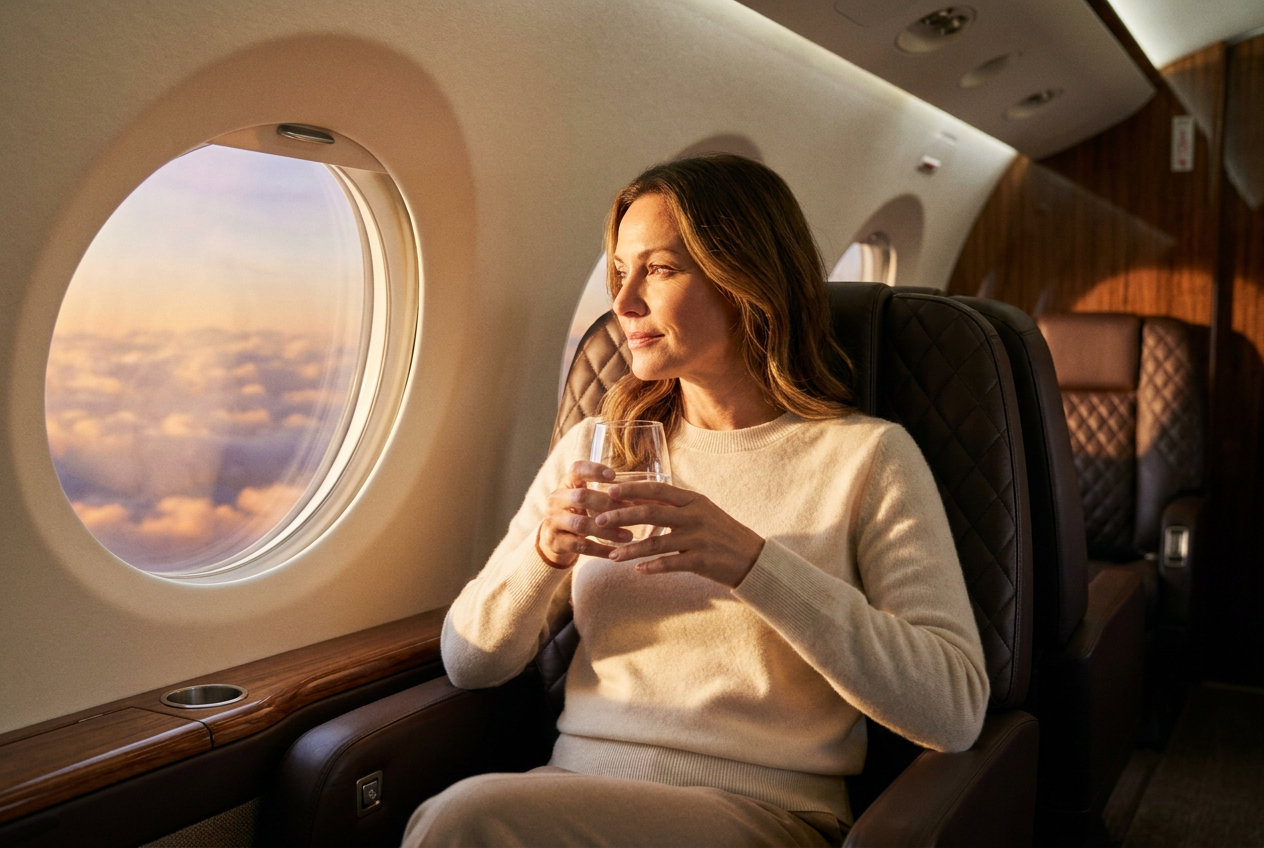
- Select your environment: Choose a high-end setting such as a private jet interior, a mountain-side ski resort, or a luxury penthouse. The AI will calculate how light from these specific environments should naturally hit your face.
- Configure the wardrobe: Select from luxury outfits or formal wear. The system will simulate the way different fabrics, like silk or wool, drape over the body and react to the ambient light of the scene.
- Generate and refine: Once the engine processes the request, it produces a 4K render. Because the system is autonomous, it handles the complex geometry of shadows and reflections automatically.
The process is designed to be seamless. Unlike manual photo editing, which requires hours of blending, an ai realistic photo generator performs millions of calculations per second to ensure the subject and the background share the same optical properties.
The Technical Elements That Make AI Photos Look Real
True realism is not just about resolution; it is about the imperfections found in real-world photography. If a photo is too perfect, the human eye immediately flags it as synthetic. To achieve a lifelike result, the AI focuses on four critical pillars: lighting, lens physics, film grain, and framing.
Natural Lighting and Global Illumination
In a real photo, light bounces. If you are standing in a red-painted room, a subtle red tint should be visible on your skin. Professional AI engines use global illumination to simulate this behavior. Whether it is the golden hour sun hitting your face on a yacht or the cool blue tones of a high-altitude ski slope, the light must be consistent across the entire frame.
Lens Physics and Depth of Field
Professional cameras have a limited plane of focus. A common mistake in low-quality AI is having the entire image sharp from front to back. A realistic generator applies a natural 'bokeh' effect, softly blurring the background to draw attention to the subject. This mimicry of a wide-aperture lens is a hallmark of high-end photography.
Texture and Micro-Grain
Digital sensors and film stock both produce a slight amount of noise or grain. An ai realistic photo generator adds a layer of fine texture to the skin and clothing. This prevents the 'plastic' look by ensuring that skin pores, fine hairs, and fabric weaves are visible under close inspection.
Organic Framing
Real photos are rarely perfectly symmetrical. Realistic AI introduces slight variations in posture and camera tilt. By placing the subject slightly off-center or incorporating 'leading lines' from the environment—such as the edge of a supercar or the wing of a jet—the composition feels like a candid moment captured by a photographer rather than a generated graphic.
Common Mistakes to Avoid for Realistic Results
One of the biggest mistakes is providing a low-resolution source photo. If the AI has to guess what your features look like, it will create a generic approximation that looks fake. Always use a high-resolution selfie taken in natural light.
Another error is over-complicating the scene. When there are too many conflicting elements, the AI may struggle to maintain consistent shadows. Stick to established lifestyle themes where the AI engine has extensive training data, such as luxury interiors or outdoor architectural settings. Finally, avoid using prompts that include 'perfect' or 'flawless,' as these instructions often lead the AI to strip away the natural textures that make a photo look human.
Try it free
Experience the quality for yourself by taking a moment to try the free demo and explore the capabilities of our AI realistic photo generator.
Why use Lyvoriia?
Lyvoriia stands apart because it is an autonomous artificial intelligence system. Rather than relying on third-party APIs or basic filters, Lyvoriia operates using its own proprietary AI engine. This engine has been refined over several years through rigorous training on high-end photography principles. Because the system is fully autonomous, it maintains total control over the image pipeline, from the initial facial mapping to the final 4K render. This dedication to internal development is why Lyvoriia can achieve a level of realism, lighting accuracy, and detail that generic generators cannot match.
While the technology behind Lyvoriia allows for incredible creative freedom, it is important to remember that these images are AI-generated. We encourage all users to use these photos honestly and responsibly in their digital lives. High-quality AI is a tool for personal branding and creative expression, and maintaining transparency about its use helps preserve trust within your social and professional circles.
Try it on your own selfie
One photo in, a 4K lifestyle shot out. Plans from $3.99 a month, cancel anytime.
Upload your photo