September 16, 2026 · 5 min read
How to Create Realistic AI Supercar Photos
Learn how to use AI to generate realistic photos of yourself with luxury supercars using just one selfie. Discover the tech behind high-fidelity lifestyle photography.
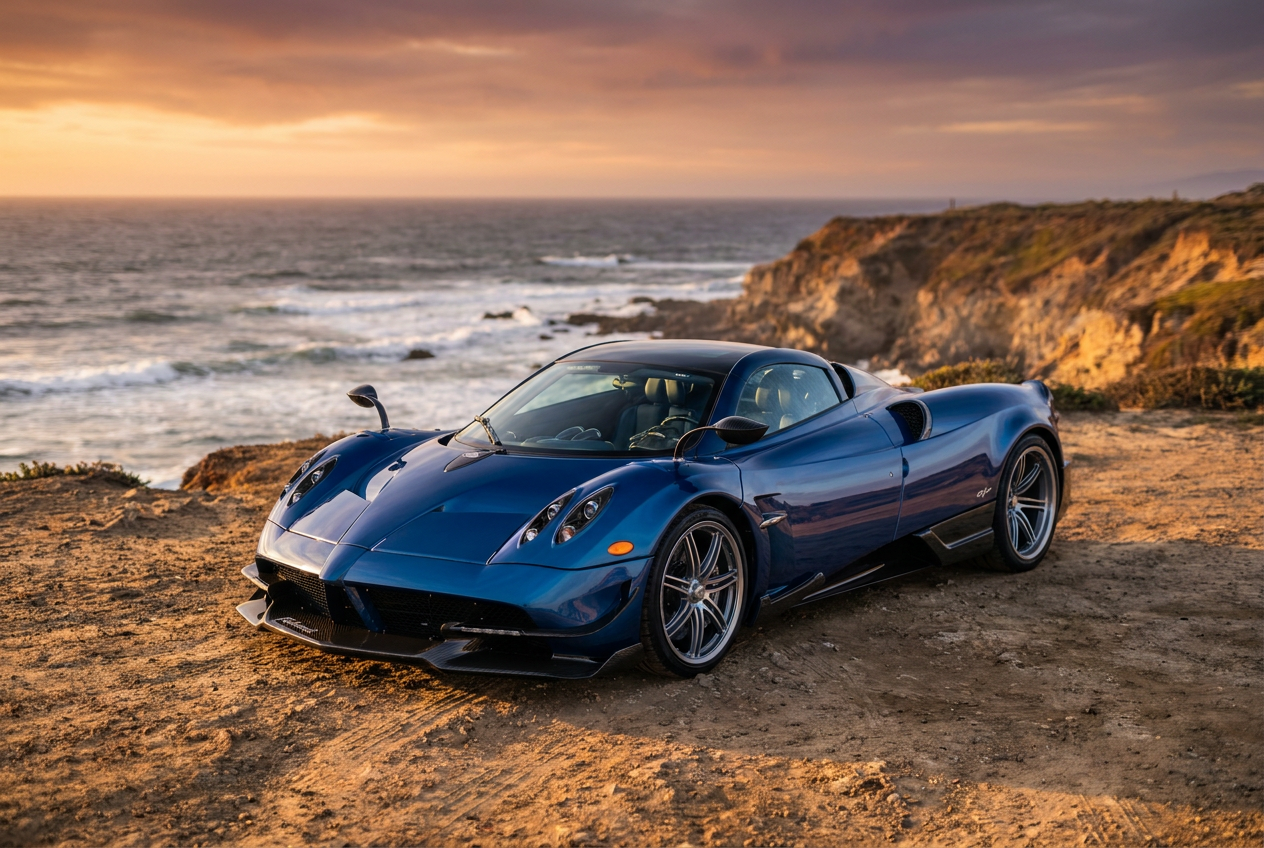
Yes, AI can create a realistic photo of you in a supercar that looks indistinguishable from a professional photoshoot. By using advanced neural networks, you can now generate high-fidelity ai supercar photos using just a single selfie as a reference point.
This technology has evolved beyond simple filters. Modern AI engines analyze your facial structure, lighting, and skin texture to place you naturally within a high-performance vehicle, ensuring that the reflections on the car's body and the shadows in the interior match your presence perfectly. Whether you want to see yourself behind the wheel of a carbon-fiber interior or leaning against a sleek exterior in a coastal setting, the process is now accessible to anyone with a smartphone.
How to Generate Your AI Supercar Photos Step by Step
Creating a high-quality lifestyle image requires a structured approach to ensure the AI understands both your appearance and the desired environment. The process is designed to be streamlined, moving from a basic upload to a 4K render in minutes.
1. Choose a Clear Reference Image
The success of the final image depends heavily on the quality of your initial selfie. Use a photo with neutral lighting where your face is clearly visible. Avoid wearing heavy sunglasses or hats in your reference photo, as these can obscure the features the AI needs to map onto the new scene.
2. Select Your Luxury Environment
Once your reference is uploaded, you select the specific supercar style you prefer. You can choose between different interior configurations, such as leather racing seats or minimalist modern dashboards, and exterior environments ranging from neon-lit urban streets to winding mountain roads.
3. Refine the Composition
The AI then processes your features and integrates them into the chosen scene. It adjusts your clothing to match the luxury aesthetic, often placing you in high-end tailored jackets or designer casual wear that fits the supercar theme. The final output is rendered in 4K resolution, providing the crispness expected from professional camera gear.
What Makes the Results Look Real
The primary challenge with ai supercar photos is avoiding the "uncanny valley" effect. Achieving true realism requires the software to replicate specific photographic principles that human eyes associate with authentic snapshots.
Natural Lighting and Global Illumination
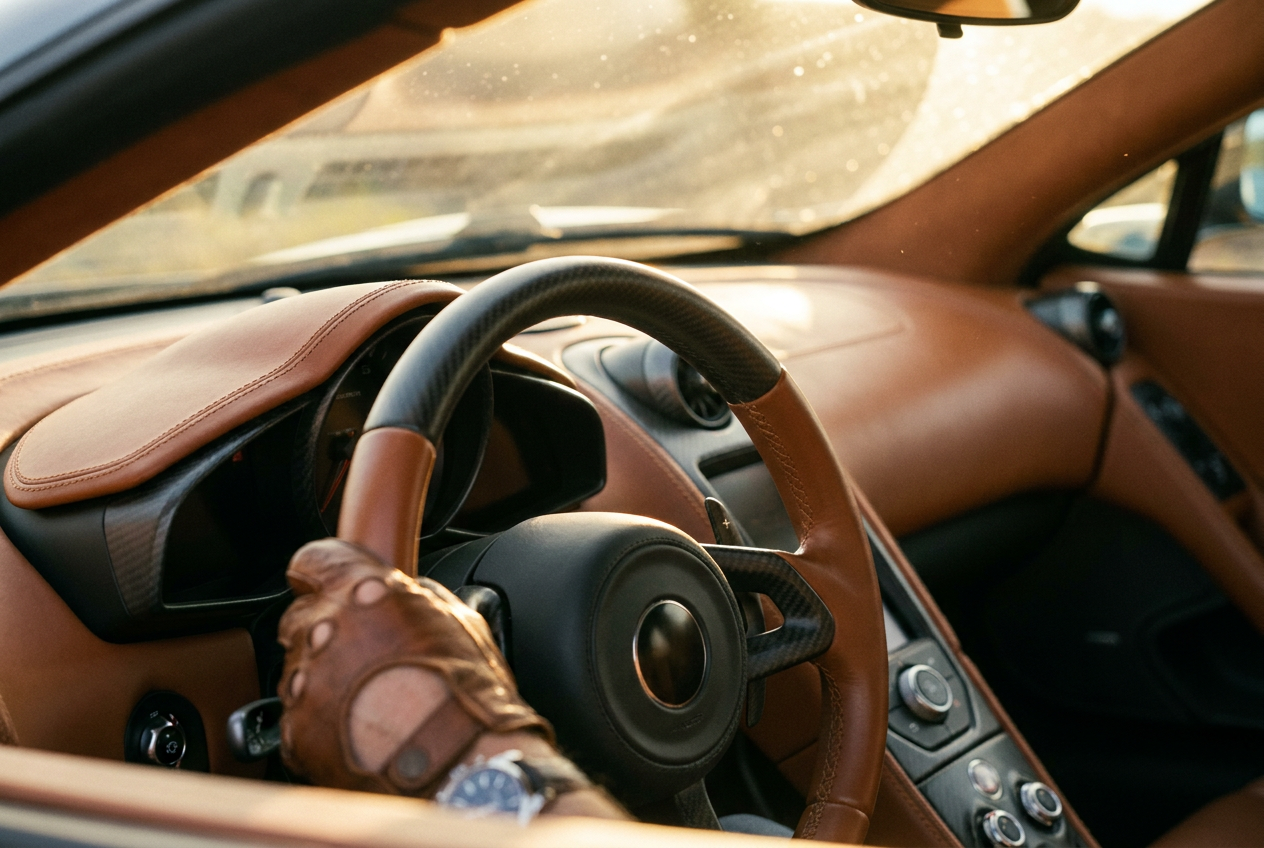
In a real supercar photo, light bounces off the metallic paint and through the windshield. Lyvoriia uses global illumination algorithms to ensure that the light source in the environment—whether it is the harsh midday sun or soft sunset hues—interacts with your skin and hair correctly. If the sun is behind the car, your face will show the appropriate rim lighting.
Optical Lens Characteristics
Professional automotive photography often uses specific lenses to create a shallow depth of field. The AI mimics this by applying a natural "bokeh" effect, where the background elements are softly blurred while you and the car remain in sharp focus. It also replicates chromatic aberration and subtle lens flares that occur with high-end glass.
Texture and Film Grain
Digital images that are too smooth often look fake. To counter this, the generator adds a fine layer of digital grain and ensures that textures—such as the stitching on a leather dashboard or the pores on your skin—are visible. This attention to micro-detail is what separates a high-quality render from a basic AI edit.
Mistakes to Avoid When Creating AI Images
To get the most believable results, there are several common errors you should steer clear of during the generation process. Accuracy in the input leads to accuracy in the output.
- Using low-resolution selfies: If your source image is pixelated, the AI has to "guess" your features, which can lead to a loss of likeness.
- Cluttered backgrounds in the source: While the AI replaces the background, a busy original photo can sometimes confuse the edge detection around your hair and shoulders.
- Over-editing before upload: Do not use beauty filters on your selfie before uploading it to the generator. The AI works best with raw, natural data.
- Ignoring the pose: If you want a photo of yourself driving, a selfie taken from a direct front-facing angle works better than one taken from a high or low bird's-eye view.
Try it free
Experience the quality of high-end lifestyle generation for yourself and try the free demo to see how you look in 4K AI supercar photos.
Why use Lyvoriia?
Lyvoriia stands apart because it operates as an autonomous artificial intelligence. Unlike tools that simply paste a face onto a stock photo, Lyvoriia utilizes a proprietary engine that has been refined over several years to understand the nuances of luxury aesthetics and human anatomy. The system generates every pixel from scratch based on its own internal models, ensuring that the interaction between the subject and the luxury environment is seamless. This dedication to high image quality and realism ensures that every generation meets the standards of professional photography without the need for a physical studio or expensive equipment.
Please remember that while these tools provide incredibly realistic results, these images are entirely AI-generated. We encourage all users to be honest and transparent when sharing these photos on social media or professional platforms, noting that they are digital representations rather than physical events.
Try it on your own selfie
One photo in, a 4K lifestyle shot out. Plans from $3.99 a month, cancel anytime.
Upload your photo