September 28, 2026 · 5 min read
Create High Quality AI Supercar Photos with One Selfie
Learn how to use Lyvoriia to generate realistic AI supercar photos. Discover the technology behind photorealistic lighting and how to create luxury lifestyle images easily.
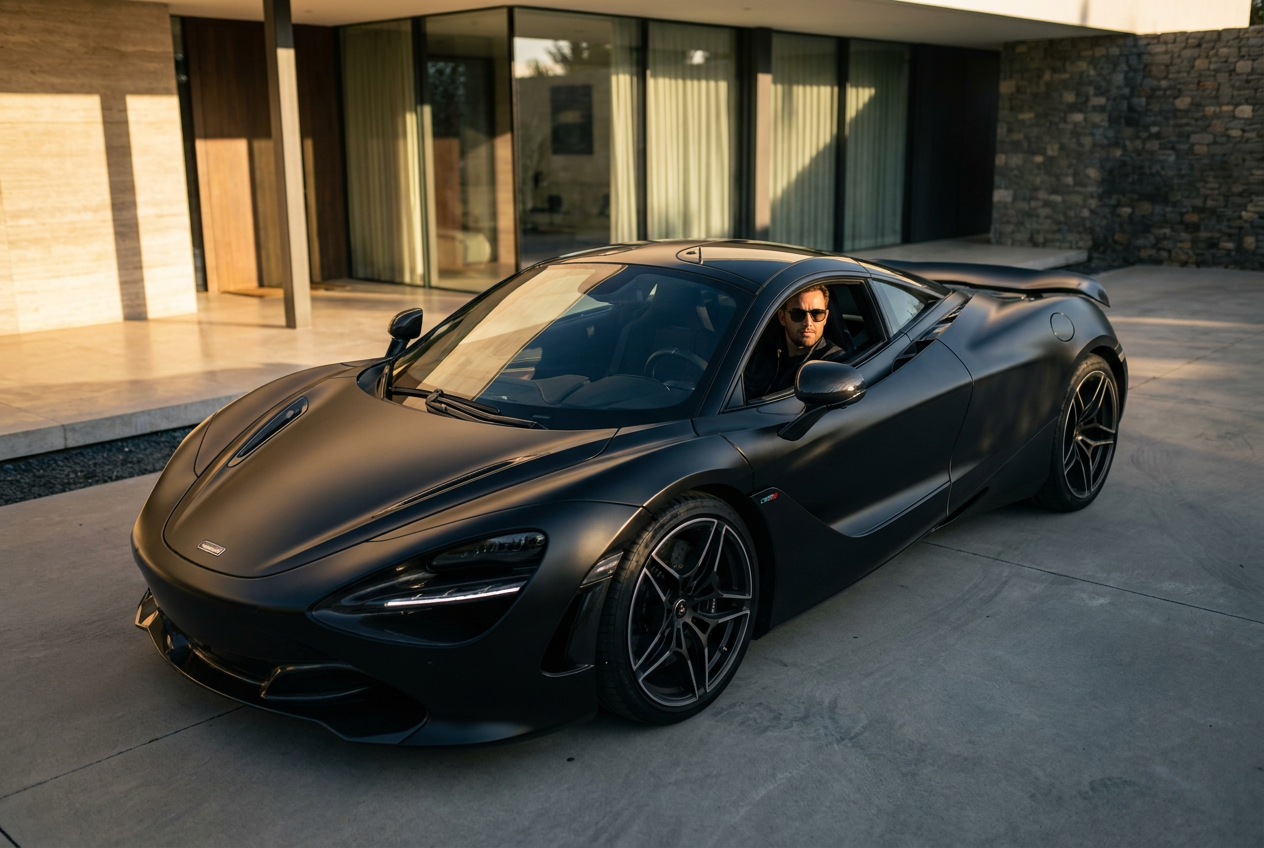
Yes, AI can create a realistic photo of you in a supercar using only a single selfie as a reference. By leveraging advanced diffusion models, services like Lyvoriia can generate high-resolution images that place your likeness behind the wheel of a high-performance vehicle with professional-grade lighting and perspective.
Creating ai supercar photos has become a popular solution for social media creators and professionals who want to enhance their digital presence without the logistical costs of renting exotic vehicles or hiring professional photographers. The process is now streamlined, requiring minimal input to produce photorealistic results.
How to Generate Your AI Supercar Photos Step by Step
The transition from a standard smartphone selfie to a luxury lifestyle image involves a sophisticated backend process, but for the user, it is remarkably simple. To achieve the best results, you should follow a specific workflow that ensures the artificial intelligence captures your features accurately while maintaining the integrity of the vehicle's design.
- Select a clear reference photo: The quality of your output depends heavily on the input. Use a well-lit selfie where your face is clearly visible, looking directly at the camera or slightly to the side. Avoid wearing hats, large sunglasses, or anything that obscures your facial structure.
- Choose your environment: Once your profile is established, you can select specific supercar scenarios. You might choose a sleek Italian sports car parked in a neon-lit urban environment or a convertible cruising along a coastal highway during the golden hour.
- Refine the composition: The AI engine will analyze your facial geometry and map it onto a generated character within the scene. The system handles the complex task of matching the skin tones and shadows to the environment you have selected.
- Export in 4K: After the generation is complete, you can download the high-resolution file. This ensures that the details of the car’s interior, the carbon fiber textures, and the reflections on the paint remain sharp and convincing.
What Makes AI Supercar Photos Look Real?
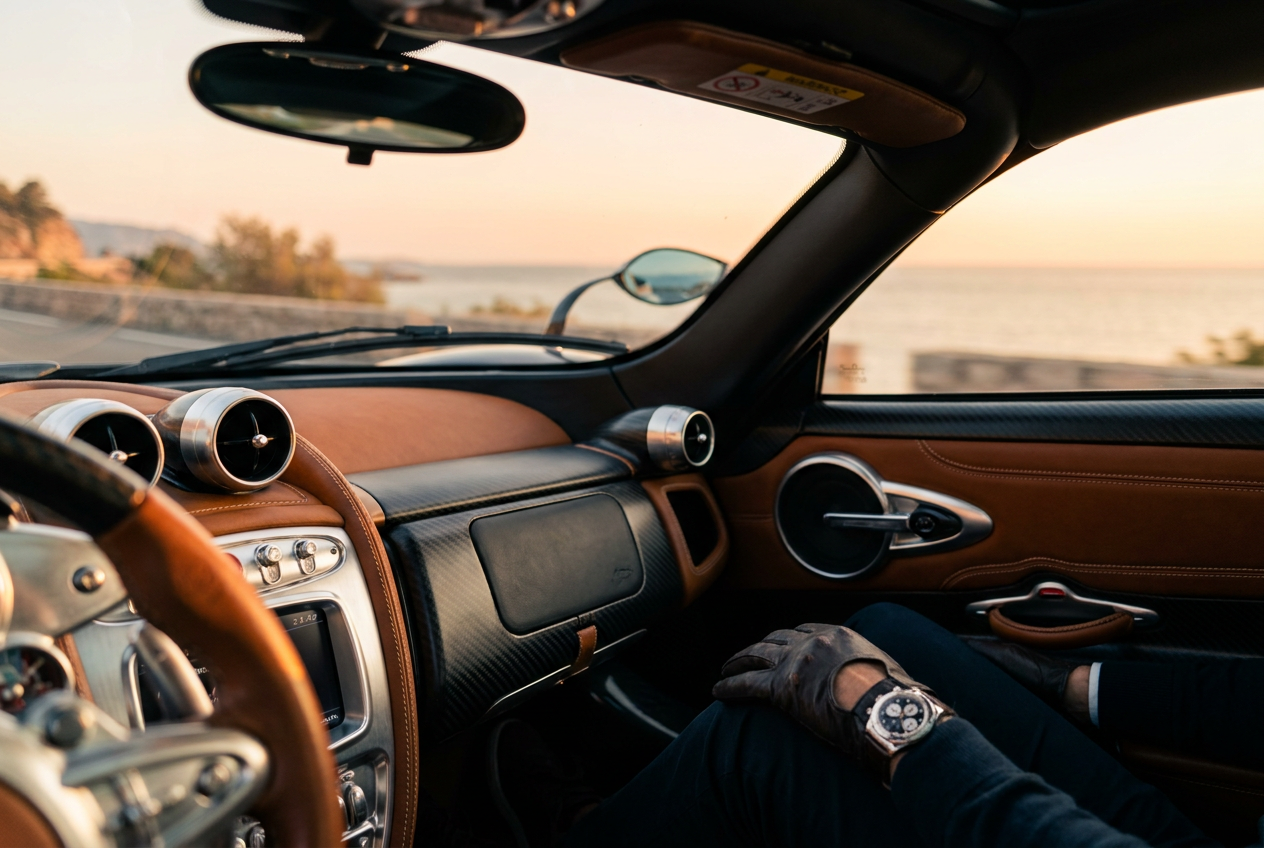
The difference between a generic filter and a professional AI generation lies in the technical details of the image. For ai supercar photos to be indistinguishable from reality, the engine must master four critical elements: lighting, lens physics, film grain, and framing.
Dynamic Lighting and Global Illumination
In a real-world photoshoot with a luxury vehicle, light interacts with the metallic surfaces in complex ways. A high-quality AI generator calculates how sunlight or streetlights bounce off the car’s curves and how that light reflects onto the subject’s skin. If you are sitting inside the car, the AI must accurately simulate the shadows cast by the roof pillars and the dashboard.
Camera Lens Emulation
Professional automotive photography often uses specific lenses to create a shallow depth of field. This means the car and the subject are in sharp focus while the background is softly blurred (bokeh). Lyvoriia emulates the characteristics of high-end 35mm or 50mm lenses, providing a sense of depth that flat, low-quality AI images lack.
Texture and Digital Film Grain
Digital images that are too "clean" often look artificial. Real photography contains subtle textures and a very fine layer of noise or grain. A sophisticated AI adds these micro-details back into the final render, ensuring that the leather of the car seats and the fabric of your clothing look tactile and authentic.
Natural Framing and Pose Integration
A major hurdle for AI is making the person look like they are actually interacting with the car. This includes the way your hands rest on the steering wheel or how your body weight shifts when leaning against a fender. The latest models prioritize anatomical accuracy to prevent the "pasted on" look common in basic editing software.
Common Mistakes to Avoid When Generating AI Images
While the technology is powerful, users often make mistakes that can break the illusion of realism. To ensure your images remain high-end, avoid these common pitfalls:
- Using low-resolution selfies: If your original photo is blurry or pixelated, the AI will struggle to reconstruct your features, leading to a "waxy" or distorted appearance in the final supercar scene.
- Over-complicating the prompt: It is tempting to add too many elements to a single photo. Focus on one primary vehicle and one consistent setting to ensure the AI maintains a coherent visual style.
- Ignoring the light source: If your selfie was taken in a dark room but you try to place yourself in a bright desert scene, the AI may have difficulty reconciling the two lighting environments perfectly. Try to match the general light levels of your selfie to the desired output style.
Try it free
You can experience the quality of professional luxury renders by using our try the free demo tool to create your own AI supercar photos today.
Why use Lyvoriia?
Lyvoriia is built as an autonomous artificial intelligence system. Unlike simpler tools that might just overlay a face onto an existing stock photo, Lyvoriia works entirely from the results of its own internal AI engine. This engine has been refined over several years through iterative training to prioritize high image quality and photorealism. By controlling the entire generation process from the ground up, the platform ensures that every pixel is calculated to match the specific aesthetic of luxury lifestyle photography, resulting in 4K images that meet the standards of modern digital branding.
As you explore the possibilities of AI-generated content, remember that these images are created using synthetic media technology. While they provide a powerful way to visualize yourself in luxury settings, they should be used honestly and responsibly in all personal and professional contexts.
Try it on your own selfie
One photo in, a 4K lifestyle shot out. Plans from $3.99 a month, cancel anytime.
Upload your photo